TECH
Your Phone Has a Built-In Safety Net: 7 Emergency Features You Should Set Up Before You Need Them
A smartphone is no longer just a device for calling and messaging. Modern phones also include several safety features that can help users during accidents, emergencies or other dangerous situations. However, many people never configure these options because they assume they will automatically work when needed.
Taking a few minutes to review your phone's emergency settings can make these features much more useful.
Add emergency contacts to your phone
One of the simplest things you can do is add trusted people as emergency contacts.
Many smartphones allow selected contacts to be reached from the lock screen or through emergency features without requiring the phone to be fully unlocked. Choose people who are likely to respond quickly if something goes wrong.
Set up emergency information
Your phone may allow you to store important information such as your name, blood type, allergies, medications or other medical details.
Depending on the device, some of this information can be displayed from the lock screen during an emergency. This can be useful if someone finds your phone when you are unable to communicate.
Only add information you are comfortable storing on the device.
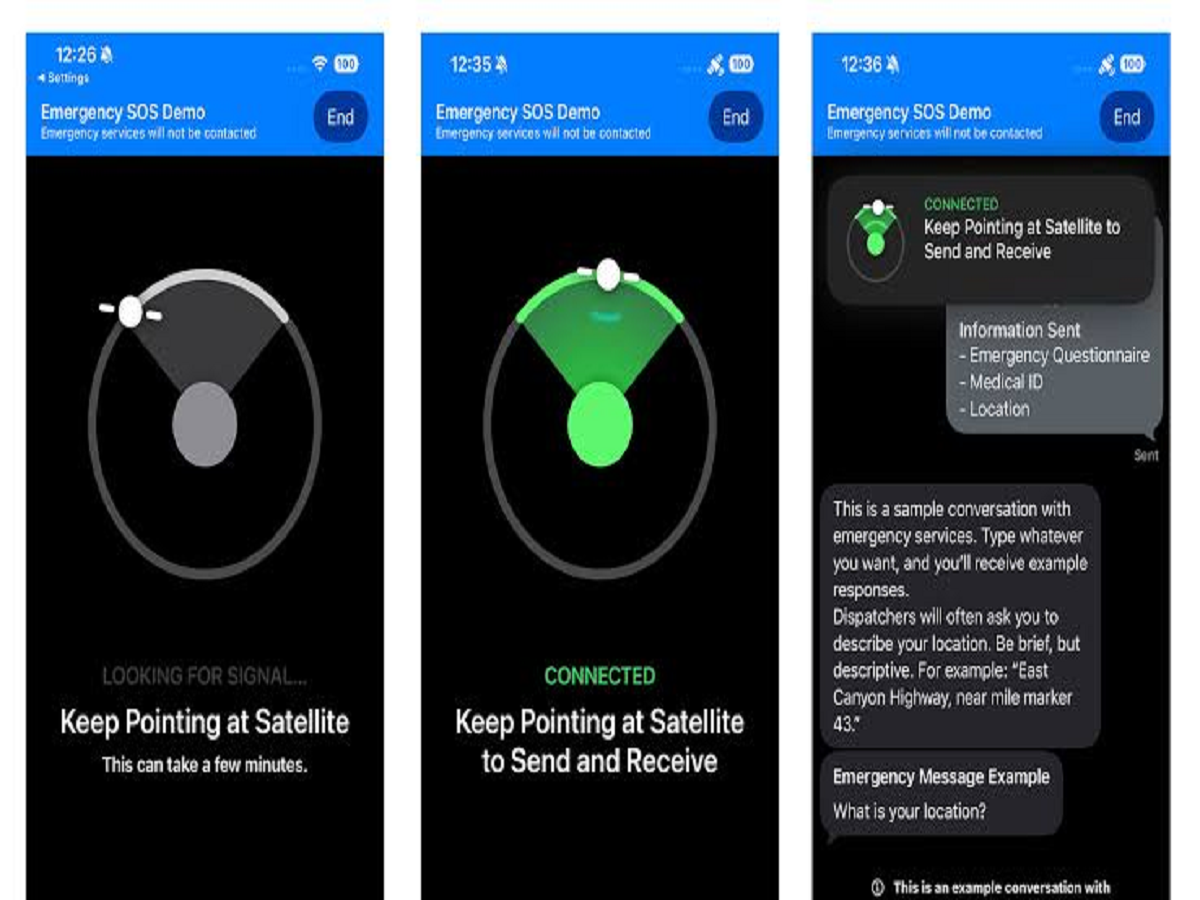
Learn how Emergency SOS works
Modern smartphones often include an Emergency SOS feature that can quickly contact emergency services or selected contacts.
The exact activation method differs between Android phones and iPhones, so check your device's settings and learn the required button combination before an emergency occurs.
Knowing how the feature works in advance is much better than trying to figure it out under pressure.
Turn on location sharing with trusted people
Location sharing can be useful when travelling alone or during an emergency.
Depending on the service you're using, you may be able to share your real-time location temporarily with a trusted contact. Use this selectively and review who has access to your location.
Remember to disable sharing when it is no longer necessary.
Keep your phone charged
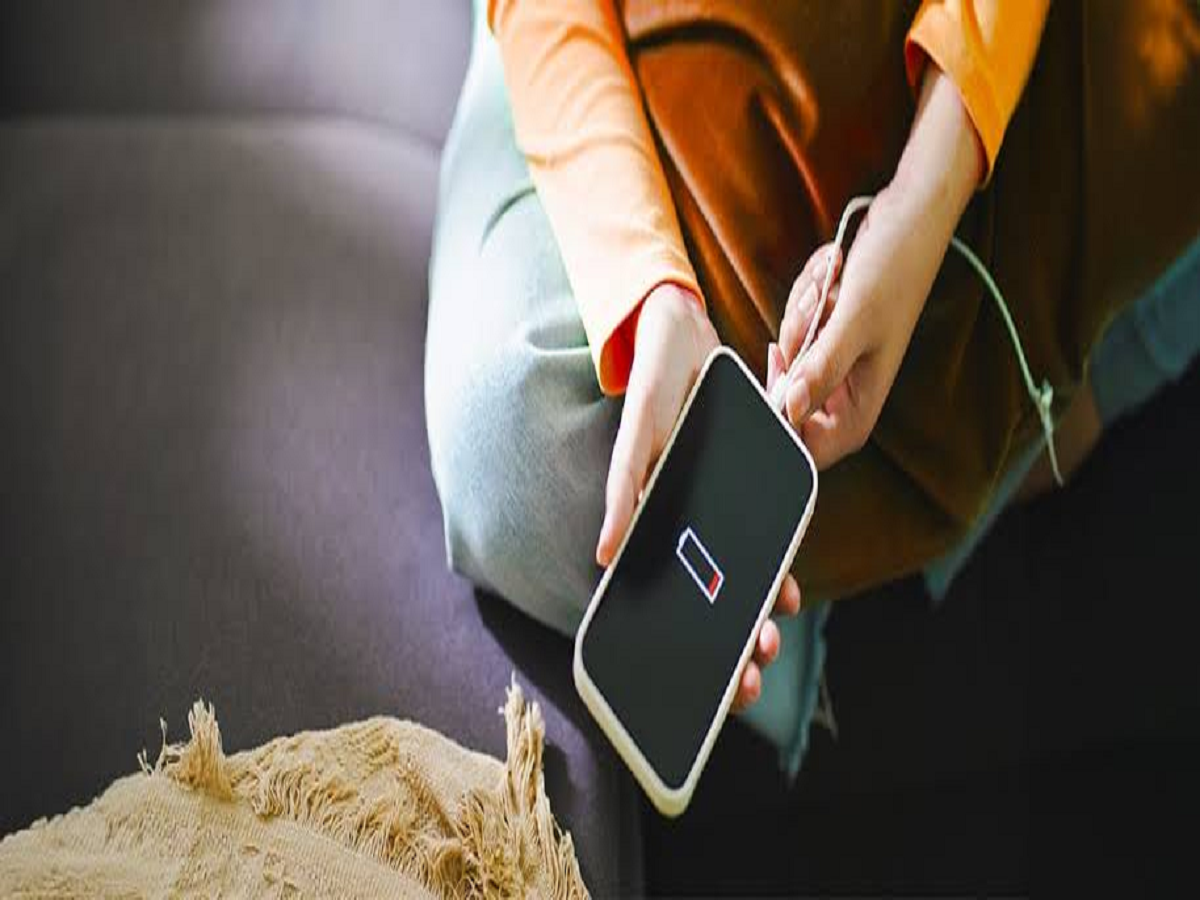
Emergency features are of little use if the phone battery is completely dead.
Try to avoid regularly letting your battery reach zero, particularly before travelling or heading somewhere unfamiliar. Carrying a small power bank can also be useful during long journeys.
Keep emergency numbers accessible
Don't rely entirely on your contact list. Make sure you know the emergency number relevant to the country or region where you are travelling.
In India, 112 is the unified emergency number for police, fire and medical assistance.
Keep your phone's software updated
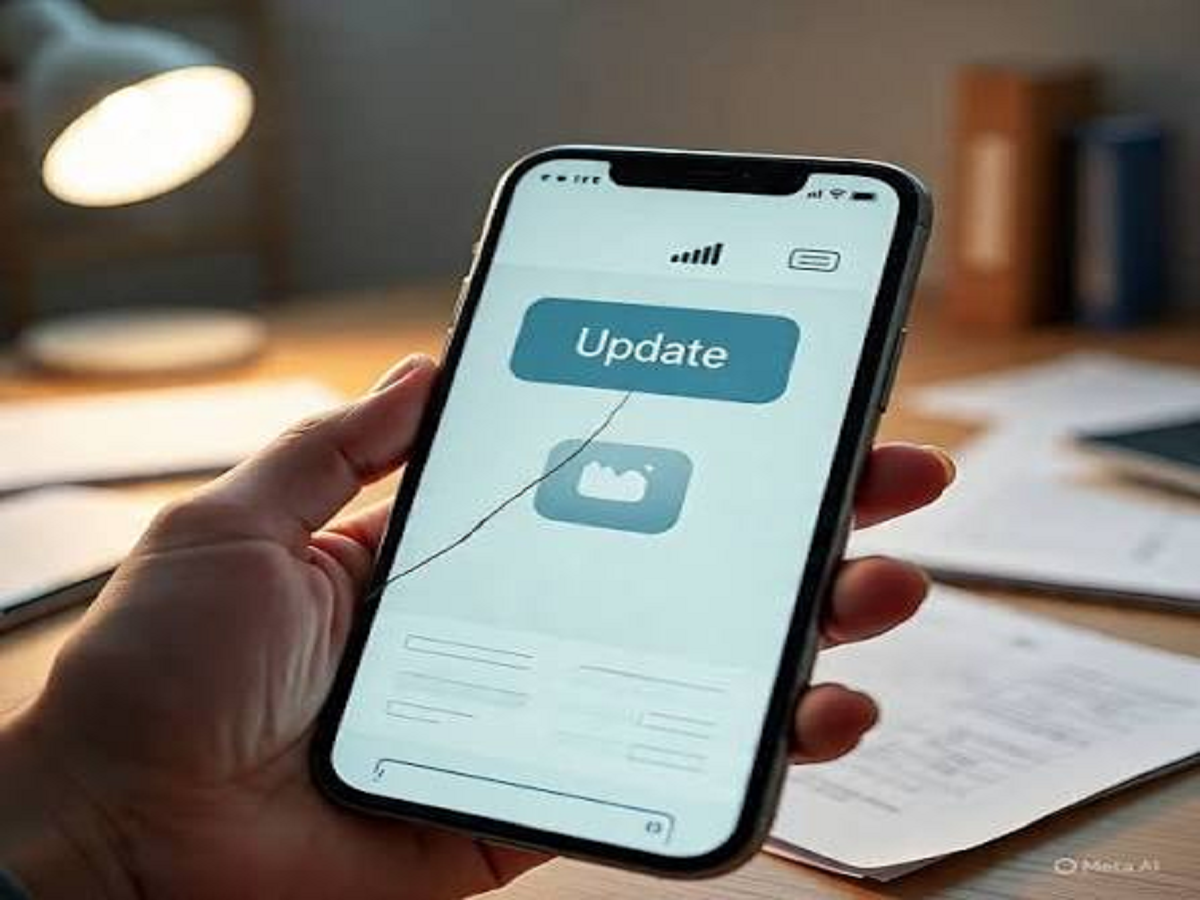
Emergency and security features can depend on the operating system and other system components. Regular updates can also fix security vulnerabilities and bugs.
Install official software updates when they become available, particularly security updates.
Take five minutes to check your settings
You don't need a special app to make your smartphone more useful in an emergency. Emergency contacts, SOS settings, emergency information, location sharing and a charged battery can collectively make a significant difference.