TECH
Smartphone Storage Full? Is your phone's storage full? Free up gigabytes of space without deleting a single photo
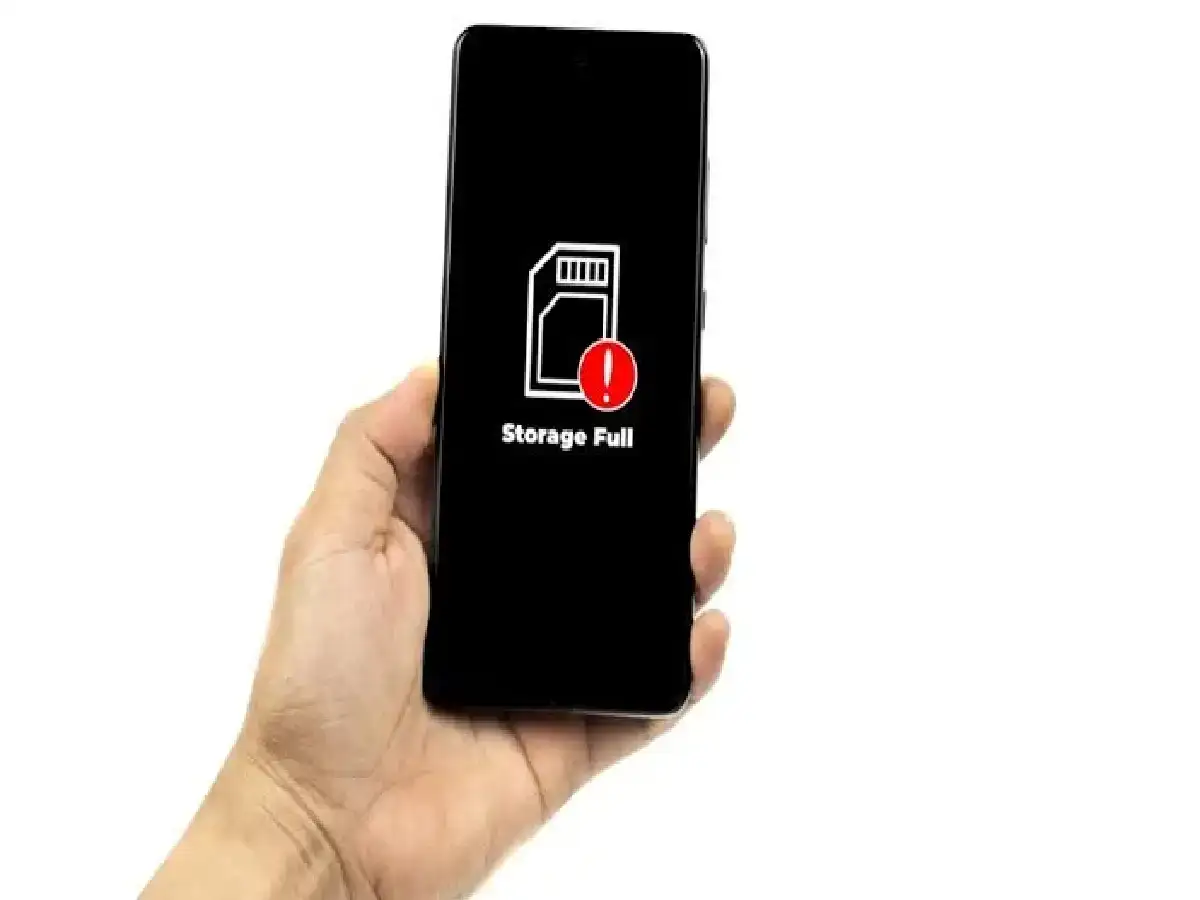
Nowadays, due to the abundance of photos, videos, and apps on smartphones, full storage has become a common problem. When phone storage is full, the device begins to lag and it becomes difficult to install new apps or updates. Fortunately, you don't need to delete your favorite photos or important files. Let's explore some easy and effective ways to free up a lot of space on your phone without deleting a single personal photo:
1. Clear the cache data of apps.
In every phone, apps keep storing temporary data or cache in the 'font-size:12.0pt;line-height:115%;"Times New Roman","serif"'>How to do it: Go to your phone's Settings > Storage > Apps. Click on the apps you use most (like Instagram, WhatsApp, YouTube) and select the 'Clear Cache' option. Note that you don't need to 'Clear Data', just 'Clear Cache'.
2. Remove WhatsApp and social media junk
Unwanted videos; good morning messages and memes on WhatsApp and other social media apps fill up your phone's storage the fastest.
WhatsApp Settings: Open WhatsApp and go to Settings > Storage and Data > Manage Storage. Here you can easily identify and delete large videos and forwarded files. Also, stop WhatsApp media from being saved to the gallery.
3. Take help of cloud storage:
Instead of keeping your old and memorable photos or videos in your phone forever, shift them to a secure cloud platform.
The right way: Use Google Photos or Google Drive. You can turn on auto-backup of your photos, which will save them to the cloud, and you can free up local storage on your device using the 'Free Up Space' feature on your phone.
4. Uninstall duplicate files and unused apps.
Often, multiple screenshots or duplicate copies of the same photo get saved in our phones.
Prevention: Use your phone's built-in Files app (like Google Files), which automatically finds and suggests removing duplicate files and large chunks of junk data. Also, immediately uninstall apps you haven't used in months.
PC: NDTV INDIA