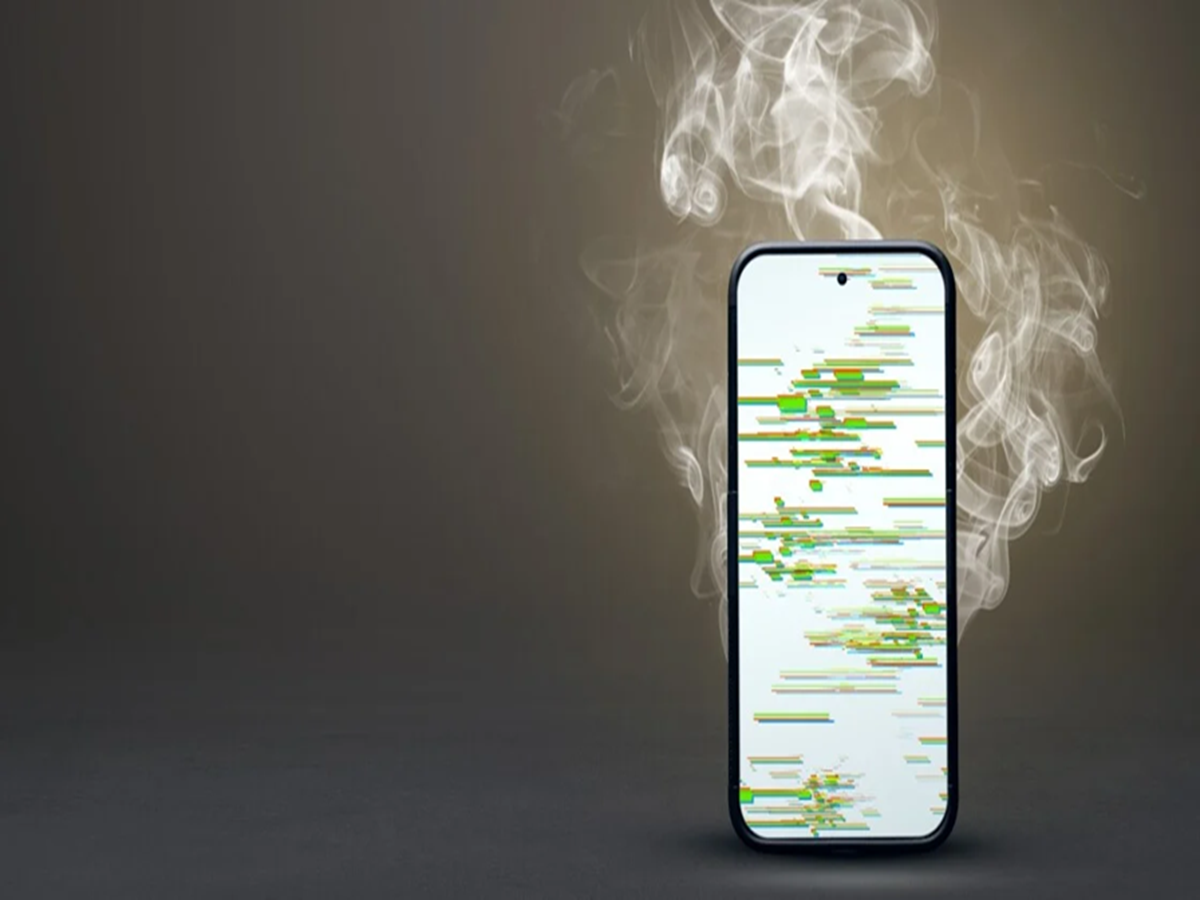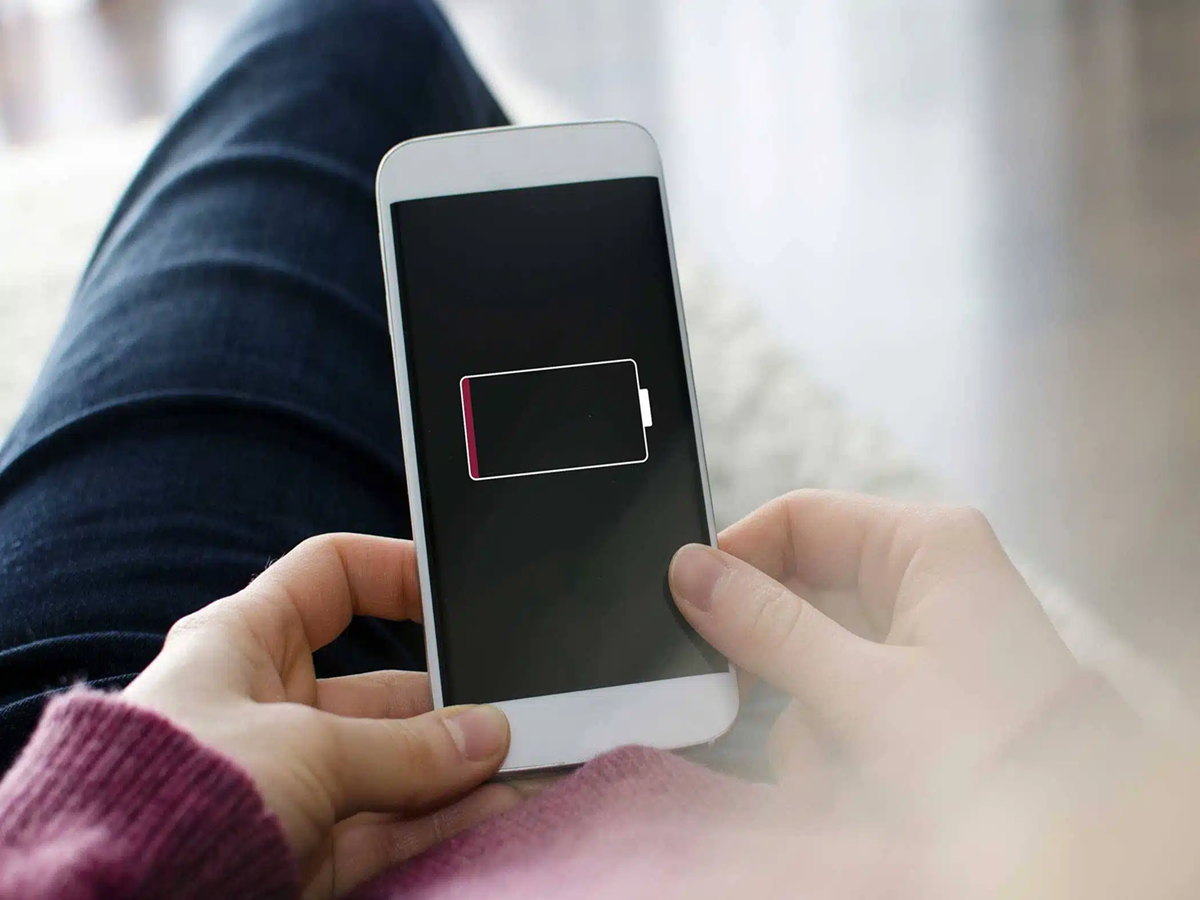
If your smartphone's battery doesn't last as long as it used to, the problem may not be the battery itself. In many cases, everyday habits and settings are responsible for excessive battery drain. The good news is that a few simple changes can help your phone last much longer on a single charge.
Here are some common mistakes you should avoid.
1. Keeping Screen Brightness at Maximum
Your phone's display is one of the biggest battery consumers. Using maximum brightness all day can quickly drain the battery. Enable Auto Brightness or lower the brightness manually whenever possible.
2. Leaving GPS Turned On
Location services continuously use power, especially when multiple apps access your location in the background. Turn off GPS when you don't need it or allow location access only while using specific apps.
3. Too Many Apps Running in the Background
Messaging, shopping, social media, and fitness apps often continue syncing data even when you're not using them. Limiting background activity for unnecessary apps can noticeably improve battery life.
4. Using Live Wallpapers
Animated wallpapers look attractive but consume more battery than static wallpapers. Switching to a simple wallpaper can slightly improve battery performance, especially on older devices.
5. Constantly Using Mobile Hotspot
Sharing your internet connection through a hotspot requires your phone to use both Wi-Fi and mobile data simultaneously, which can drain the battery very quickly. Turn off the hotspot as soon as you're finished using it.
6. Ignoring Battery Usage Reports
Most smartphones show which apps consume the most battery. Checking the battery usage section regularly can help you identify apps that are draining power unnecessarily.
7. Charging Your Phone in Hot Environments
Heat is one of the biggest enemies of smartphone batteries. Avoid charging your phone under direct sunlight, inside a parked car, or under a pillow, as excessive heat can reduce battery lifespan.
8. Keeping Unused Features Enabled
Bluetooth, NFC, Wi-Fi, and mobile data don't need to stay on all the time. Turning off features you're not using can help conserve battery throughout the day.
9. Using an Old or Damaged Charger
A poor-quality or damaged charger may charge your phone inefficiently and generate excess heat. Using a reliable charger that's compatible with your device helps maintain battery health.
Bonus Tip: Enable Battery Saver Before Your Battery Gets Low
Many people switch on Battery Saver only when the battery reaches 10%. Activating it earlier during long trips or busy days can significantly extend your phone's usage time.
The Bottom Line
A fast-draining battery isn't always a sign that you need a new phone. Small adjustments like reducing screen brightness, managing background apps, avoiding excessive heat, and monitoring battery usage can make a noticeable difference. By adopting these simple habits, you can improve both your phone's battery life and its long-term health.