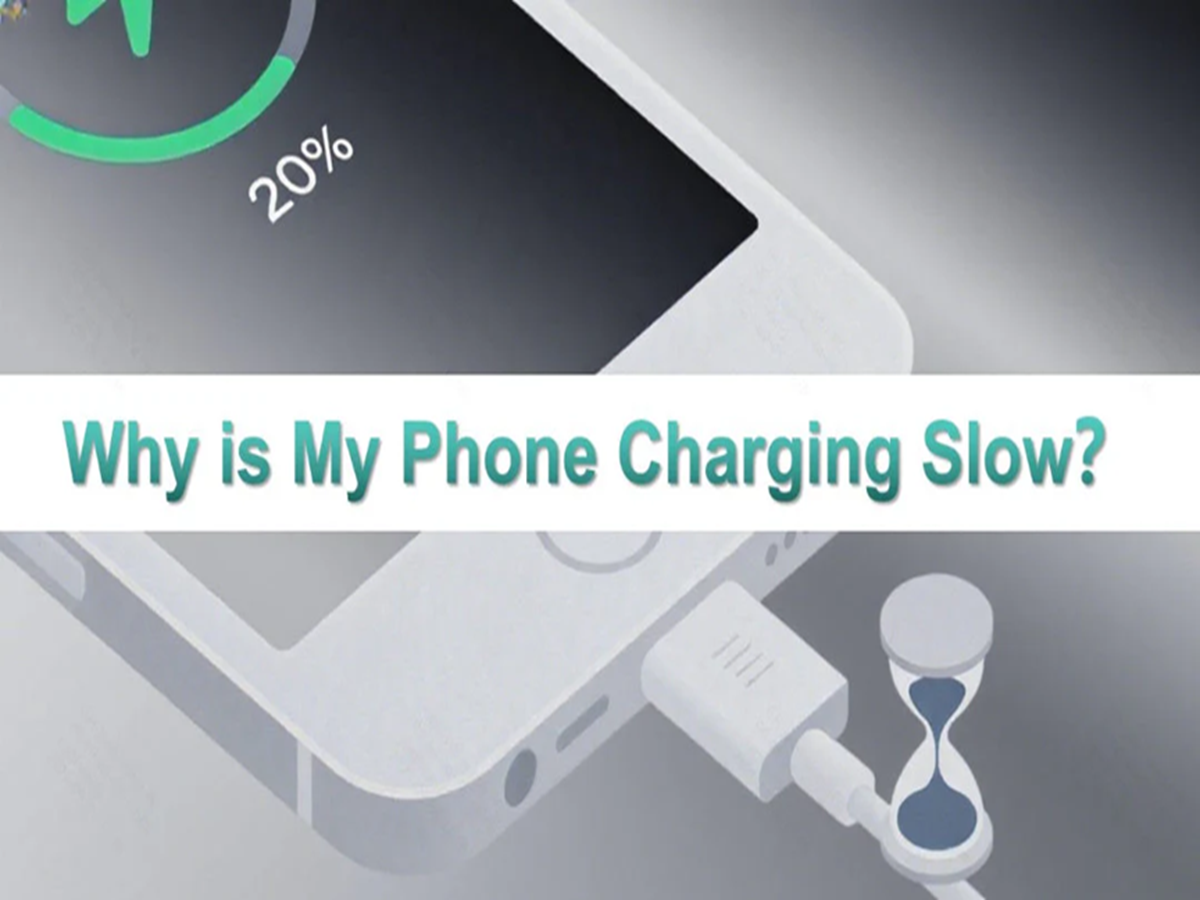
There's nothing more frustrating than plugging in your smartphone and finding that it's still not fully charged hours later. While many people assume the battery is failing, slow charging is often caused by simple issues that can be identified and fixed without replacing the phone.
One of the most common reasons is using a low-power charger. Not all chargers deliver the same amount of power, and using an older or incompatible adapter can significantly increase charging time. Using the charger recommended for your device usually provides the best charging performance.
A damaged charging cable is another frequent cause. Even if the cable appears fine on the outside, internal wear can reduce the amount of power reaching your phone. If charging has suddenly become slower, trying a different certified cable may solve the problem.
Dust and lint inside the charging port are often overlooked. Over time, pocket lint and debris can build up inside the port, preventing the charging connector from making proper contact. Carefully cleaning the port with appropriate tools can sometimes restore normal charging speeds.
Your phone may also charge slowly if you're using it heavily while it's plugged in. Activities such as gaming, video streaming, video calls, or recording 4K videos consume a large amount of power, leaving less energy available to recharge the battery.
High temperatures can also affect charging speed. Smartphones automatically slow down charging when they become too hot in order to protect the battery from damage. Charging your phone in a cool, well-ventilated area can help maintain better charging performance.
Background apps are another hidden factor. If dozens of applications continue syncing data, downloading updates, or tracking your location while charging, the battery may recharge more slowly than expected. Closing unnecessary apps can help.
Software issues may also play a role. Manufacturers regularly release updates that improve battery management and charging performance. Keeping your phone's operating system up to date ensures you benefit from the latest optimizations.
Finally, battery health naturally declines as smartphones age. After several years of regular use and hundreds of charging cycles, batteries gradually lose their ability to charge efficiently. If you've ruled out other causes and your phone remains unusually slow to charge, the battery itself may need professional evaluation.
Slow charging doesn't always mean it's time to buy a new phone. In many cases, simple steps like using the correct charger, replacing a worn-out cable, cleaning the charging port, and avoiding heavy usage while charging can restore much of your phone's original charging speed and improve your overall experience.