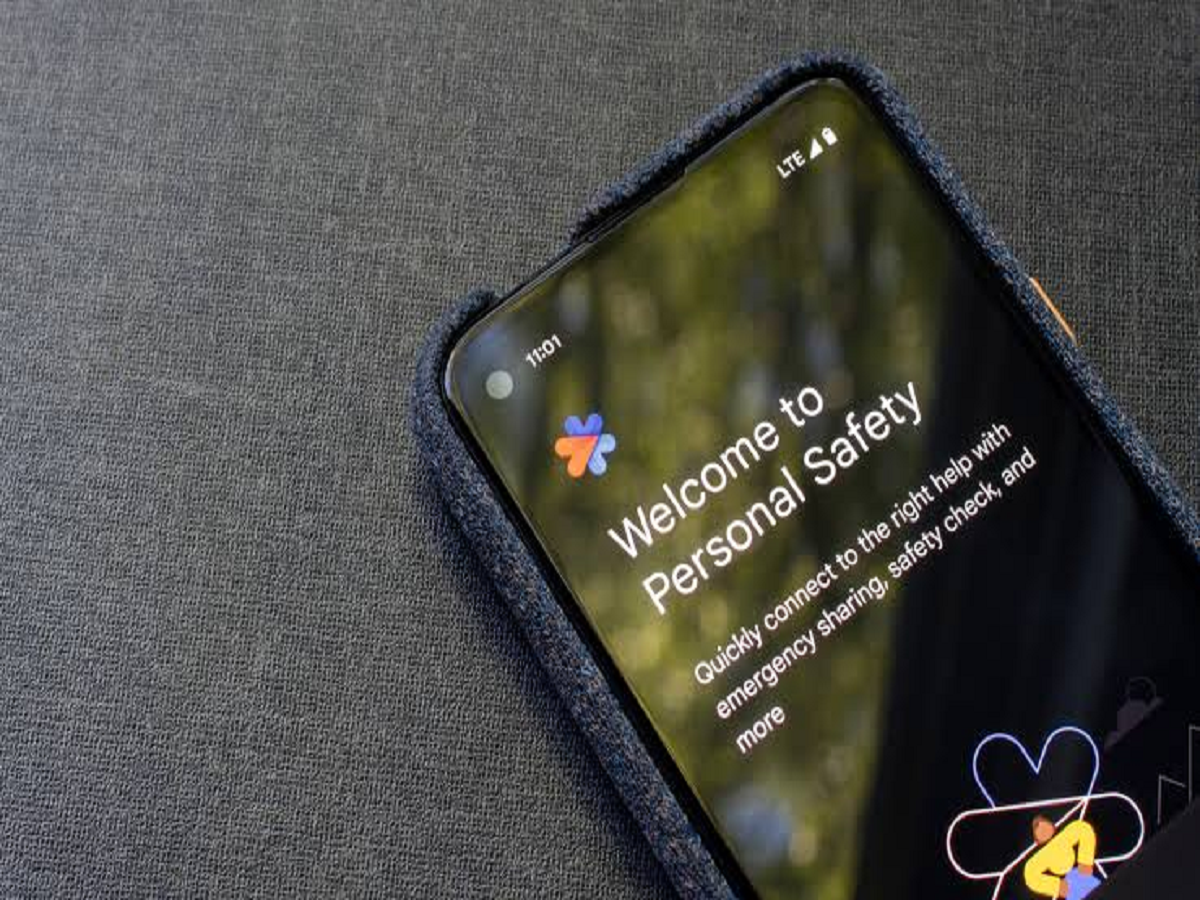
A smartphone is no longer just a device for making calls, sending messages or browsing social media. It can also become an important safety tool during emergencies. From sharing your live location with trusted contacts to quickly contacting emergency services, several built-in features can help you respond more effectively when something goes wrong.
The problem is that many people never explore these features until they actually need them. Spending a few minutes setting them up today could prove useful in an unexpected situation.
1. Know How to Use Your Phone’s Emergency SOS Feature
Many Android smartphones and iPhones include an Emergency SOS function that can help users contact emergency services quickly. Depending on the device and its settings, it may be activated by pressing the side or power button in a particular sequence.
Some phones can also notify emergency contacts or share location information.
The activation method differs by model, so check your phone’s official instructions and understand how the feature works before relying on it.
2. Add Emergency Contacts
Your phone may allow you to add emergency contacts who can be reached from the emergency information screen, even when the device is locked.
Choose people who are likely to respond quickly, such as a family member or trusted friend. Make sure their phone numbers are current.
You can also add relevant medical information if your device supports it and you are comfortable storing those details.
3. Share Your Live Location
If you are travelling alone, meeting someone at an unfamiliar place or returning home late, live location sharing can help a trusted person know where you are.
Apps such as Google Maps offer location-sharing features that allow you to share your location with selected people for a chosen period or until you turn sharing off.
Only share your location with people you trust, and review active sharing permissions regularly.
4. Use Your Phone’s Built-In Flashlight and Alarm
A flashlight can help you navigate a dark staircase, locate something during a power cut or make yourself more visible in certain situations.
Some smartphones also provide emergency alerts or sound-based safety functions. Availability varies, but even knowing how to activate the flashlight quickly can be useful.
Remember that a phone flashlight is not a substitute for proper emergency lighting, especially during prolonged power outages.
5. Enable Medical Information on the Lock Screen
Some devices let you display essential medical information on the lock screen through an emergency information or Medical ID feature.
Depending on the phone, you may be able to include details such as emergency contacts, allergies or important medical conditions. This information may help responders or bystanders understand your needs if you cannot communicate.
Keep the information accurate and avoid including details you do not want accessible to someone who finds your phone.
6. Keep Emergency Numbers Accessible
In India, 112 is the pan-India emergency response number for police, fire and rescue, and health-related emergencies.
Save important contacts and make sure family members know how to reach emergency assistance. In a genuine emergency, call the appropriate service rather than relying solely on messaging apps or social media.
If you are travelling, learn the relevant local emergency procedures and keep your phone charged.
7. Prepare Your Phone for a Power or Network Emergency
A safety plan is more effective when your phone is usable. Keep your device reasonably charged, carry a power bank when travelling for long periods and download essential travel information for offline access where possible.
It is also sensible to keep important phone numbers written down somewhere secure. If your battery dies or your phone becomes unavailable, you will still have a way to contact people.
Bonus Tip: Check App Permissions
Safety features should not come at the cost of unnecessary privacy risks. Review which applications can access your location, microphone, camera and contacts. Disable permissions that are not needed, and install operating system updates to receive available security improvements.
Avoid installing unfamiliar applications that promise emergency protection but request excessive personal information.
The Bottom Line
Your smartphone can be a valuable part of your personal safety plan, but its usefulness depends on preparation. Set up emergency contacts, learn the SOS procedure, understand location sharing and keep your device ready for unexpected situations.
Do not wait for an emergency to discover where these features are hidden. Check your phone’s settings today and make sure the people closest to you know how to reach you when it matters most.