TECH
Your Deleted WhatsApp Messages May Not Be as Private as You Think: 7 Things Every User Should Know
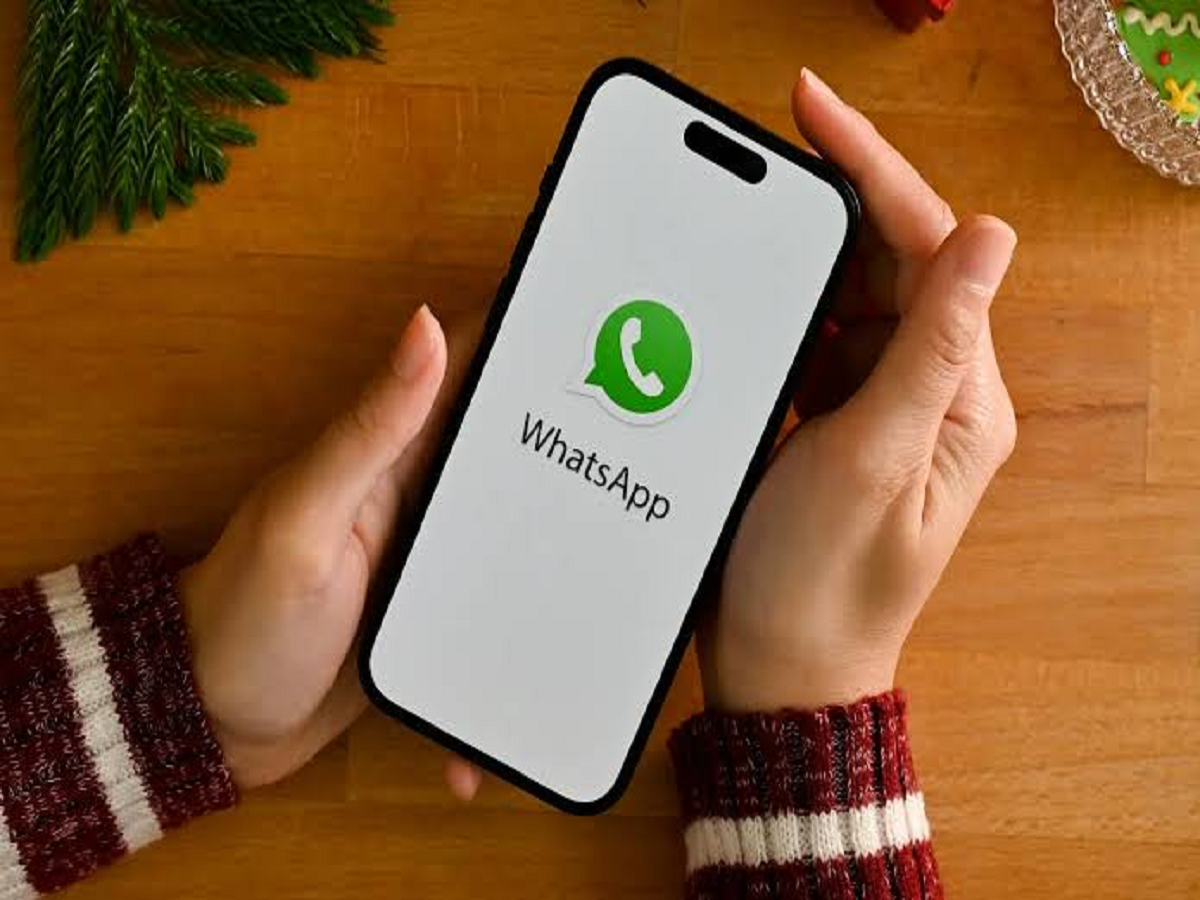
Deleting a WhatsApp message can feel like the easiest way to protect your privacy. Whether you have sent a message to the wrong person, shared a sensitive photograph or simply want to clear an old conversation, the delete option is available in seconds.
But deleting a message does not always mean every copy of that information has disappeared. Depending on how the message was stored, backed up or shared, traces may remain elsewhere.
Understanding how message deletion works can help you protect your personal information and avoid common privacy mistakes.
What Happens When You Delete a WhatsApp Message?
WhatsApp offers different deletion options, including deleting a message for yourself and deleting a message for everyone, subject to the feature's applicable limits.
When you delete a message for yourself, it disappears from your own chat view, but the recipient may still have it.
When you use the delete-for-everyone option successfully, WhatsApp attempts to remove the message from the participants' chats. However, this does not guarantee that every copy, screenshot or record has been erased.
The distinction matters because a message can exist in several places beyond the original conversation.
Seven Things You Should Know About Message Privacy
1. The Other Person May Have Already Read the Message
Deleting a message cannot undo what someone has already seen. A recipient may remember the contents, take a screenshot or photograph the screen using another device.
If a message contains sensitive information, assume that anyone who received it may already have a copy.
2. Screenshots Cannot Be Removed Remotely
If someone takes a screenshot of a conversation, deleting the original message does not normally remove that screenshot from their gallery.
The same applies to photographs, copied text and other information saved outside WhatsApp.
Before sharing personal information, consider whether you would be comfortable with the recipient retaining it.
3. Notification Previews May Reveal Information
Some smartphones display message previews on the lock screen or in notification history.
Depending on the device, settings and whether the notification has already appeared, parts of a message may remain visible outside the chat itself.
You can improve privacy by hiding sensitive notification content on your lock screen and reviewing which applications are allowed to display previews.
4. Backups Require Special Attention
WhatsApp chats may be backed up to cloud storage or local device storage, depending on the platform and settings.
Deleting a message from a conversation does not necessarily mean that every existing backup has immediately been updated or erased. Backup behaviour depends on when the backup was created, subsequent backup activity and the platform's storage process.
If privacy is important, review your backup settings and understand how your chosen backup system stores and protects your data.
5. Linked Devices Can Affect Your Privacy
WhatsApp can be used on linked computers and other supported devices.
If you use a shared computer or a device that other people can access, your conversations may be exposed through that device even if your phone itself is locked.
Review the linked-devices section in WhatsApp and log out of devices you no longer use or do not recognise.
6. Disappearing Messages Are Not a Guarantee
WhatsApp offers disappearing messages for conversations where supported. These messages are designed to disappear after a selected period.
However, the feature does not prevent someone from copying information, taking screenshots where permitted or recording content using another device.
Treat disappearing messages as a way to reduce how long information remains in a chat, not as a guarantee that the information can never be retained.
7. Account Security Matters as Much as Deletion
If someone gains access to your WhatsApp account or an unlocked device, they may be able to view information that remains available.
Enable two-step verification, secure your phone with a strong screen lock and never share verification codes with unknown people.
Be cautious of messages claiming that you must reveal a code to restore your account, verify your identity or receive a reward.
How to Improve Your WhatsApp Privacy Today
You can take several practical steps without giving up the messaging features you use every day.
-
Review your linked devices and remove unfamiliar sessions.
-
Enable two-step verification.
-
Hide message previews on your lock screen if you share your surroundings with others.
-
Check your chat backup settings.
-
Set disappearing messages for conversations where they are appropriate.
-
Keep WhatsApp and your phone's operating system updated.
-
Avoid sharing passwords, financial credentials or highly sensitive documents through ordinary chats unless necessary.
The exact settings and available options may differ between Android and iPhone.
Can You Recover a Deleted WhatsApp Message?
In some circumstances, messages may remain available through a previous backup or another saved copy. However, recovery is not guaranteed and depends on the device, backup date, application settings and subsequent activity.
Be cautious of third-party applications that promise to recover every deleted message. Some may request extensive access to notifications, files or personal data, creating additional privacy risks.
Use official features and avoid installing unfamiliar applications solely to view deleted messages.
The Bottom Line
WhatsApp message deletion is useful, but it should not be treated as a perfect method of erasing information. Screenshots, notification previews, backups and linked devices can all affect what remains accessible.
The safest approach is to think carefully before sharing sensitive content, secure your account and regularly review your privacy settings. Once information has been sent to another person, you may no longer have complete control over where it is stored or how it is used.