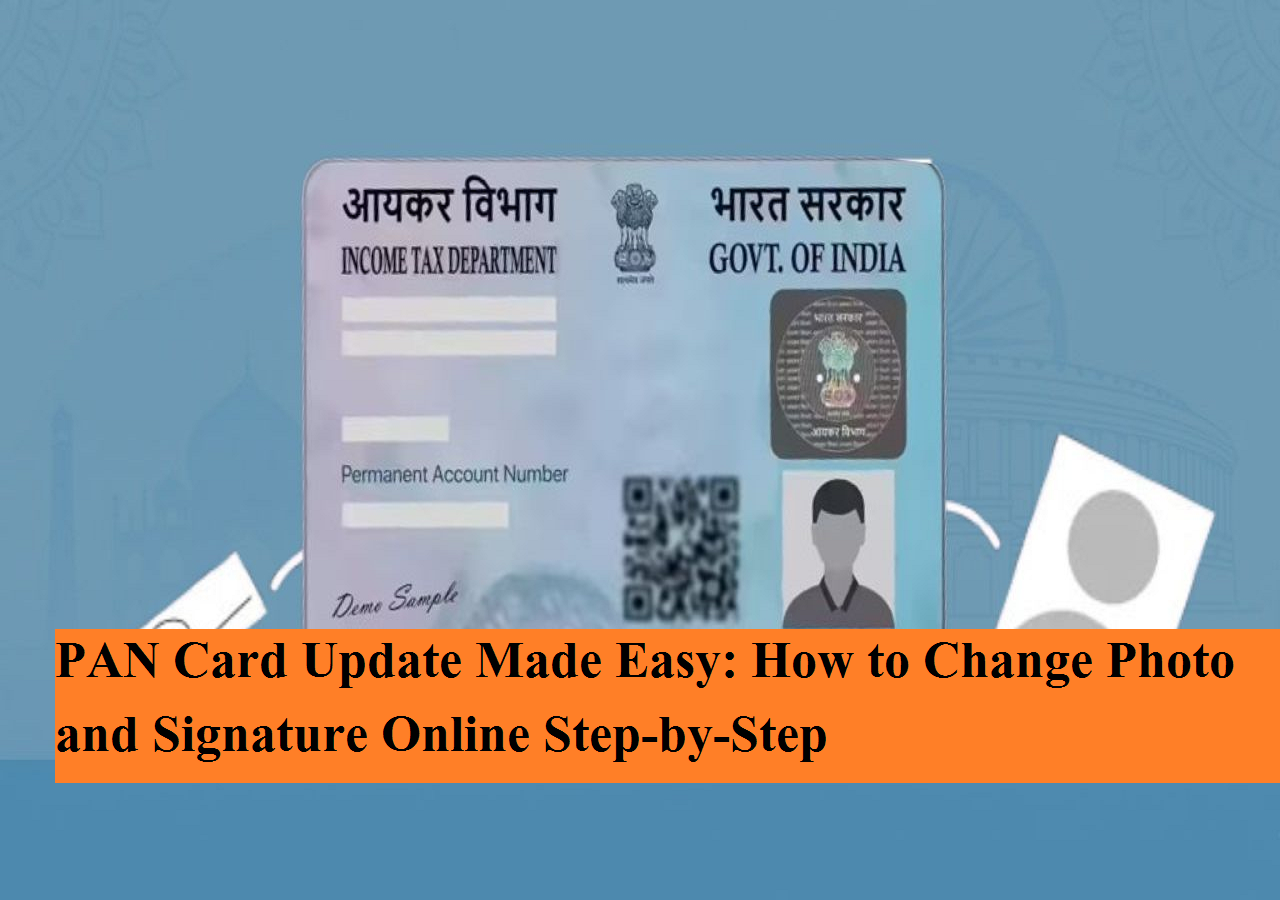
A PAN card is no longer just a tax document — it has become one of the most essential identity proofs for financial transactions in India. Whether opening a bank account, filing income tax returns, investing in mutual funds, or carrying out high-value transactions, a valid PAN is mandatory.
Issued by the Income Tax Department under the supervision of the Central Board of Direct Taxes (CBDT), the Permanent Account Number (PAN) must carry accurate and updated information. Any discrepancy — whether in name, date of birth, address, photograph, or signature — can create complications in financial or legal processes.
The good news is that updating details in your PAN card, including photo and signature, has now become simple and fully digital. Here is a complete guide to help you understand the correction process step-by-step.
Why Updating PAN Details Is Important
Errors or outdated details in your PAN record can lead to:
-
Rejection of income tax returns
-
Issues during bank account opening
-
KYC verification failures
-
Delays in financial transactions
Common reasons for updates include:
-
Name change after marriage
-
Address change
-
Mobile number update
-
Replacing an old photograph
-
Signature mismatch
Ensuring that your PAN data matches Aadhaar and bank records helps avoid unnecessary delays.
Online PAN Correction Facility
The PAN correction process is now available online through authorized service providers. Applicants can request changes without visiting any physical office.
The approximate fee for correction (for addresses within India) ranges between ₹101 and ₹110, including taxes. The updated PAN can be issued as both a physical card and an e-PAN, and the digital version holds equal validity.
How to Change Photo on PAN Card
To update your photograph, follow these steps carefully:
-
Visit the official website of Protean e-Gov Technologies Limited (formerly known as NSDL).
-
Click on “Change/Correction in Existing PAN Data.”
-
Select “Apply Now.”
-
Choose the appropriate application type and select the category as “Individual.”
-
Enter required details including:
-
Full name
-
Date of birth
-
Email ID
-
Mobile number
-
PAN number
-
-
Generate the token number and proceed to the next step.
-
Select how you want to submit documents — either by uploading scanned copies or sending physical documents by post.
-
Upload supporting documents:
-
Proof of identity
-
Proof of address
-
Recent passport-size photograph
-
Signature
-
-
Pay the applicable fee online and download the acknowledgment receipt for future reference.
After successful verification, the updated PAN card will be processed and dispatched.
How to Update Signature on PAN Card
The process for updating your signature is largely similar to the photo correction procedure.
Here’s how you can do it:
-
Visit the same Protean portal.
-
Select the correction option.
-
Fill in your personal details and generate the token number.
-
Choose the document submission mode.
-
Tick the box for “Signature Mismatch.”
-
If you wish to update your photo as well, tick that option too.
-
Upload a clear scanned copy of your new signature along with valid identity and address proof.
-
Complete the payment process and save the acknowledgment receipt.
Ensure that your signature matches the one used in banking and official records to avoid future discrepancies.
How to Download e-PAN Online
Downloading your e-PAN is quick and convenient. Follow these steps:
-
Visit the official e-filing portal of the Income Tax Department.
-
Go to the “Quick Links” section and select “Instant e-PAN.”
-
Click on “Check Status/Download PAN.”
-
Enter your Aadhaar number.
-
Verify the OTP received on your Aadhaar-linked mobile number.
-
Once verification is complete, click on “Download e-PAN.”
The e-PAN will be available in PDF format and is legally valid for all official purposes.
Final Thoughts
With the digitization of tax services, updating PAN details has become faster and more accessible. Whether you need to change your photograph, correct your signature, or update personal details, the entire process can now be completed online with minimal documentation and reasonable fees.
Keeping your PAN information accurate ensures smooth financial transactions and hassle-free compliance with tax regulations. If you notice any outdated or incorrect detail in your PAN, consider initiating the correction process at the earliest.