
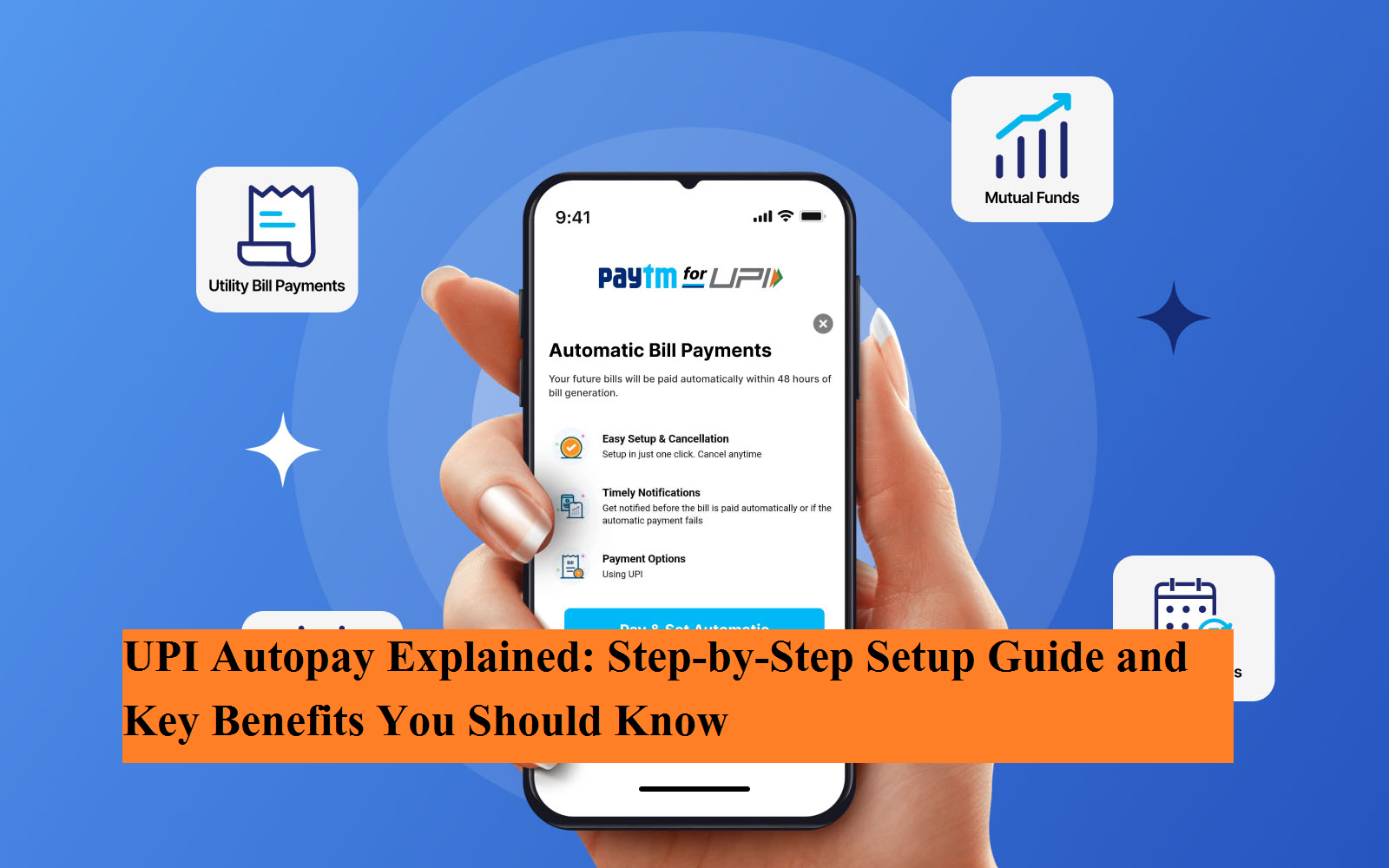
In today’s fast-paced lifestyle, keeping track of recurring expenses can be challenging. Electricity bills, water charges, OTT subscriptions, mobile recharges, insurance premiums, and SIP investments — the list keeps growing. Missing a due date often results in late fees, service interruptions, or unnecessary stress.
To address this issue, the National Payments Corporation of India (NPCI) introduced a powerful feature called UPI Autopay. This facility allows users to automate recurring payments directly through their UPI apps, ensuring bills are paid on time without manual intervention.
Here is a complete guide explaining what UPI Autopay is, how it works, how to set it up, and why it can simplify your financial management.
What Is UPI Autopay?
UPI Autopay is a feature that enables automatic recurring payments through the Unified Payments Interface (UPI) system. Instead of manually authorizing payments every month, users can create a standing instruction — known as a UPI Mandate — that automatically deducts a fixed amount on a specified date.
For transactions ranging from ₹2 to ₹5,000, payments can be processed without entering a UPI PIN each time. However, for amounts exceeding ₹5,000, users are required to authorize the transaction with their UPI PIN for security reasons.
This feature is particularly useful for subscription-based services and scheduled payments.
How Does UPI Autopay Work?
The core of UPI Autopay is the UPI Mandate system. When you create a mandate, you authorize your bank to transfer a specified amount to a merchant or service provider on predetermined dates.
The system remains fully transparent, and users retain complete control. You can modify, pause, or cancel the mandate anytime through your UPI application.
Step-by-Step Guide to Setting Up UPI Autopay
Setting up UPI Autopay is simple and can be completed in a few minutes. Follow these steps:
-
Open your preferred UPI application such as
-
Google Pay
-
PhonePe
-
BHIM
-
Paytm
-
-
Go to your profile or settings section.
-
Select the “Mandates” or “Autopay” option.
-
Tap on “New Mandate” and choose the service or merchant you want to pay.
-
Select the payment frequency — weekly, monthly, quarterly, or yearly.
-
Enter the amount to be auto-debited.
-
Confirm the mandate by entering your UPI PIN.
Once approved, the payment will automatically be deducted on the scheduled date, eliminating the need for repeated manual approvals.
Major Benefits of UPI Autopay
1. No More Late Fees
With automatic payments, bills are cleared on time. This helps users avoid penalties, service disruptions, and unnecessary reminders.
2. Saves Time and Effort
Instead of logging in every month to make payments, the system handles recurring transactions automatically. This reduces manual effort and saves valuable time.
3. Full User Control
A common misconception is that setting up Autopay reduces financial control. In reality, users can:
-
Modify the payment amount
-
Change the schedule
-
Pause a mandate temporarily
-
Cancel it instantly
All changes can be managed directly from the UPI app.
4. Secure and Regulated
UPI Autopay operates under NPCI’s security framework. For higher-value transactions, additional PIN authorization ensures enhanced protection against fraud.
Where Is UPI Autopay Most Useful?
UPI Autopay is ideal for:
-
OTT subscriptions such as
-
Netflix
-
Disney+ Hotstar
-
-
Mutual fund SIP investments
-
Insurance premium payments
-
School or college fees
-
Gym memberships
-
Postpaid mobile bills
-
Utility payments
By automating these regular expenses, users can manage their finances more efficiently while ensuring timely payments.
Why UPI Autopay Matters in the Digital Era
As India moves toward a fully digital payment ecosystem, automation tools like UPI Autopay enhance both convenience and financial discipline. It not only streamlines monthly budgeting but also provides peace of mind that essential payments will not be missed.
For individuals juggling multiple subscriptions and recurring expenses, this feature acts as a reliable financial assistant.
If you have not yet activated UPI Autopay, consider exploring the feature within your UPI app. It could help you simplify payments, avoid penalties, and gain better control over your recurring expenses.



