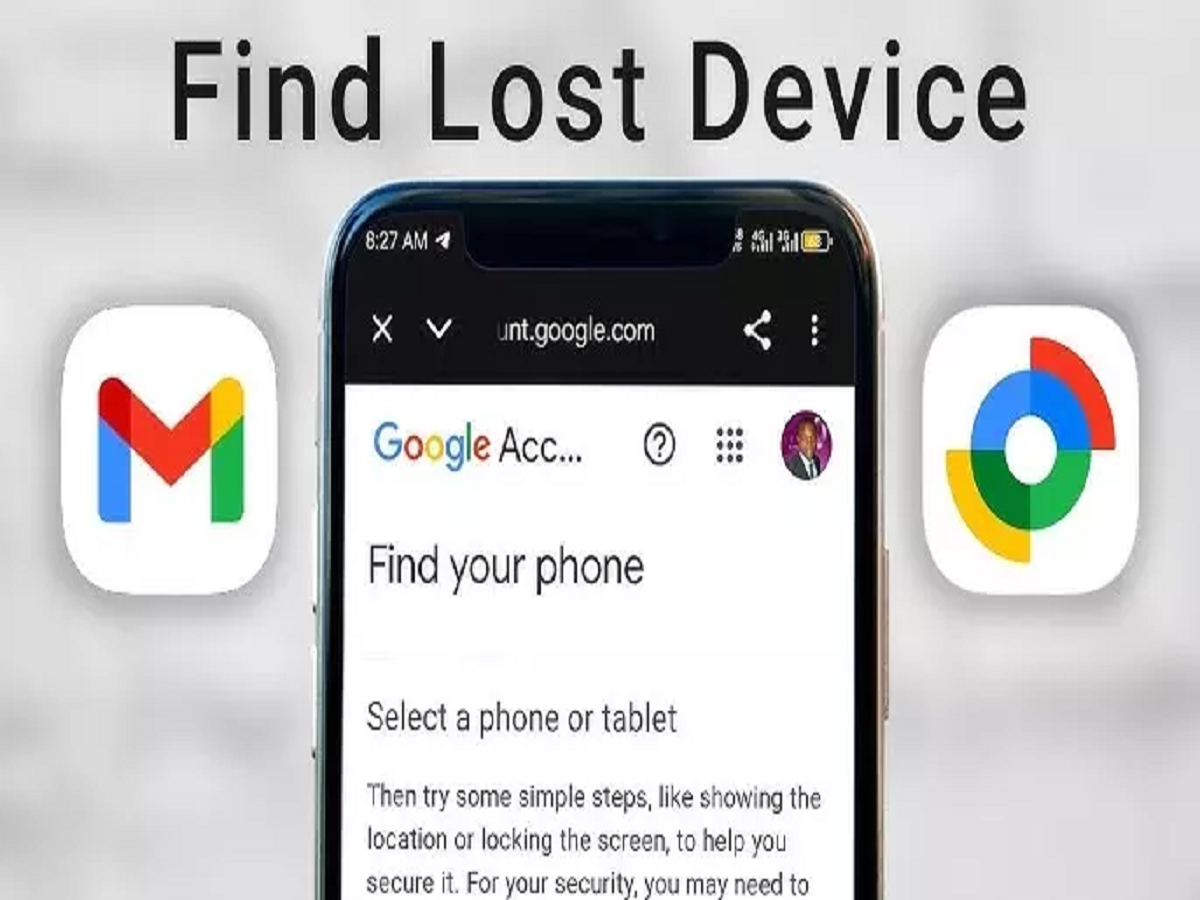
Losing a smartphone can be stressful because modern phones contain much more than contact numbers. Photos, emails, banking apps, social-media accounts and personal documents can all be stored on the device. Android users, however, have access to Google's Find Hub, which can help locate and secure a missing phone.
The service, previously widely known as Find My Device, can show a compatible Android device's location and provide options to make it ring, secure it or erase its data remotely in supported circumstances.
Here's what Android users should know before their phone goes missing.
How Can Find Hub Locate a Lost Android Phone?
If a compatible Android phone is associated with your Google Account and the necessary settings are enabled, Find Hub can help locate it.
Users can access Google's device-finding service from another phone or computer and sign in with the Google Account connected to the missing device.
If location information is available, the phone can appear on a map. Depending on connectivity and device settings, the service may display its current or most recently available location.
Make Your Phone Ring Even If It Is Nearby
Sometimes a phone isn't stolen or truly lost—it may simply be hidden under a sofa, left in another room or forgotten somewhere nearby.
Find Hub can make a supported device play a sound, making it easier to locate.
This feature can be particularly useful when you know the phone is somewhere around you but cannot remember exactly where you placed it.
Lock a Missing Phone Remotely
If you cannot immediately recover your smartphone, securing it should be a priority.
Find Hub provides options for protecting a missing device remotely. Locking the phone can help prevent another person from easily accessing personal information.
Users should also make sure their smartphones already have a strong screen lock, such as a PIN or password.
Biometric protection such as fingerprint or facial recognition can provide an additional layer of convenience and security on supported devices.
Remote Erase Should Be a Last Resort
If you believe the phone cannot be recovered and it contains sensitive information, Find Hub may provide an option to erase the device remotely.
This is a serious step because deleting data can affect your ability to continue locating the phone through the service.
Remote erasure should therefore generally be considered only when protecting the information on the device is more important than recovering the handset itself.
Keeping regular cloud or offline backups can make this decision less painful if a phone is permanently lost.
Protect Banking and SIM Access Quickly
If a phone has been stolen, securing the handset itself may not be enough.
Contact your mobile operator if necessary to protect or block the SIM. You should also review important accounts connected to the device, particularly email, banking and payment applications.
If you notice suspicious financial activity, contact the relevant bank or payment provider immediately through an official channel.
Never provide an OTP, UPI PIN or banking password to someone claiming that they have found your phone.
Set Up Find Hub Before You Lose Your Phone
The most important step is preparation.
Check that your Android phone is connected to the correct Google Account and review its Find Hub, location and security settings while the device is still with you.
Also use a secure screen lock and maintain backups of important photographs, contacts and documents.
These few precautions can make a major difference if your smartphone is ever misplaced or stolen.
Note: Find Hub features and location availability can vary depending on the Android version, device model, account settings, connectivity and security configuration.