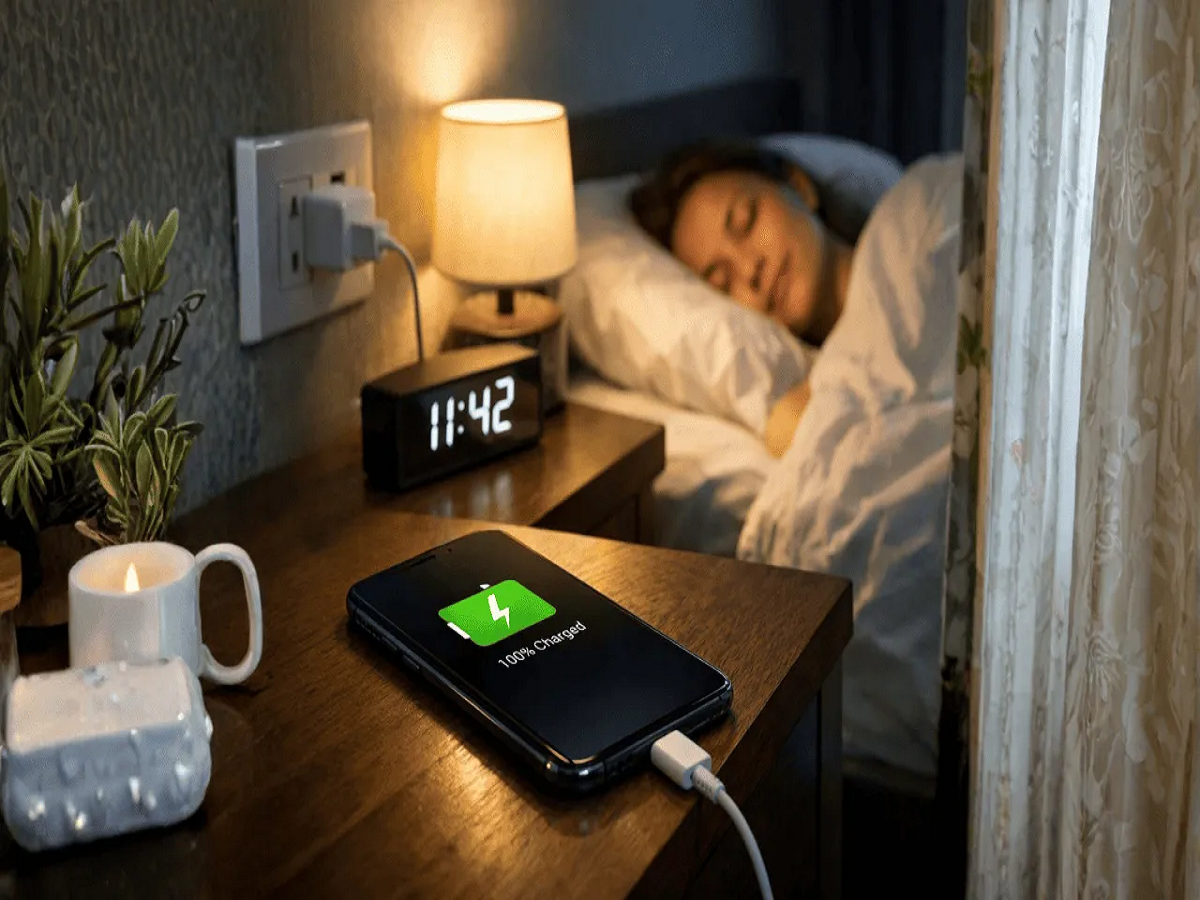
Charging a phone overnight is convenient, but the way you charge and use your smartphone can affect its battery health over the long term. Modern phones have built-in charging protections, so leaving a device plugged in does not automatically destroy its battery. However, excessive heat, poor-quality accessories and certain everyday habits can accelerate battery ageing.
If you want your smartphone battery to stay healthy for longer, here are six common charging mistakes worth avoiding.
1. Don't Let Your Phone Become Extremely Hot While Charging
Heat is one of the biggest enemies of lithium-ion batteries.
A phone can become warmer while charging, particularly during fast charging. But if the device becomes unusually hot, stop using it heavily and check the charger, cable and surrounding conditions.
Avoid placing a charging phone under a pillow, blanket or other material that can trap heat.
2. Avoid Heavy Gaming While Charging
Playing graphics-intensive games or running other demanding apps while the phone is charging can generate additional heat.
The processor is working hard while the battery is simultaneously being charged, which can raise the device's temperature.
Occasional use is unlikely to cause a major problem, but repeatedly gaming during charging may contribute to unnecessary thermal stress.
3. Don't Use Cheap or Unverified Chargers
A low-cost charger with poor safety standards can be risky for both the phone and the user.
Use the charger supplied or recommended by the smartphone manufacturer, or choose a reputable compatible charger that meets the appropriate charging and safety standards.
The same applies to USB cables. Damaged, loose or poorly manufactured cables should be replaced.
4. You Don't Always Need to Reach 100%
You do not necessarily have to charge your phone to 100% every time.
Lithium-ion batteries experience gradual chemical ageing, and spending long periods at very high charge levels can contribute to battery wear over time.
Some smartphones now provide Optimised Charging, Adaptive Charging or Battery Protection features that can manage charging patterns or limit the maximum charge level.
Check whether your phone offers one of these options.
5. Avoid Repeatedly Draining the Battery to 0%
The old advice that a battery should regularly be completely discharged before charging does not generally apply to modern lithium-ion smartphone batteries.
You can charge your phone before it reaches zero.
Frequently allowing the battery to become completely depleted is unnecessary and may not be ideal for long-term battery health.
6. Don't Ignore a Swollen Battery
Battery swelling is not a normal sign of ageing that should simply be tolerated.
If the back panel begins lifting, the screen separates from the body or the battery appears swollen, stop using and charging the device and seek professional assistance.
Do not puncture, squeeze or attempt to repair a swollen lithium-ion battery yourself.
Is Overnight Charging Dangerous?
Modern smartphones generally include systems that manage charging once the battery approaches full capacity. Therefore, simply plugging a phone in before bed does not mean it will continuously charge at maximum power throughout the night.
However, temperature still matters.
Keep the device in a well-ventilated location and avoid covering it while charging. If your smartphone provides an adaptive or optimised charging feature, enabling it may help manage overnight charging.
How Can You Keep Your Battery Healthy for Longer?
There is no way to completely stop a rechargeable battery from ageing. Its capacity naturally decreases with time and charging cycles.
But avoiding excessive heat, using reliable charging accessories and taking advantage of built-in battery-protection settings can help reduce unnecessary wear.
If your phone suddenly starts losing charge much faster than before, check battery usage for problematic apps before assuming the battery needs replacement.
Note: Charging technology and battery-protection features vary by smartphone model and manufacturer. Follow the charging and safety recommendations provided by your device manufacturer.