TECH
Is Someone Tracking Your Phone? Check These 6 Android Settings to Protect Your Location and Privacy
Smartphones know a lot about their users, including location, contacts, photographs and browsing activity. Many apps legitimately need some of this information to function, but unnecessary permissions can expose more personal data than users realise.
If you're concerned about which apps can access your location or other sensitive information, Android provides several privacy controls worth checking.
1. Review Location Permissions
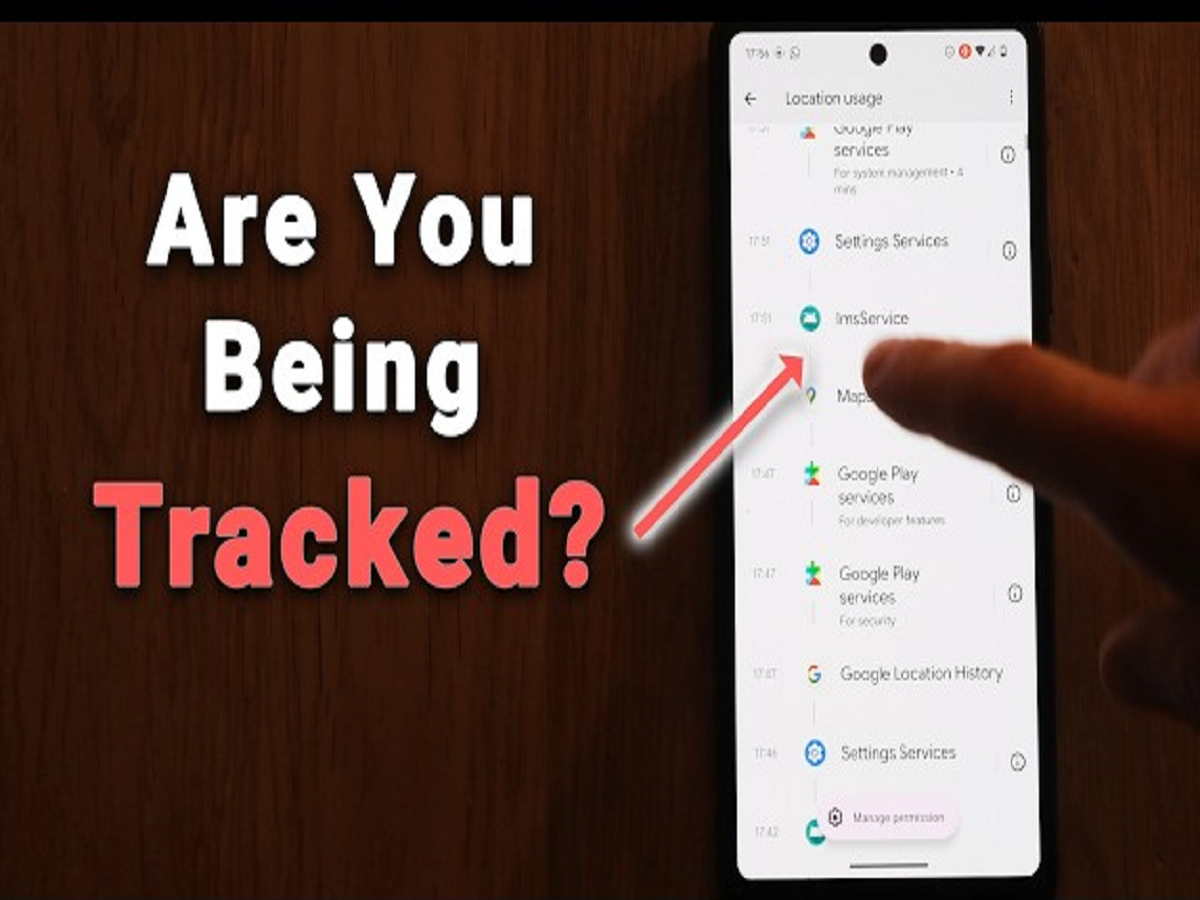
Open your phone's Settings > Privacy or Security & Privacy > Permission Manager > Location. The exact path varies by Android version and manufacturer.
Review which apps can access your location.
For many apps, choosing “Allow only while using the app” may be sufficient. Be particularly careful with applications that have continuous