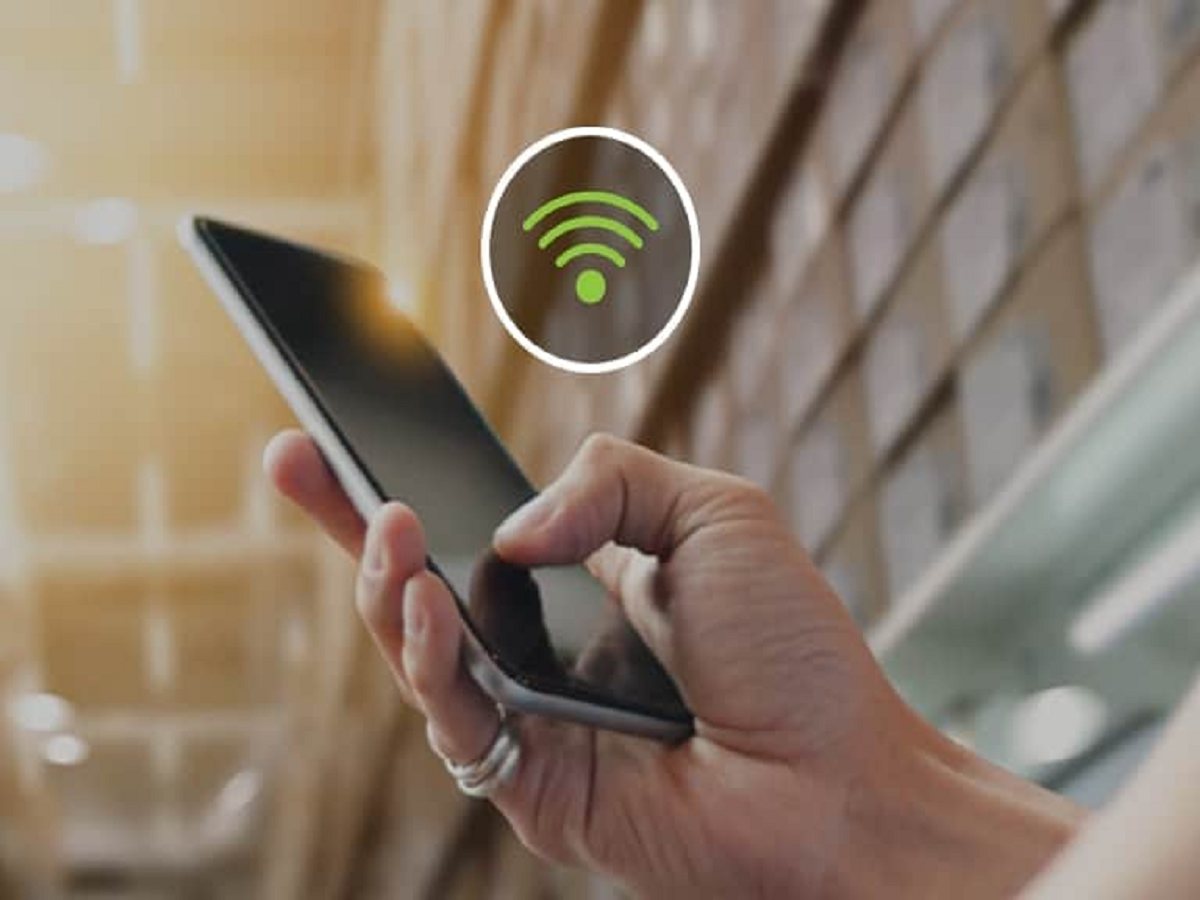
Have you ever been inside your home and noticed that your internet works perfectly but your mobile network shows only one or two bars? In such situations, Wi-Fi Calling can be extremely useful.
Wi-Fi Calling allows compatible smartphones to make and receive regular phone calls and text messages using a Wi-Fi connection instead of relying entirely on the mobile network.
The feature has become increasingly common on modern smartphones and is particularly useful in apartments, offices, basements and buildings where cellular signals are weak.
What exactly is Wi-Fi Calling?
Wi-Fi Calling, sometimes displayed as VoWiFi, uses a Wi-Fi internet connection to carry your mobile operator's voice service.
The important difference is that it is not the same as making a WhatsApp or Telegram call.
When Wi-Fi Calling is enabled, you can generally use the phone's normal dialler and call your contacts as you normally would. The call is handled through your telecom operator's network services over Wi-Fi.
This means the person you're calling does not necessarily need to have Wi-Fi Calling enabled.
Why is Wi-Fi Calling useful?
The biggest advantage is improved calling in areas where cellular coverage is poor.
For example, imagine you live in an apartment where mobile signals become weak inside certain rooms. If your home Wi-Fi connection is stable, Wi-Fi Calling can allow your phone to make and receive calls despite the weak cellular signal.
It can also be useful in:
-
Underground parking areas
-
Basements
-
Large office buildings
-
Concrete buildings with poor signal penetration
-
Rural locations with weak cellular coverage but reliable broadband
-
Homes where mobile reception is poor
Do you need a special app?
Usually, no.
Wi-Fi Calling is generally built into compatible smartphones. You don't need WhatsApp, Telegram or another calling application to use the feature.
You simply need:
-
A compatible smartphone
-
A supported mobile operator
-
An eligible SIM or mobile plan
-
A working Wi-Fi connection
The exact requirements depend on your telecom operator and phone model.
Does Wi-Fi Calling use your mobile data?
No. When the phone is connected to Wi-Fi, the call is carried over the Wi-Fi internet connection rather than your mobile data allowance.
However, the Wi-Fi connection itself needs to have internet access.
If your Wi-Fi router is connected but the broadband service is down, Wi-Fi Calling may not work.
Is call quality better?
It can be.
A strong and stable Wi-Fi connection can provide clearer and more reliable calling than a weak cellular signal.
However, Wi-Fi Calling is not automatically better in every situation. If your Wi-Fi connection is unstable or heavily congested, the call can still experience interruptions.
The quality depends on the stability of the internet connection as well as your operator's network.
Does Wi-Fi Calling work when you leave the house?
Your phone can switch between available network technologies depending on your operator and device.
For example, you might start a call while connected to Wi-Fi at home and later move into an area where the cellular network becomes stronger.
The exact behaviour depends on your smartphone and telecom operator, so users should not assume that every device will switch between Wi-Fi and cellular networks in exactly the same way.
How to turn it on
On many Android phones, you can find the option under:
Settings → Mobile Network/SIM → Wi-Fi Calling
On an iPhone, the setting is generally found under:
Settings → Mobile Service → Wi-Fi Calling
The exact menu names can vary depending on the phone model and software version.
If you cannot find the option, your phone, SIM or telecom operator may not support the feature.
Does Wi-Fi Calling cost extra?
In many cases, Wi-Fi Calling is included as part of your existing mobile service rather than being charged as a separate internet calling service.
However, normal calling rules, plan benefits and international calling charges can still apply depending on the operator and destination.
Therefore, if you plan to use Wi-Fi Calling while travelling internationally, check your operator's specific terms first.
Is Wi-Fi Calling secure?
Wi-Fi Calling uses the mobile operator's network infrastructure rather than functioning like an ordinary open internet voice call.
Nevertheless, it is sensible to avoid making sensitive calls over unknown or untrusted public Wi-Fi networks whenever possible.
For everyday use at home or on a trusted network, Wi-Fi Calling can be a very convenient solution to poor cellular reception.
One setting worth checking today
If you frequently complain that calls drop inside your home even though your Wi-Fi works perfectly, check whether your phone and mobile operator support Wi-Fi Calling.
You may already have everything you need.
A simple switch can turn a weak-signal area into a perfectly usable calling environment — without installing another app or buying a new phone.