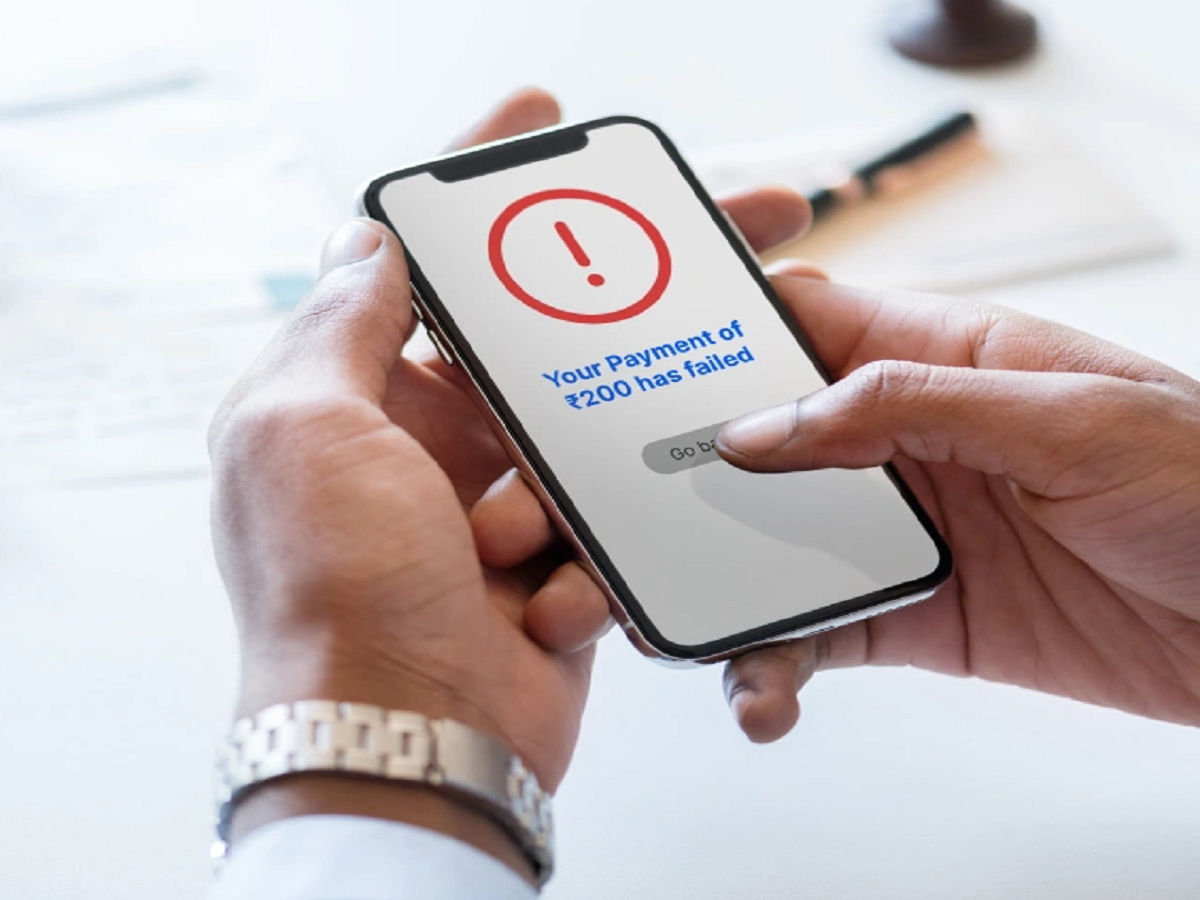
UPI has made everyday payments incredibly convenient, but even a reliable digital payment can occasionally fail. A transaction may be declined because of a bank-server issue, incorrect details, network problems, account restrictions or a temporary problem with the UPI application.
If your UPI payment fails, don't immediately repeat the transaction several times. First check these important things.
1. Check Whether Money Was Deducted
The first thing to do after a failed UPI transaction is check your bank account or transaction history.
Sometimes the payment may show as failed in the app even though the amount has been debited from your account.
If money has been deducted, avoid making another payment immediately. First check the transaction status and wait for the bank or UPI system to process the reversal if the payment was unsuccessful.
2. Check Your Internet Connection
A weak or unstable internet connection can interrupt a UPI transaction.
Try switching between mobile data and Wi-Fi and then check the transaction status again.
However, don't repeatedly press the payment button if the first transaction may already have been processed.
3. Check Your Bank Account Balance
Make sure there is enough money in the linked bank account to complete the payment.
Also remember that your available balance may be different from the amount you expect because of pending transactions, holds or other deductions.
4. Your Bank's Server Could Be Temporarily Down
UPI payments depend on several systems working together, including your bank and the payment service.
If your bank is experiencing technical problems, payments may fail even when your phone and internet connection are working normally.
In such situations, waiting for some time and trying again later can be better than repeatedly attempting the same transaction.
5. Verify the Recipient Details
Before sending money, carefully check the recipient's UPI ID, mobile number or QR-code details.
A successful UPI transaction sent to the wrong person may not be as straightforward to recover as a failed transaction.
Always verify the recipient's name displayed by your UPI app before entering your UPI PIN.
6. Check Whether Your UPI App Needs an Update
Using an outdated version of a payment application can sometimes cause compatibility or performance problems.
Check your device's official app store for available updates.
Avoid downloading payment applications or updates from unknown websites or links received through messages.
7. Don't Share Your UPI PIN With Anyone
One of the most important UPI safety rules is that your UPI PIN should never be shared with another person.
You generally enter your UPI PIN to authorise a payment. Someone calling and asking you to reveal the PIN to "receive" money, process a refund or fix a failed transaction is a major warning sign.
Similarly, never share an OTP or banking password with an unknown person.
What If the Payment Is Stuck?
If the transaction remains pending, don't immediately make another payment for the same purchase.
First check the transaction status in your UPI application and bank account. If the status does not resolve within the applicable period, use the complaint or support option provided by your UPI app or bank.
Keep the transaction ID/reference number available when contacting support.
Be Careful With Refund Scams
Fraudsters sometimes take advantage of failed-payment situations by pretending to be customer-care representatives.
They may ask you to install a remote-access application, share an OTP or enter your UPI PIN.
A legitimate support representative should not need your UPI PIN to issue a refund.
Final Takeaway
A failed UPI payment does not always mean that something is wrong with your bank account. Network problems, temporary bank outages, application issues and transaction-processing delays can all cause payment failures.