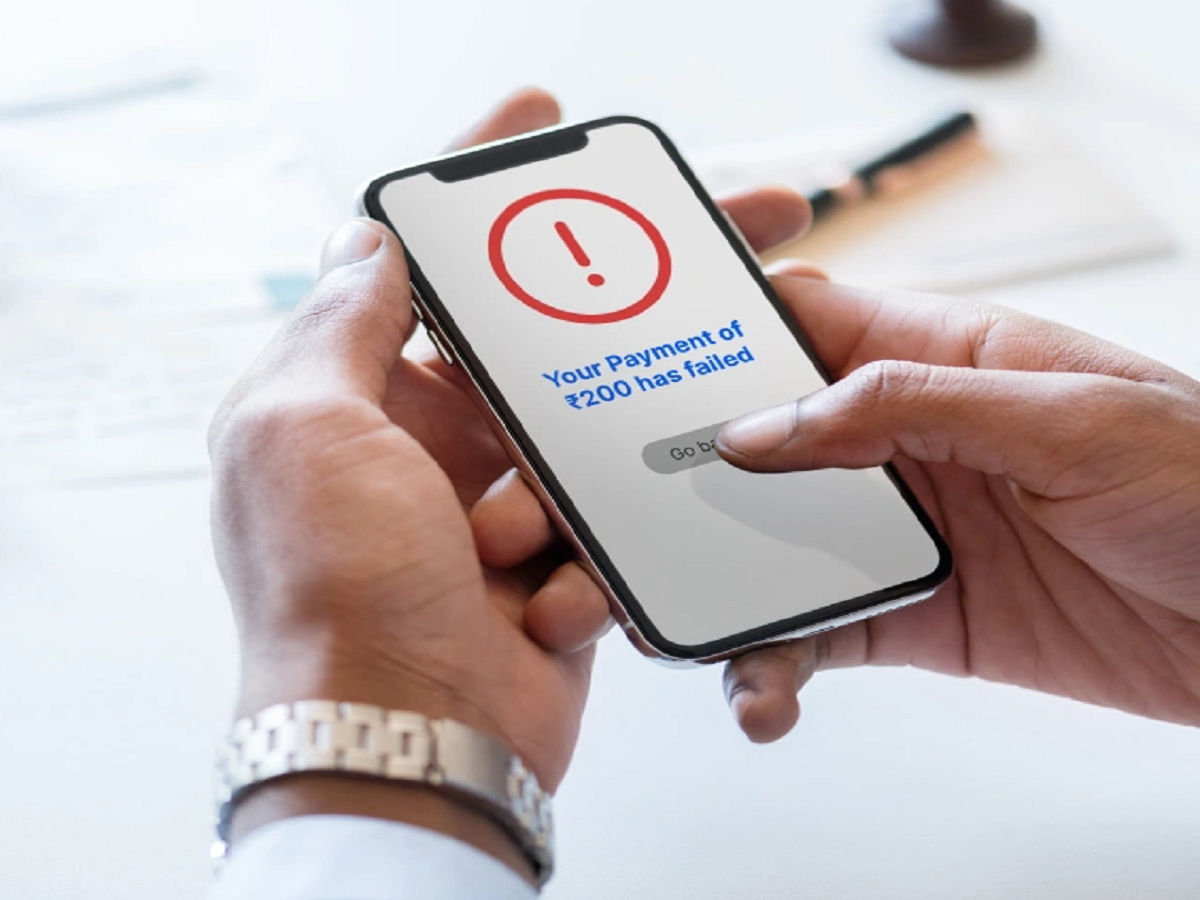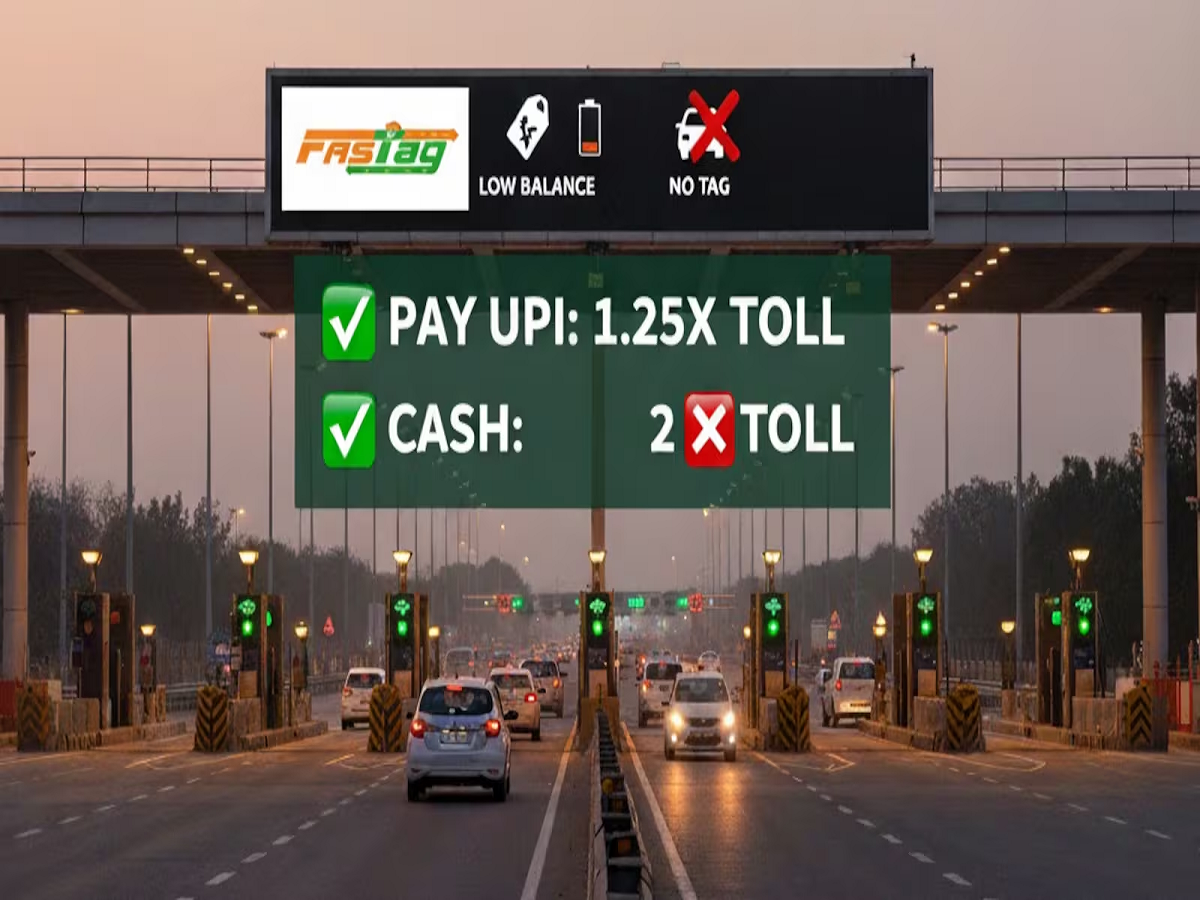
FASTag has made toll payments quicker and more convenient, but a vehicle can still face problems at a toll plaza if the tag is inactive, incorrectly placed, blocked or linked to an issue with the associated account.
If your FASTag is not being detected or a toll payment is failing, these checks can help you identify the problem before your next journey.
1. Check Your FASTag Balance
One of the simplest reasons for a failed toll payment is insufficient balance in the FASTag account.
Before starting a long highway journey, check the available balance through your FASTag issuer's app, website or other official channel.
If necessary, recharge the account before reaching the toll plaza.
2. Check Whether Your FASTag Is Active
A FASTag can stop working if it has been deactivated or blocked because of account-related or compliance issues.
If the tag is not working despite having sufficient balance, check its current status with the issuing bank or authorised FASTag service.
Do not assume that simply having the physical tag attached to the windscreen means it is active.
3. Make Sure the Tag Is Properly Installed
FASTag is designed to be fixed on the vehicle's windscreen according to the prescribed installation method.
If the tag has been removed, damaged or incorrectly positioned, the toll reader may have difficulty detecting it.
Avoid moving the tag from one vehicle to another.
4. Don't Use Multiple FASTags on the Same Vehicle
Having multiple FASTags associated with one vehicle can create complications.
If you have replaced an old FASTag, make sure the previous tag has been properly closed or deactivated according to the applicable process.
Keep the currently valid tag correctly installed on the vehicle.
5. Check Your Vehicle and Registration Details
Your FASTag account contains information associated with your vehicle.
If there is an error in the vehicle registration details or other account information, contact the issuing bank or authorised service provider for correction.
Keeping your FASTag account information accurate can help prevent avoidable problems at toll plazas.
6. Check for Damage
A FASTag is a physical RFID-based sticker, so damage can affect its ability to function.
If the sticker has been torn, damaged or otherwise compromised, contact your FASTag issuer about replacement.
Do not attempt to repair or modify the tag yourself.
7. Keep Your Mobile Number Updated
The mobile number associated with your FASTag account can be important for receiving transaction alerts and other account-related communications.
Make sure the registered contact information is current so that you can identify toll deductions, recharge confirmations and potential account problems.
What If the Toll Is Deducted Incorrectly?
If you notice an incorrect toll deduction, first check the transaction details through your FASTag issuer.
Keep the transaction reference and relevant vehicle information available when raising a complaint.
Use the official complaint mechanism rather than giving your banking or FASTag credentials to an unknown caller.
Beware of FASTag Scams
FASTag users should be cautious about fraudulent calls and messages.
Scammers may claim that your FASTag has been blocked and ask you to click a link, install an application or provide sensitive banking information.
Never share your OTP, UPI PIN, card PIN or banking password with anyone claiming to reactivate your FASTag.
Use your issuer's official website or customer-support channel to resolve account issues.
Check Your FASTag Before a Long Journey
A quick check before leaving home can prevent unnecessary delays at toll plazas.
Verify your balance, tag status, vehicle details and physical tag condition before starting your journey, especially if you have recently purchased a vehicle or replaced a FASTag.
Final Takeaway
FASTag problems are often easier to prevent than to fix at a busy toll plaza. Check your balance, make sure the tag is active and properly installed, remove old or duplicate tags and keep your account information updated.