TECH
Is your phone listening to your conversations? Turn off these 3 'secret' settings today, or your personal data could be leaked
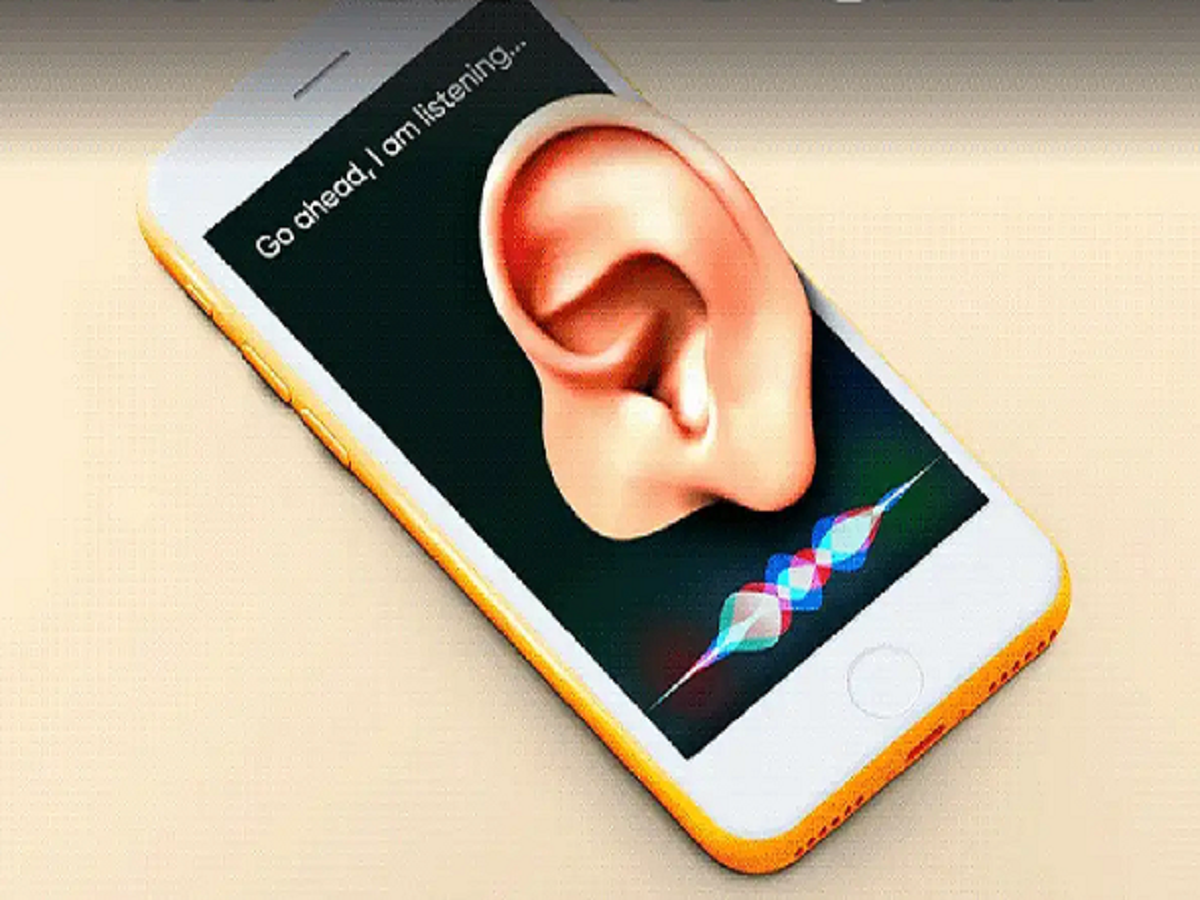
In today's digital age, smartphones have become a necessity, but have you ever noticed that whatever you talk about with your friends, ads related to it start appearing on your social media or browser shortly afterward? This isn't a coincidence, but rather the result of certain settings on your phone that track your movements and sounds in the Allow" when installing a new app. This gives access to your microphone and camera to apps that don't need them (like a calculator or photo editing app).
How to turn it off: Go to your phone's Settings > Click on Privacy (or Apps) > Open Permission Manager. Here, under Microphone and Camera, 'Deny' or 'Don't Allow' permissions for apps that don't need them.
2. Stop Google's 'Voice & Audio Activity'.
In the name of improving Google Assistant, recordings of our voices are often saved on Google's servers. Disabling this is crucial for your privacy.
How to turn it off: Open the Google app on your phone > tap your profile photo at the top > go to Manage your Google Account. Under the Data & Privacy tab, click Web & App Activity and uncheck the box for Include voice and audio activity.
3. Turn off Personalized Ads tracking.
Every smartphone has a unique 'Advertising ID', with the help of which companies track your online searches and preferences and show you targeted advertisements.
How to turn it off: Go to your phone's Settings > scroll down and tap Google > select Ads. Here you'll find the Delete advertising ID option. Click on it to delete it.