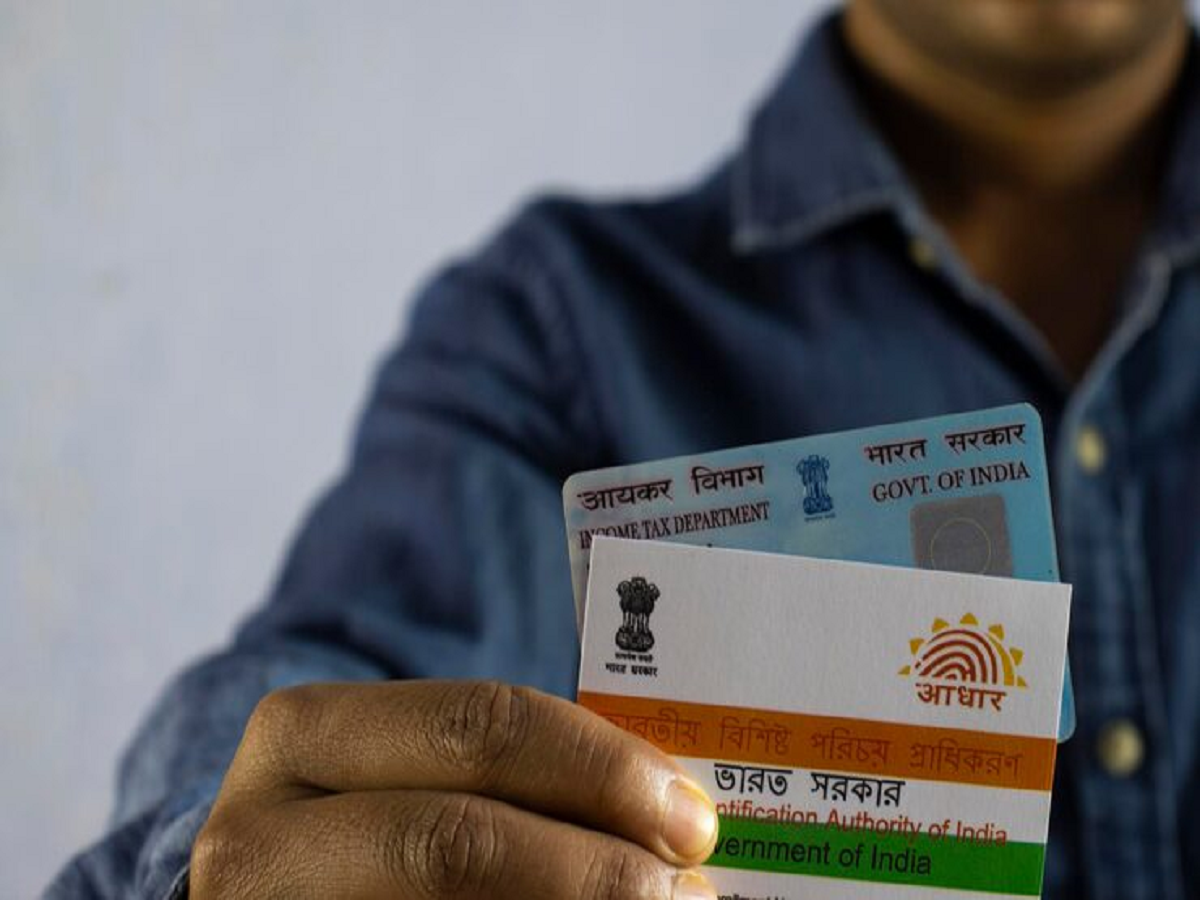
Aadhaar cards have become an essential part of our lives today. From opening a bank account to availing government schemes, they're required everywhere. But imagine what would happen if you ever lost your Aadhaar card and couldn't even remember its 12-digit number? This situation can certainly be stressful for anyone. But the good news is that you can recover your identity in a very simple way.
How to find Aadhaar number online?
If your mobile number is linked with your Aadhaar, you can retrieve your Aadhaar number (UID) or Enrolment ID (EID) by following the steps given below:
Visit the official portal: First, open the official UIDAI website (myaadhaar.uidai.gov.in) on your phone or computer.
Select the 'Retrieve EID/UID' option: On the homepage, you will see the 'Retrieve Lost or Forgotten EID/UID' option. Click on it.
Enter your details: Here you will be asked whether you want to receive your Aadhaar number (UID) or Enrollment ID (EID). Select the one that suits you. Next, enter your full name as it appears on your Aadhaar card. Enter your registered mobile number or email ID.
OTP verification: Enter the captcha code displayed on the screen and click 'Send OTP'. An OTP will be sent to your registered mobile number. Enter it and submit.
Check message: Once the verification is successful, your Aadhaar number will be sent to your mobile via SMS.
How to download after getting Aadhaar number?
Once you have your Aadhaar number, you can easily download it. To do this, go to the 'Download Aadhaar' section of the website again, enter your 12-digit Aadhaar number and the OTP. Your e-Aadhaar card will be downloaded in PDF format.
Note that a password is required to open this PDF file. This password is the first four letters of your name (in capital letters) and your year of birth. For example, if your name is 'AMIT' and your year of birth is '1995', your password would be 'AMIT1995'.
What to do if the mobile number is not linked?
Sometimes, your mobile number isn't linked to your Aadhaar. In such a situation, you won't be able to take advantage of the online process. You'll need to visit your nearest Aadhaar Seva Kendra (Aadhaar Seva Kendra). There, your identity will be verified through biometric verification (such as a fingerprint or iris scan), and you'll be issued your Aadhaar number. You can also seek guidance by calling the UIDAI helpline number 1947.
Technology has significantly reduced our difficulties today. With a little knowledge and caution, you can recover your lost identity within minutes.
PC: