Passwords have been part of the internet for decades, but they are also one of the weakest links in online security. People often reuse passwords, choose predictable combinations or fall for phishing messages designed to steal their login credentials.
A newer technology called passkeys is designed to solve many of these problems by allowing users to sign in using the security already built into their smartphone, computer or other device.
Instead of remembering a complicated password, you may simply use your fingerprint, face authentication or device PIN.
What exactly is a passkey?
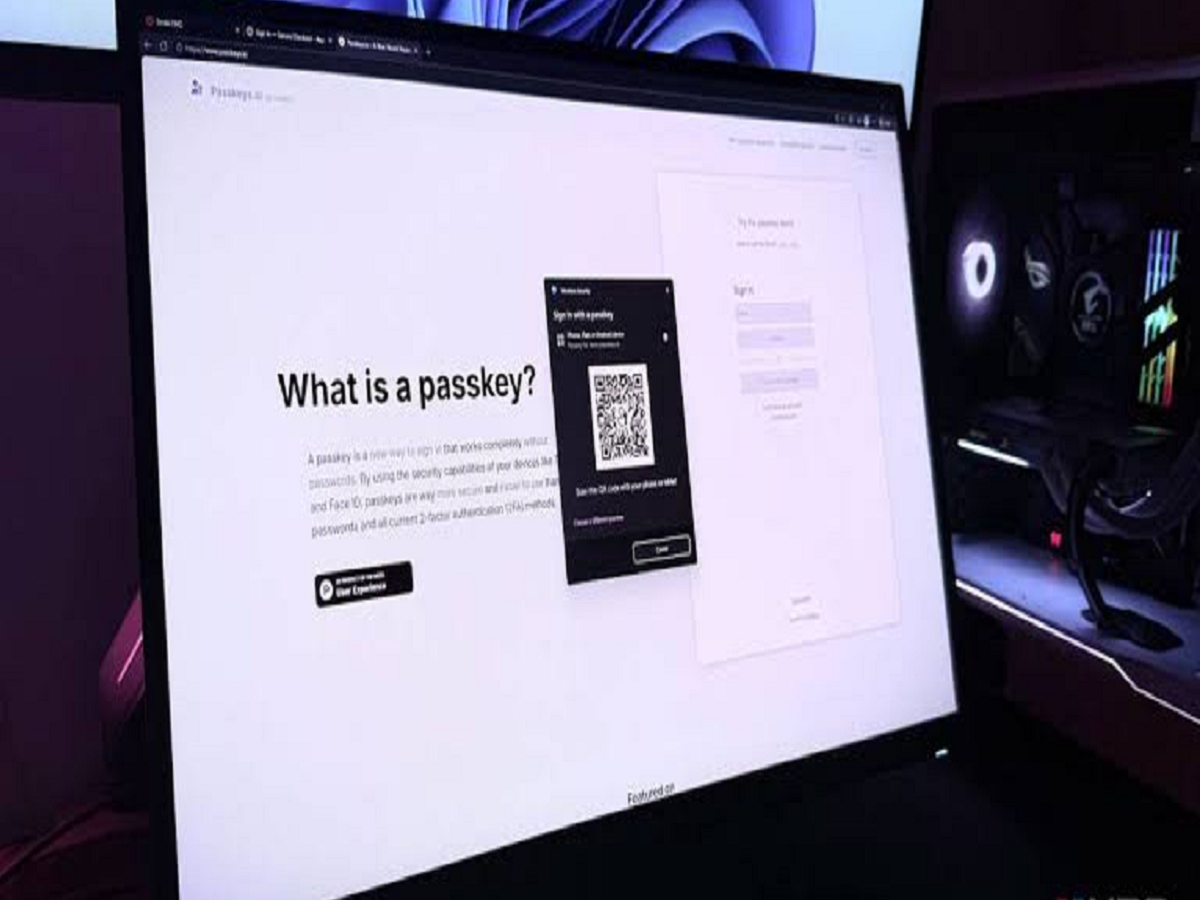
A passkey is a digital credential that allows you to sign in without typing a traditional password.
When you create a passkey, your device generates a pair of cryptographic keys. One part is stored securely on your device, while the corresponding public information is used by the service to verify your login.
Your fingerprint or face is generally used to unlock the passkey on your device. The biometric information itself is not simply sent to the website as your password.
Why are passkeys considered safer?
One of the biggest advantages is that passkeys are designed to be resistant to traditional phishing attacks.
With a conventional password, you could accidentally type your credentials into a fake website that looks identical to the real one.
A passkey works differently. The cryptographic authentication is tied to the legitimate website or app, making it much harder for a fake website to simply collect your login credential.
This can significantly reduce the effectiveness of many common phishing attacks.
You don't have to remember another password
Imagine logging into an online account and instead of typing:
Email → Password → OTP
you simply unlock your phone with your fingerprint or face.
That is essentially the experience passkeys are designed to provide.
This is particularly convenient for people who have dozens of online accounts and struggle to remember unique passwords for each one.
Are passkeys stored only on your phone?
Not necessarily.
Depending on the ecosystem and service, passkeys can be synchronised across your devices through a password manager or platform account.
For example, compatible passkeys may be available across your phone, tablet and computer through supported credential-management systems.
This means losing one device does not necessarily mean losing access to all your passkeys.
What happens if you lose your phone?
This is one of the most common concerns.
Passkeys can be backed up or synchronised through supported password managers and device ecosystems. If your credentials are properly backed up, you may be able to restore them on another device.
However, recovery options vary from one service to another.
For important accounts, you should always maintain the recovery methods offered by the service rather than assuming that one authentication method will work forever.
Are passkeys the same as two-factor authentication?
No.
A passkey can replace a password-based login and provide strong authentication by using a cryptographic credential protected by your device.
Traditional two-factor authentication usually involves something you know, such as a password, combined with something you have or receive, such as a security key or one-time code.
Some services may use passkeys as part of their broader multi-factor authentication strategy.
Can hackers steal a passkey?
Passkeys are designed to make credential theft significantly more difficult, but no security system should be treated as completely immune to attacks.
An attacker could still try to compromise your device, trick you into approving something malicious or gain access through other weaknesses in an account.
This is why keeping your phone, computer and operating system updated remains important.
How do you know if an account supports passkeys?
Many major websites and apps now provide a Passkey, Create a passkey, or Passwordless sign-in option inside their security settings.
Usually, you can find it under:
Account → Security → Sign-in methods
If the option is available, your device will guide you through creating the credential.
Should you switch immediately?
If your important accounts support passkeys, there is a strong reason to consider using them.
They can offer:
-
Better protection against phishing
-
No password to remember
-
Faster sign-in
-
Convenient biometric authentication
-
Strong cryptographic security
-
Less dependence on SMS-based login codes
However, don't delete every recovery option immediately. Keep your account recovery information updated and make sure you understand how you would regain access if you lost your primary device.
The future of online logins may look very different
For years, internet security has followed the same basic formula: create a password, remember it and change it when necessary.
Passkeys represent a shift away from that model.
Instead of proving your identity by remembering a secret that can be copied or stolen, your device can use cryptography to prove that you possess the legitimate credential.
You may not notice the technology working in the background, but the next time a website asks you to sign in with your fingerprint or face instead of entering a password, you could already be experiencing the next generation of online authentication.