BUSINESS
EPFO Update: PF is being deducted from your salary, but the money isn't credited to your account? Do this first!
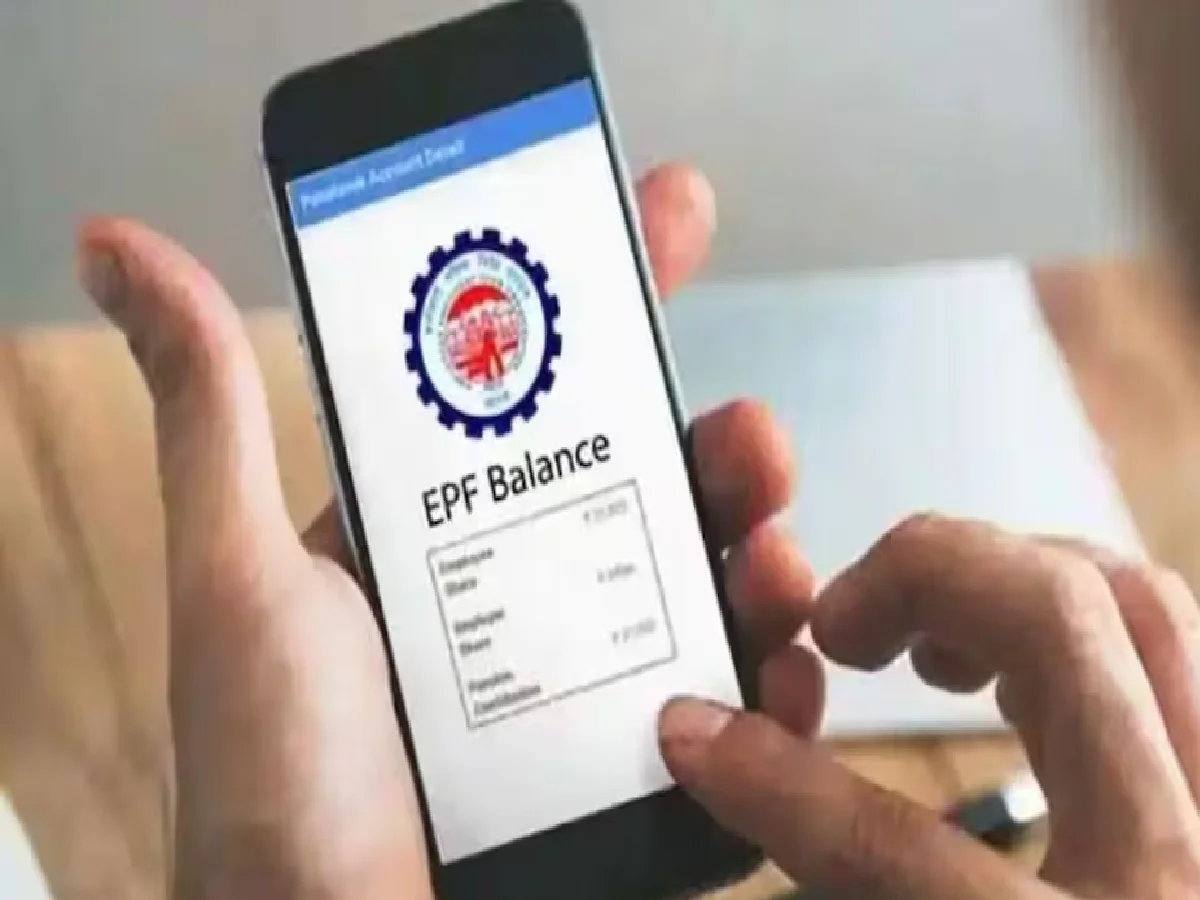
Your salary is deposited into your bank account every month. Your PF is deducted from that salary. The PF amount is listed on the salary slip provided by your company. The salary slip clearly states how much is being deducted from your salary and how it is transferred to your PF account. But have you ever tried to find out whether the PF deducted from your salary is actually being deposited into your PF account?
We often don't check our PF passbooks. We assume that the money deducted from our salary is being deposited into our PF account every month. But that's not the case. Therefore, you should check your PF passbook regularly to avoid future problems. Learn how to check your PF passbook from home.
What will appear in the passbook?
Whenever you review your PF passbook, there are a few things you should keep in mind, as they are crucial. Always check that monthly entries are being made in the account. If you're checking your passbook in September, make sure to check whether the August PF balance has been registered. You'll see not only your shares, but also the company's shares and pension fund balances.
How to check PF passbook sitting at home?
If you want to check your PF passbook, learn these three easy ways.
Visit the official EPFO website. Login with your UAN and password. Then, select your member ID and view your passbook.
Passbook Lite is a feature of EPFO that allows you to easily view a summary of your deposits, withdrawals, and balance.
Umang App: You can check passbook and balance in just a few seconds by downloading the Umang app on your phone.
If you've changed jobs multiple times, you'll have different member IDs under the same UAN. Select the ID of the company whose records you want to view.
What to do if your PF balance hasn't been credited? If your PF balance hasn't been credited to your account, first check your salary slip and wait a few days for processing. If you still don't see the entry, immediately contact your company's HR and complain.
PC: AAJ TAK