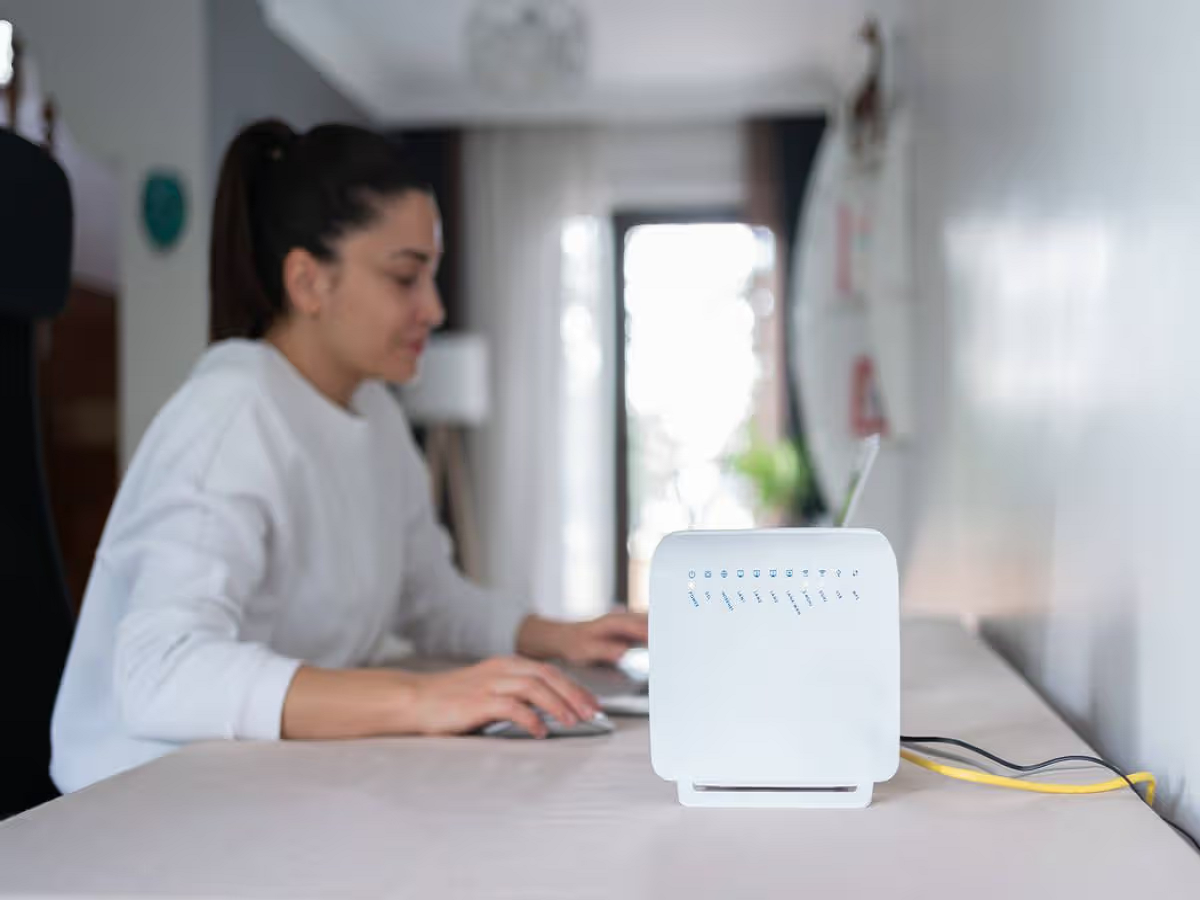
A slow internet connection is frustrating, especially when your broadband plan promises high speeds. But before blaming your internet provider, there are several things inside your home that could be responsible for poor Wi-Fi performance.
From router placement to too many connected devices, small changes can sometimes make a surprisingly noticeable difference.
Here are seven things you should check if your Wi-Fi has suddenly become slow.
1. Your router may be in the wrong place
Where you keep your router can have a major impact on Wi-Fi coverage.
Putting it inside a cupboard, behind a television or in a corner surrounded by thick walls can weaken the signal.
Ideally, the router should be placed in a relatively open and elevated location, preferably closer to the centre of the area you want to cover.
2. Too many devices may be connected
Smart TVs, phones, laptops, security cameras, smart speakers and other connected devices can all use your network.
Even devices that appear to be doing nothing may periodically communicate with online services.
Check your router's connected-device list. If you find unfamiliar devices, change your Wi-Fi password and reconnect only the devices you recognise.
3. Your phone may be using the slower Wi-Fi band
Many modern routers support both 2.4GHz and 5GHz Wi-Fi.
The 2.4GHz band generally offers better range and can travel through obstacles more effectively, while 5GHz can provide faster speeds at shorter distances.
Some newer routers also support 6GHz through Wi-Fi 6E or Wi-Fi 7-compatible hardware.
If your device is close to the router, connecting to the faster available band may improve performance.
4. Your router could simply be outdated
Internet plans have become significantly faster, but an older router may not be capable of delivering those speeds efficiently.
If your broadband connection has recently been upgraded, check whether your router supports the relevant Wi-Fi standard and speed.
Replacing an old router can sometimes make a bigger difference than upgrading your internet plan again.
5. Thick walls can destroy your signal
Wi-Fi signals don't travel equally well through every material.
Reinforced concrete, metal structures and multiple thick walls can significantly reduce signal strength.
This is why you may get excellent speeds in the room containing the router but struggle in another part of the house.
For larger homes, a mesh Wi-Fi system may provide more consistent coverage than relying on a single router.
6. Your network may be crowded
In apartment buildings and densely populated areas, several nearby routers may operate on overlapping wireless channels.
This can create interference and reduce performance.
Modern routers often have automatic channel-selection features designed to reduce this problem, so keeping router firmware updated and enabling automatic optimisation where available can help.
7. Don't confuse Wi-Fi problems with internet problems
This is one of the most important checks.
Run a speed test close to the router and then repeat it in the room where you experience slow speeds.
If the connection is fast near the router but dramatically slower farther away, the problem is probably related to Wi-Fi coverage rather than your broadband connection itself.
If speeds are poor even when you're close to the router, there may be an issue with the internet connection, router or service provider.
A simple checklist before calling your broadband provider
The next time your Wi-Fi becomes frustratingly slow, try these steps:
-
Restart the router.
-
Check connected devices.
-
Test the speed near the router.
-
Move the router to a more open location.
-
Check whether you're using 2.4GHz or 5GHz.
-
Update the router's firmware.
-
Test another phone or laptop.
If multiple devices remain slow even when you're close to the router, contact your internet provider.
The best Wi-Fi isn't always the fastest broadband plan
People often assume that buying a faster broadband package will automatically solve every Wi-Fi problem.
But the router, placement, wireless interference, home layout and connected devices can all affect the experience.
Before paying for a more expensive internet plan, make sure the Wi-Fi network inside your home is actually capable of delivering the speed you're already paying for.