QR codes have become a normal part of everyday life. People use them to make payments, open restaurant menus, access websites, download apps and share contact information.
But the same convenience that makes QR codes useful can also make them attractive to scammers.
A QR code itself isn't necessarily dangerous. The risk comes from where it takes you and what you are asked to do after scanning it.
1. A QR code arrives unexpectedly
Be cautious if someone sends you a QR code through an unexpected WhatsApp message, SMS or email and asks you to scan it urgently.
Scammers often create a sense of panic by claiming that your account will be blocked, a parcel will be cancelled or a payment must be completed immediately.
Take a moment to verify the request independently.
2. Scanning a QR code does not mean you will receive money
This is an important rule for digital payments.
If someone tells you to scan a QR code and enter your UPI PIN to "receive" money, stop.
A UPI PIN is generally used to authorise payments from your account, not to receive money.
Never enter your UPI PIN simply because another person instructs you to do so.
3. Check the website before entering information
A QR code can open a website that looks almost identical to a legitimate banking, shopping or government website.
Before entering your password, card information, OTP or other sensitive details, carefully check the website address.
Look for unusual spellings, strange domain names and unexpected redirects.
4. Don't install an app just because a QR code tells you to
A QR code may redirect you to an application download page.
If the website asks you to install an unfamiliar APK or another file outside the official app store, be extremely cautious.
Unknown applications can potentially expose sensitive information or give attackers excessive access to your phone.
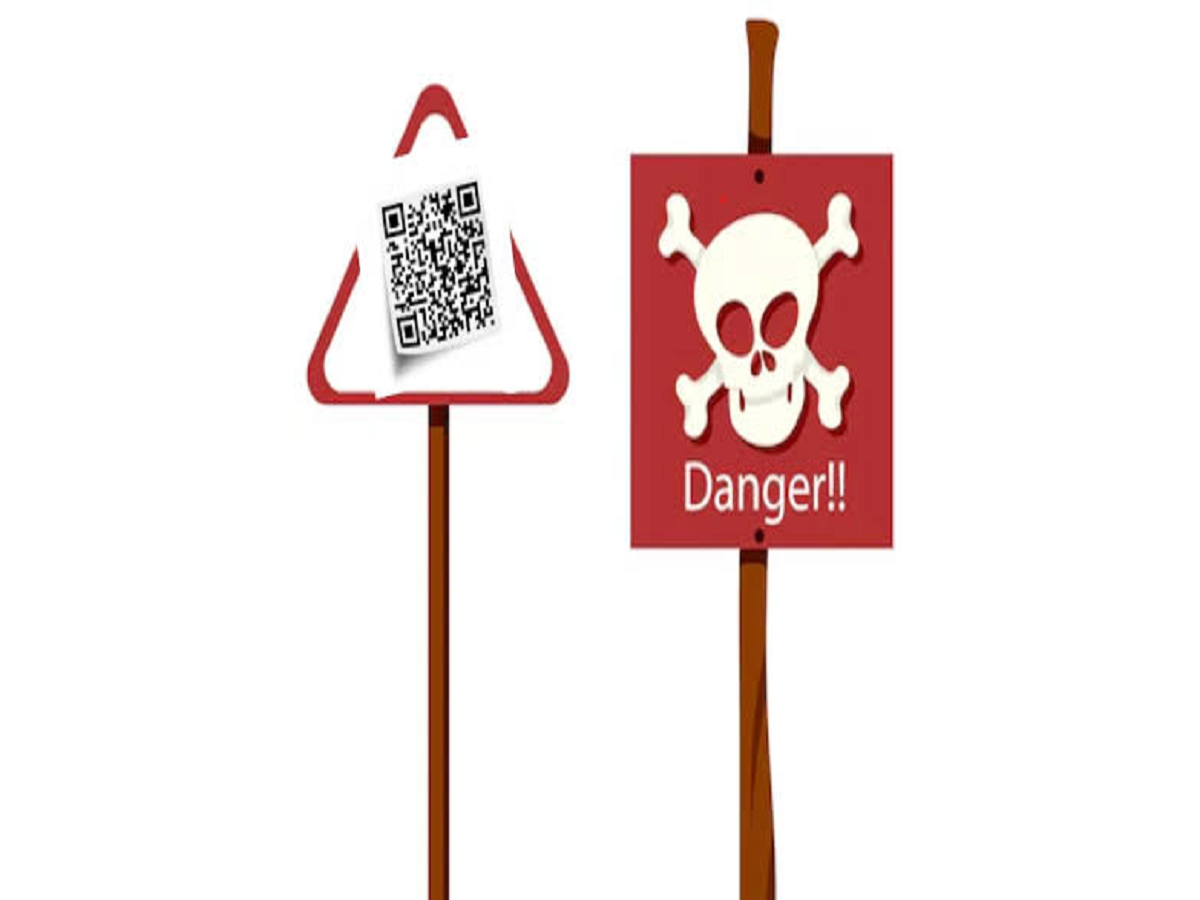
5. Be careful with QR codes placed over existing ones
Scammers can physically replace legitimate QR codes with their own.
This can happen on posters, payment counters, parking machines, vending machines or other public locations.
Before making a payment, check the recipient's name displayed in your payment application and confirm that it matches the intended person or business.
6. Never share OTPs after scanning a QR code
A QR code should never become a reason to reveal an OTP to another person.
If somebody asks you to tell them the OTP that arrives on your phone, treat it as a major warning sign.
Banks, payment companies and legitimate services generally do not need you to verbally disclose your OTP to complete a transaction on your behalf.
7. Don't let someone remotely control your phone
Another dangerous variation involves scammers asking victims to install screen-sharing or remote-access applications after scanning a QR code.
They may claim they need access to "verify" a refund, troubleshoot a payment or help with a banking issue.
Giving an unknown person remote access to your device can expose highly sensitive information.
The safest way to use QR codes
QR codes themselves are not the problem. The important thing is what happens after you scan them.
Before making a payment or entering personal information:
-
Verify who sent the QR code.
-
Check the recipient's name before paying.
-
Never share your UPI PIN.
-
Never reveal an OTP.
-
Avoid unknown APK downloads.
-
Don't install remote-access apps at another person's request.
-
Leave the page if it looks suspicious.
Remember one simple rule
If a QR code is connected to money, passwords or personal information, slow down.
Scammers often rely on people acting quickly without checking the details. Taking an extra few seconds to verify the recipient, website or request can prevent a much bigger problem later.
In the digital-payment era, convenience is valuable—but a little caution is even more valuable.