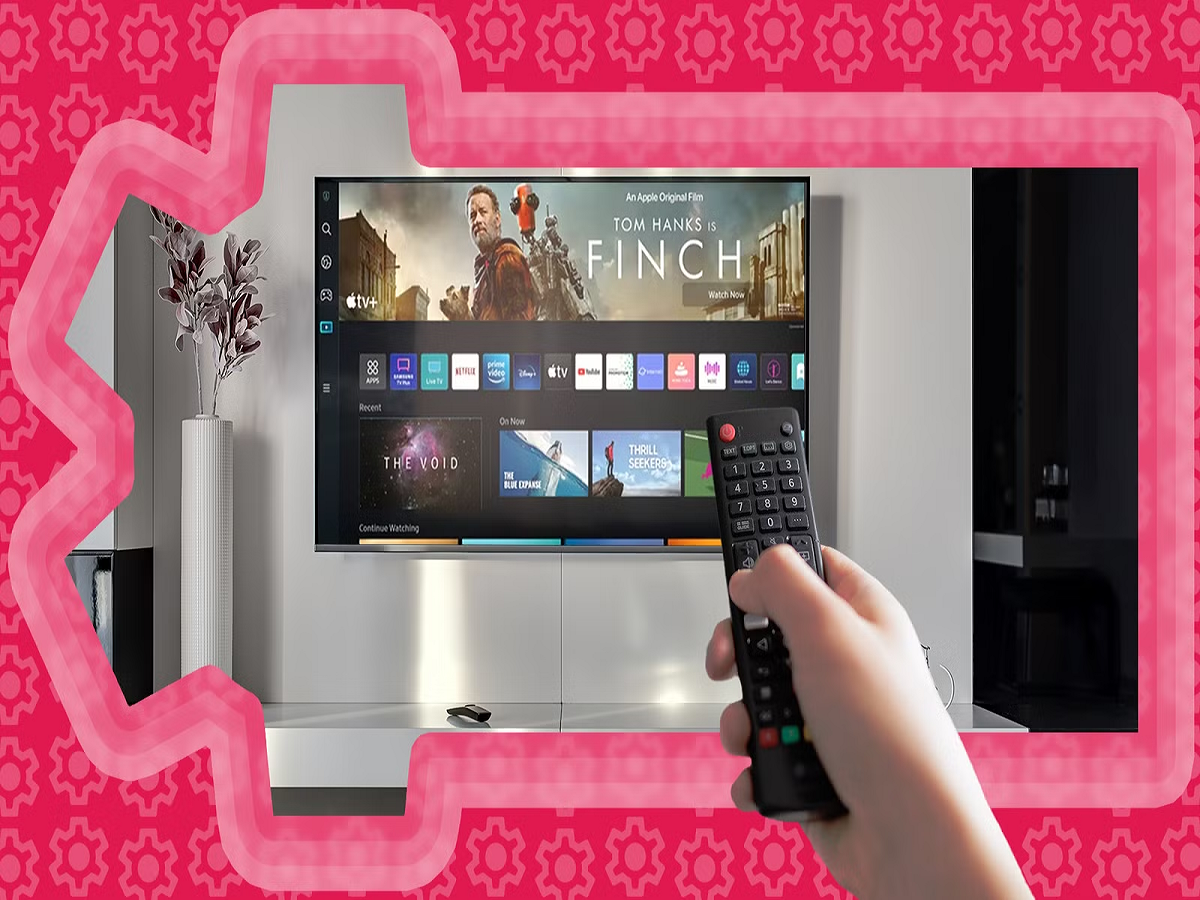
Smart TVs have transformed the way people watch entertainment. From streaming movies and television shows to browsing YouTube and connecting gaming consoles, today's televisions offer far more than traditional cable viewing.
But there is something many users overlook: a smart TV is also an internet-connected device that may collect information about viewing habits, app usage and interactions with advertisements. Depending on the manufacturer, model and settings, certain features may share data to personalise recommendations or support advertising services.
This does not mean your television is secretly watching everything you do. However, reviewing its privacy settings can help you understand what information is collected and decide how much you want to share.
Here are six smart TV settings worth checking.
1. Turn Off Automatic Content Recognition If You Don't Need It
Some smart TVs use a technology called Automatic Content Recognition (ACR) to identify content displayed on the screen. Depending on the implementation, this information may be used to measure viewing habits, provide recommendations or personalise advertisements.
The feature may be available under names such as Viewing Information Services, Smart TV Experience or Live Plus, depending on the brand.
Open your television's settings and look under Privacy, Terms and Conditions or Advertising.
If you do not want this type of viewing-data collection, disable the relevant option where available. The exact name and location vary by manufacturer and model.
2. Review Personalised Advertising Settings
Many connected televisions offer personalised advertisements based on viewing activity or other permitted information.
Some users appreciate relevant recommendations, while others prefer to limit advertising personalisation.
Look for settings labelled Advertising, Ad Personalisation or Interest-Based Advertising. You may be able to disable certain forms of personalised advertising or reset your advertising identifier.
Keep in mind that turning off personalisation does not necessarily remove advertisements. It generally changes how they are selected, and the available controls differ between television platforms.
3. Check Which Apps Have Access to Your Information
Smart TVs often support streaming services, music applications, games and other connected apps. Some may request permissions or collect information related to their functionality.
Review the applications installed on your television and remove any that you no longer use.
Where the operating system provides app permissions, check whether each application needs the access it has been granted.
Also review the accounts connected to streaming services. If you have sold an old television or stopped using a device, sign out of your accounts or remove the device from the relevant service where possible.
4. Disable Voice Recognition If You Rarely Use It
Voice controls can make it easier to search for programmes, change settings and control smart-home devices.
However, voice assistants may process voice commands through connected services, depending on the device and configuration.
If you do not use voice control, consider disabling the feature or reviewing the associated privacy settings.
If you use it regularly, check the manufacturer's explanation of how voice data is processed, stored and managed. Some devices also provide controls for deleting saved voice recordings or reviewing voice-assistant history.
Remember that a microphone-equipped remote and a television with a built-in voice assistant may have different settings.
5. Secure Your Smart TV's Internet Connection
A smart TV connected to the internet can receive software updates and access streaming services. Keeping it connected is useful, but basic security still matters.
Use a secure home Wi-Fi network with a strong password. Avoid connecting your television to unfamiliar public networks unless necessary.
Install official software updates when available. These updates can fix bugs and security vulnerabilities.
If your router supports a guest network or separate network for smart-home devices, you may consider using it for connected electronics. The setup depends on your router and household requirements.
Never install unofficial firmware or applications from untrusted sources simply to unlock additional features.
6. Use a Separate Account and Review Connected Services
Some televisions encourage users to sign in with a manufacturer account to access app stores, cloud features and personalised recommendations.
Before signing in, review which features require an account and which work without one.
Use a strong, unique password and enable additional account security where supported. Avoid storing payment information on the television unless it is necessary.
If you have children using the TV, review parental controls and purchase restrictions to reduce accidental purchases and limit access to unsuitable content.
Why Do Smart TVs Need Your Data?
Data collection is not always harmful. Viewing information can help services recommend programmes, remember preferences and improve their products. Some information is also required for essential functions such as account management and streaming performance.
The important distinction is between data needed to provide a service and optional data collection used for analytics or advertising.
Manufacturers and streaming platforms do not all operate in the same way. Their policies, settings and data practices can vary by model, software version, country and service.
That is why checking the privacy options on your own television is more useful than assuming every smart TV collects the same information.
Should You Disconnect Your Smart TV From the Internet?
Not necessarily. Disconnecting your television can limit its connected features, but it also prevents you from using many streaming apps and online services.
A better first step is to review privacy settings, disable optional data collection where possible, remove unused apps and keep the software updated.
If you primarily watch television through a cable connection or external device, you may choose to keep the TV offline when its smart features are not needed.
Final Word
A smart TV can be a convenient entertainment hub, but its privacy settings deserve the same attention as those on your smartphone.
Take a few minutes to check viewing-data collection, advertising personalisation, app permissions, voice controls, network security and account settings. You do not need to disable every connected feature—just understand what each one does and decide which services you actually want.
The goal is simple: enjoy your favourite shows while maintaining greater control over your personal information.