Your smartphone is no longer just a device for making calls and sending messages. It can remember where you have been, learn your daily routines, access your microphone and camera, and store information about the apps you use. Many of these features are useful, but some can also raise privacy concerns if they are left unchecked.
The good news is that you don't need to be a technology expert to improve your phone's privacy. A few simple settings can make a significant difference.
1. Check which apps can access your location
Many apps request location permission even when their basic functions may not require continuous access.
Open your phone's privacy or location settings and review which apps have access to your location. For apps that don't need constant tracking, consider switching permission to "While Using the App" or disabling it completely.
2. Review microphone and camera permissions
Your camera and microphone are among the most sensitive features on your smartphone.
Check which applications have permission to use them. A shopping, calculator or wallpaper app, for example, may not need permanent microphone or camera access.
If you find an unfamiliar app with unnecessary permissions, revoke them.
3. Don't ignore the privacy dashboard
Modern smartphones provide privacy dashboards that show which applications have recently accessed sensitive information.
This can help you identify unusual activity. If an app repeatedly accesses your location, microphone or camera when you are not actively using it, investigate its permissions.
4. Delete apps you no longer use
An app sitting unused on your phone can still remain signed in, retain permissions or receive updates.
Regularly remove applications you haven't used for months. Apart from improving privacy, this can also free up storage space and reduce unnecessary background activity.
5. Be careful with notification previews
Your phone may display the contents of WhatsApp messages, banking alerts, OTPs and emails directly on the lock screen.
This can become a privacy problem if someone else can see your phone.
You can change notification settings so that sensitive message content isn't displayed until the phone has been unlocked.
6. Keep your phone and apps updated
Software updates aren't only about adding new features or changing the appearance of your phone.
They can also contain security fixes that protect against vulnerabilities. Keeping your operating system and important apps updated is therefore one of the simplest ways to improve device security.
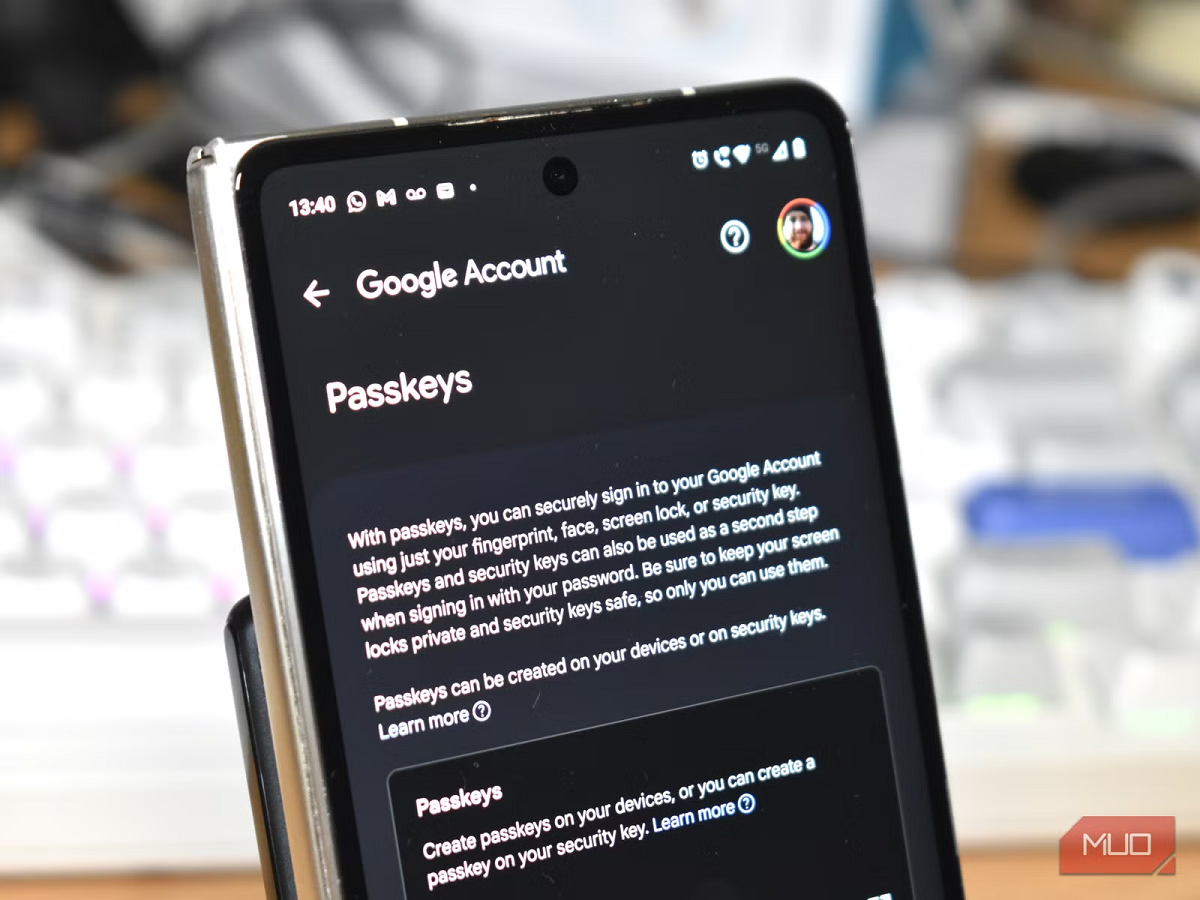
7. Use stronger account protection
Your phone may contain access to email, social media, banking applications, photographs and personal documents.
A strong screen lock is important, but protecting your major online accounts with two-factor authentication adds another layer of security.
Avoid using the same password across multiple accounts. If one account is compromised, reused passwords can put your other accounts at risk.
Your smartphone is convenient because it knows so much
Personalisation is one of the biggest advantages of modern smartphones. They learn your preferences, remember locations and make suggestions based on your behaviour.
But convenience and privacy often exist on opposite sides of the same equation.
You don't necessarily need to turn off every smart feature. Instead, regularly review what information your phone and apps can access. A five-minute privacy check every few months can help ensure that your device is sharing only the information you are comfortable providing.