TECH
WhatsApp Scam Alert: This New Feature Could Warn You About Fraudulent Chats Before You Get Tricked
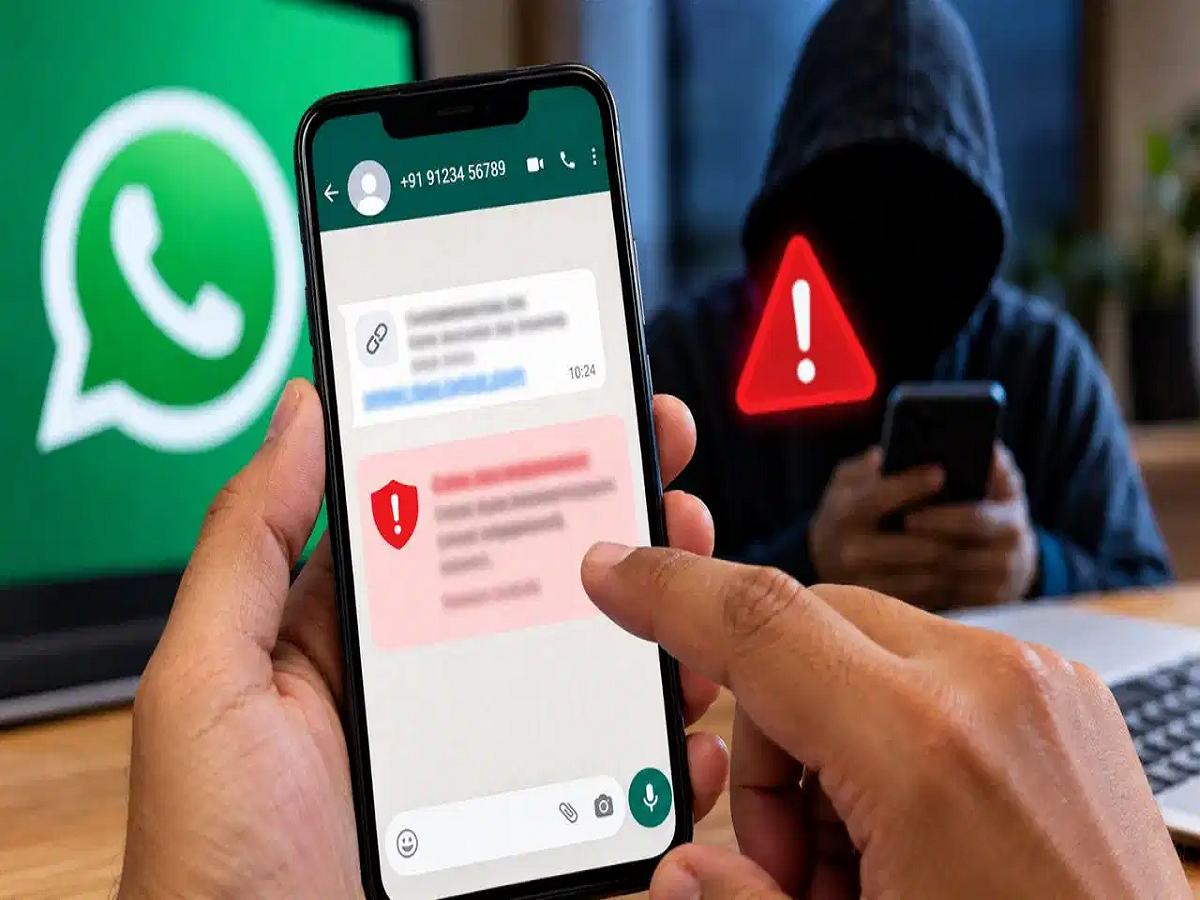
A message from an unknown WhatsApp number may look harmless at first. The sender could claim to be a bank employee, a company representative, an old friend or even a relative needing urgent help. But once the conversation begins, scammers may try to convince you to transfer money, click a suspicious link or reveal sensitive information.
To tackle this growing problem, WhatsApp is working on a new security feature called "Scam Alert". The feature is designed to identify suspicious patterns in conversations with unknown numbers and warn users before they fall victim to a potential scam.
How will WhatsApp identify suspicious conversations?
Scammers often use similar tactics to gain a victim's trust. They may create a sense of urgency, claim that an account is about to be blocked or pretend that someone close to the victim is facing an emergency.
WhatsApp's proposed security system will look for patterns associated with such suspicious conversations, particularly when users are chatting with unknown numbers.
The purpose isn't to label every unfamiliar contact as a scammer. Instead, the system is designed to identify potentially risky behaviour and give users an additional warning before they take an action that could put their money or personal information at risk.
The analysis is designed to happen on the phone
Privacy is an important part of the feature. The system uses machine-learning technology to analyse conversation patterns directly on the user's device.
According to the information provided by Meta, chat content isn't simply sent to the company's servers for this analysis. Keeping the processing on the device is intended to provide an additional layer of privacy while allowing the system to identify potentially suspicious behaviour.
Users will decide what happens next
The warning won't automatically block or report every conversation that triggers an alert.
If WhatsApp detects suspicious activity, users can review the warning and decide what to do. Depending on the available options, they may be able to block or report the number.
If the warning turns out to be a false alarm—for example, if the person is a genuine acquaintance—the user can choose to continue the conversation.
This approach gives users the final say instead of allowing the system to automatically take action against a contact.
How to turn on Scam Alert
If the feature has already reached your WhatsApp account, you may be able to enable it through the app's settings.
-
Open WhatsApp on your smartphone.
-
Go to Settings.
-
Open the Account section.
-
Look for the "Scam Alert" option.
-
Turn on the available toggle.
However, the feature is currently being rolled out gradually and may only be available to selected Android beta testers. If you don't see the option, there is no need to install unofficial apps or modified versions of WhatsApp to access it.
iPhone users may have to wait until the feature becomes available for their platform.
Don't rely only on an AI warning
Even with new security tools, users should remain cautious. A warning system can help identify suspicious behaviour, but it cannot guarantee that every scam will be detected.
Never transfer money simply because a WhatsApp contact claims to be someone you know. If a message involves an urgent payment, OTP, bank details, password or suspicious link, independently verify the person's identity before taking any action.
A few seconds of verification can prevent a much bigger financial loss.