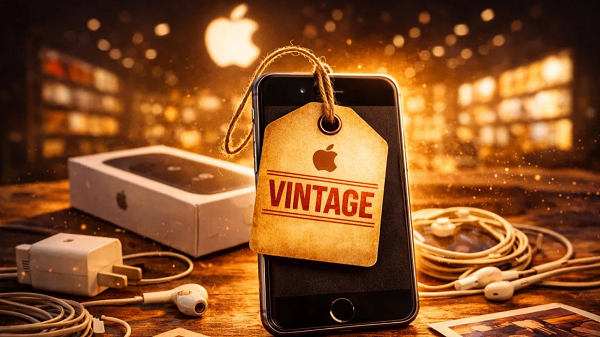
Apple has updated its Vintage Products list once again, and this time several popular devices have been added—including a well-known iPhone model. If you’re using one of these devices, you might be wondering what “vintage” actually means and whether it changes anything for you. Here’s a simple explanation.
Devices newly added to Apple’s Vintage list
Apple has now classified the following products as vintage:
-
Apple iPhone 11 Pro
-
iPhone 8 Plus (128GB variant)
-
Apple Watch Series 5
-
iPad Air (3rd generation)
-
MacBook Air (2020)
The iPhone 11 Pro was launched in 2019 and is still capable of running recent iOS versions. Interestingly, other storage variants of the iPhone 8 Plus were already on the vintage list, and now the 128GB version has joined them as well.
What does Apple’s Vintage list mean?
According to Apple, a product is considered vintage when:
-
Apple stopped selling it more than 5 years ago, but
-
It has been less than 7 years since it was discontinued.
Being on the vintage list does not mean your device suddenly stops working or becomes unusable.
How does this affect you as a user?
If your iPhone or Apple device is now classified as vintage:
-
Apple Stores and Apple Authorized Service Providers may still repair it
-
Repairs are possible only if spare parts are available
-
If parts are unavailable, Apple may refuse hardware repairs
-
Software support (like iOS updates) may still continue for some time, depending on the model
In short, repairs are no longer guaranteed.
What does “Apple Obsolete” mean?
Apple uses another category called Obsolete, which is more serious.
A product is considered obsolete if:
-
It was discontinued more than 7 years ago
For obsolete products:
-
Apple completely stops hardware service and repairs
-
Spare parts are no longer supplied
-
Software updates are usually discontinued as well
Should you be worried?
Not immediately. If your iPhone 11 Pro or another listed device is working fine, you can continue using it as usual. However, if your phone develops a hardware issue in the future, getting it repaired may become difficult.
What you should do now
-
Use a good protective case to avoid damage
-
Backup your data regularly
-
Consider upgrading if your device already has battery or hardware issues