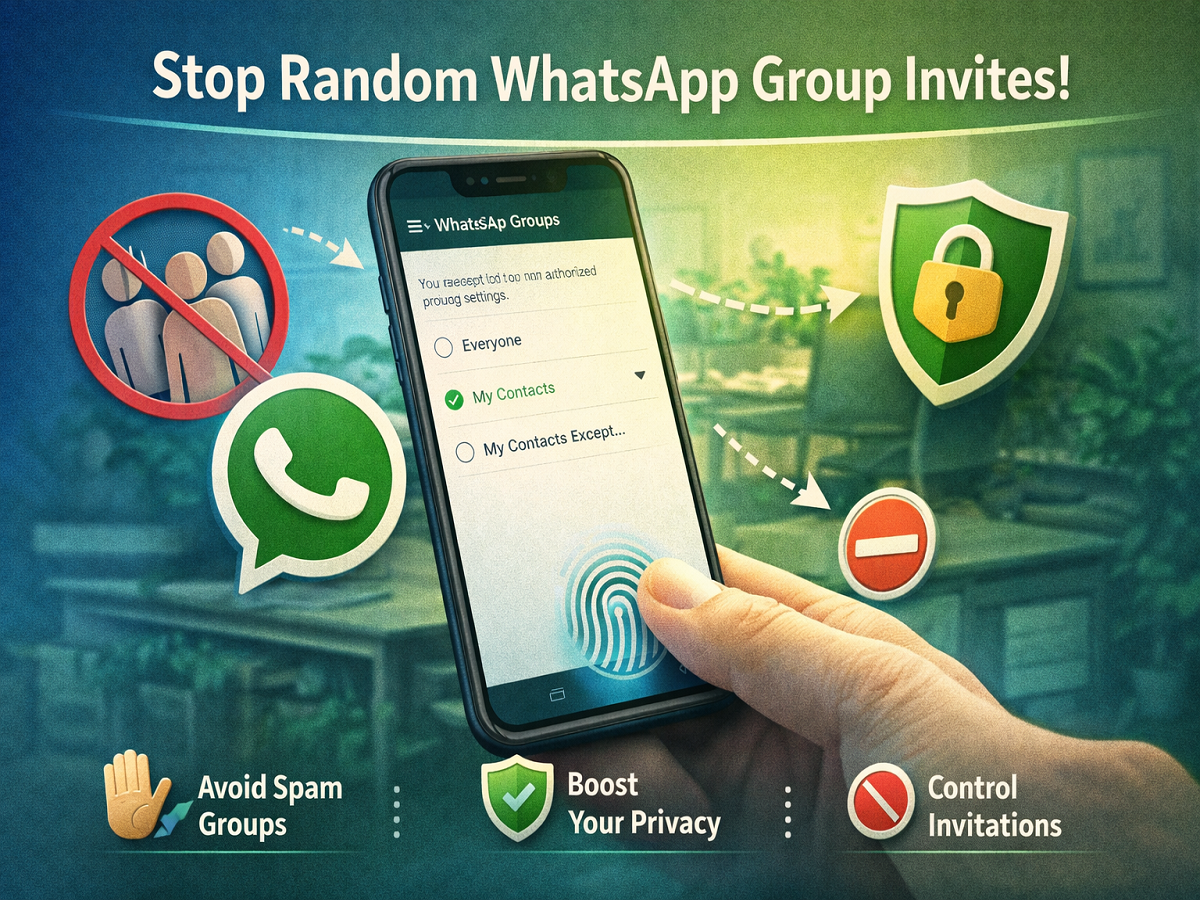
Unwanted additions to WhatsApp groups have long been a common annoyance for users. From promotional groups to unknown communities, many people have experienced being added without their consent. To address this issue, WhatsApp has introduced enhanced group privacy settings that give users more control over who can add them to groups.
If you’re tired of being added to random WhatsApp groups, this guide will walk you through how to manage your privacy settings effectively on both Android and iPhone.
Why WhatsApp Introduced Group Privacy Controls
Earlier, anyone who had your phone number could add you to a WhatsApp group without asking. This led to privacy concerns, spam, and unnecessary notifications. After receiving feedback from users worldwide, WhatsApp rolled out new group privacy options to provide better control and a more secure experience.
With these settings, users can now decide exactly who is allowed to add them to groups, reducing unwanted interruptions and protecting personal space.
Key Requirements Before You Start
Before changing your group privacy settings, make sure:
- You are using the latest version of WhatsApp
- Android users should have version 2.19.308 or newer
- iPhone users should have version 2.19.112 or newer
Updating the app ensures that you can access the latest privacy features without any issues.
How to Enable WhatsApp Group Privacy Settings
For Android Users
If you are using an Android smartphone, follow these steps to stop being added to groups without permission:
Step 1: Open WhatsApp on your device
Step 2: Tap the three-dot menu in the top-right corner and go to “Settings”
Step 3: Navigate to Account > Privacy
Step 4: Tap on Groups
Here, you will see three options:
- Everyone
Selecting this option allows any WhatsApp user to add you to groups without restrictions. - My Contacts
Only people saved in your contact list can add you to groups. - My Contacts Except…
This is the most powerful option. You can select specific contacts who will NOT be allowed to add you to groups. Everyone else will need to send you an invite.
If someone who is restricted tries to add you, they will have to send a private invitation instead. You will have 72 hours to accept or decline the invite.
For iPhone Users
iPhone users can also take advantage of the same privacy controls. Here’s how:
Step 1: Open WhatsApp
Step 2: Tap on “Settings” from the bottom menu
Step 3: Go to Account > Privacy > Groups
You will again see the same three options:
- Everyone
- My Contacts
- My Contacts Except…
Choose the setting that best matches your privacy preference.
What Happens After You Change the Settings?
Once you update your group privacy settings:
- Only selected users will be able to add you directly
- Others will need to send an invite link
- You’ll have full control to accept or reject group invitations
This ensures that you are no longer forced into groups without your approval.
Why This Feature Matters
These privacy controls are a major step toward improving user experience on WhatsApp. They not only reduce spam but also help users maintain control over their digital interactions.
Whether you use WhatsApp for personal communication or professional purposes, managing group privacy settings can save you from unnecessary distractions and potential security risks.
Final Thoughts
WhatsApp’s group privacy feature is simple to use but highly effective. By spending just a few minutes adjusting your settings, you can avoid unwanted group additions and enjoy a cleaner, more controlled messaging experience.
If privacy matters to you, enabling these settings is a must.