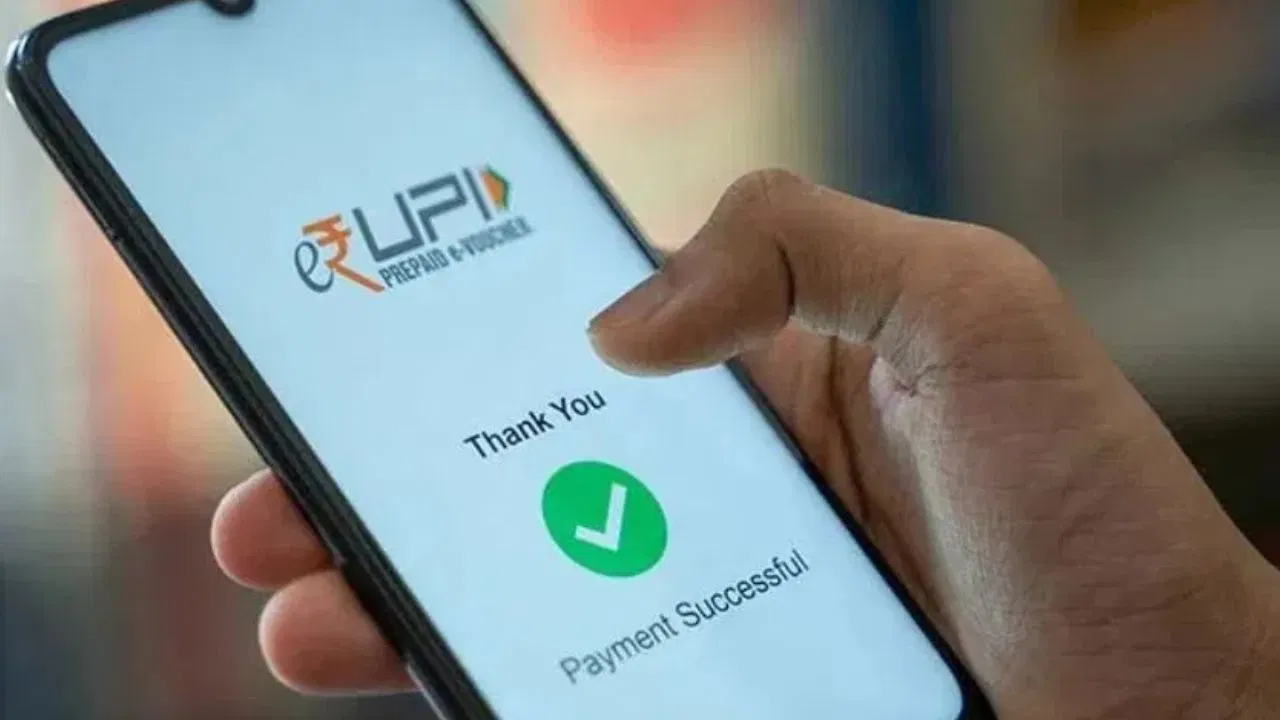
UPI has made payments quick and convenient—just scan, enter the number, and send. But in the rush, mistakes happen. Sometimes money goes to the wrong account due to a single wrong digit or QR scan. The big question: Can you get it back? The answer is yes, but you need to act fast. Here’s the step-by-step guide.
1. Check Your Transaction Details Immediately
-
Open your UPI app (Google Pay, PhonePe, Paytm, BHIM UPI, etc.).
-
Go to Transaction History and check where the money has gone.
-
Note down the Transaction ID / UTR number and take a screenshot.
-
Contact the customer support/help section of the app and report the issue right away. The app team will raise a request with the receiver’s bank.
2. Contact Your Bank Directly
-
If the UPI app does not solve it, visit your bank branch or call bank customer care.
-
Provide them with the transaction ID and date.
-
The bank will officially send a request to the receiver bank for reversal of funds.
3. File a Complaint with NPCI
-
UPI is managed by the National Payments Corporation of India (NPCI).
-
If the app and bank don’t help, visit the NPCI website and file a complaint.
-
For larger amounts, you can also approach the police cybercrime cell with transaction details, screenshots, and app proof.
4. Keep These Things in Mind
-
Always double-check mobile number/account number before sending money.
-
When scanning a QR, confirm that the receiver’s name matches.
-
Take immediate action—the longer you delay, the harder it gets to recover money.
✅ In short: App complaint → Bank → NPCI → Cyber Cell (if big fraud).
The faster you act, the higher your chances of getting money back.