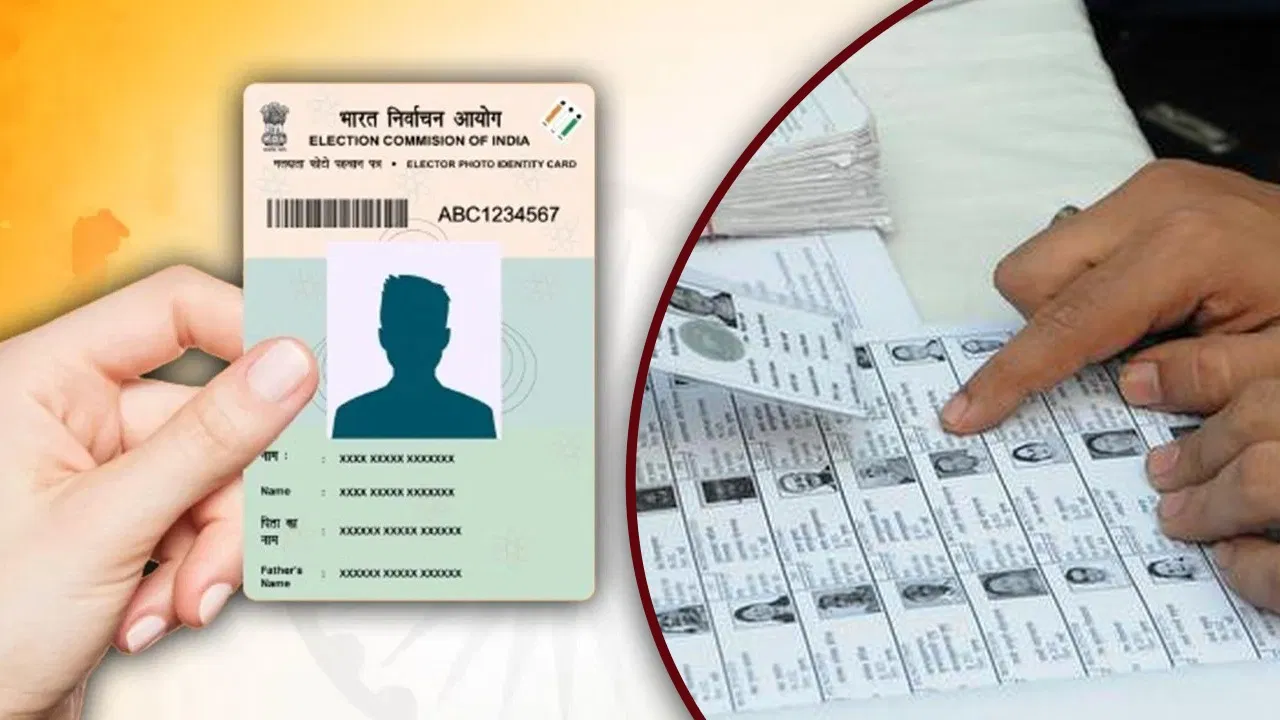
The Election Commission of India has recently released the draft of the voter list for Bihar ahead of the likely assembly elections in November 2025. Many voters want to verify whether their name, photo, and other important details are correctly listed. Here is a simple guide to check your name and details in the voter list online from the comfort of your home.
What You Need Before Checking
To search your name in the voter list, you should have:
-
EPIC number (Electoral Photo Identity Card number) from your Voter ID card
-
Name
-
Date of birth or age
-
Assembly Constituency and district details
Three Ways to Check Your Name in the Voter List
Visit the official website: electoralsearch.eci.gov.in
On this site, you will find three options to check your voter list details:
1. Search by EPIC Number
-
Select your preferred language.
-
Enter your EPIC number and state.
-
Fill in the captcha code.
-
Click on the Search button.
This will display your voter details linked to that EPIC number.
2. Search by Details
-
Choose your state and language.
-
Enter personal details like your name, father’s/husband’s name, age or date of birth, gender.
-
Provide assembly constituency and district information.
-
Enter the captcha and click Search.
This method helps if you do not have your EPIC number.
3. Search by Mobile Number
-
Select your state and language.
-
Enter the mobile number linked to your voter ID.
-
Enter the captcha and click on Send OTP (One-Time Password).
-
Enter the OTP received on your mobile to verify.
-
Click Search to see your voter details.
By using any of these methods, you can verify your name, photo, and other important voter information online easily, ensuring you are correctly listed ahead of the Bihar assembly elections. If you find any discrepancies, you can apply for corrections through the Election Commission’s portal.