TECH
Free Public Wi-Fi Can Put Your Personal Data at Risk! Here's What Hackers May Be Targeting on Your Phone
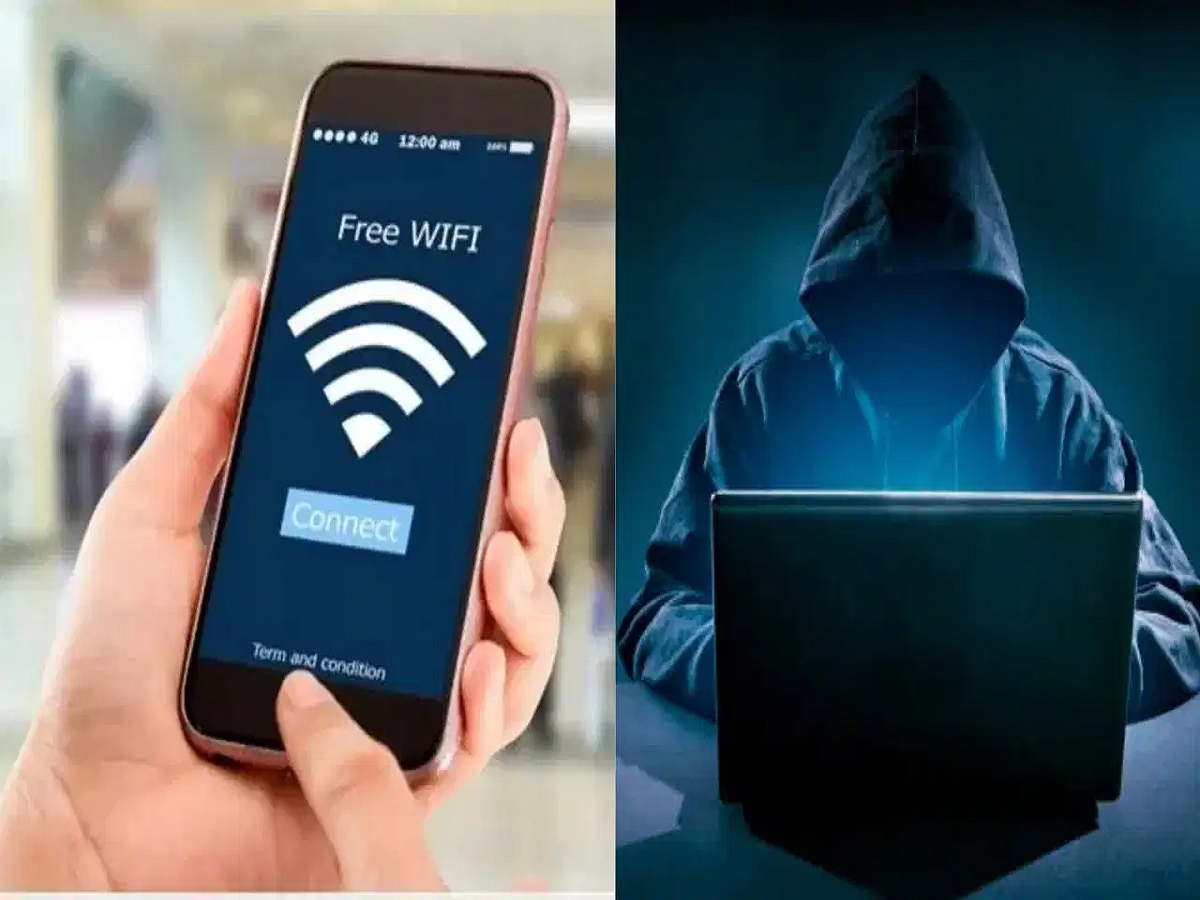
Free Wi-Fi at railway stations, airports, shopping malls, cafes and public events can be extremely convenient. It allows users to browse the internet without consuming their mobile data. However, connecting to an unsecured public network can also expose users to cybersecurity risks.
Cybercriminals may exploit poorly secured networks, create fake Wi-Fi hotspots or attempt to intercept information exchanged over unsafe connections. A careless click or connection to the wrong network could potentially put sensitive information at risk.
Cybersecurity agencies such as the US Cybersecurity and Infrastructure Security Agency (CISA) and India's CERT-In have also advised users to exercise caution while accessing public networks. But what information could be exposed when you connect your smartphone to free Wi-Fi? Let's understand.
Which Personal Data Could Be at Risk?
When you connect to an unsecured or malicious Wi-Fi network, certain information exchanged over the connection may be vulnerable.
This could include usernames, email addresses, login credentials and other personal details, particularly when users access websites or services that do not have proper encryption.
Online banking, payment and shopping activities also require caution. Although most reputed banking apps, shopping platforms and websites use encryption to protect information, connecting to public Wi-Fi does not automatically make every activity unsafe.
The bigger concern is using fraudulent networks, visiting suspicious websites or ignoring security warnings. If attackers successfully exploit these weaknesses, they may attempt to steal login information or redirect users to malicious pages.
Can Hackers Monitor Your Browsing Activity?
Public Wi-Fi networks may also reveal certain information about your internet activity.
Depending on the network configuration and security protections, the network operator may be able to identify some of the online services or domains your device connects to. However, this does not necessarily mean that someone can read everything you do online.
Websites using HTTPS encryption protect the content exchanged between your device and the website. This generally prevents other people on the same network from reading passwords, messages and other sensitive information transmitted through that connection.
Therefore, the risk depends on several factors, including the security of the network, the websites you visit and the encryption used by the services.
Beware of Fake Wi-Fi Networks Created by Hackers
One of the common risks associated with public Wi-Fi is the creation of fake hotspots.
Cybercriminals may set up a fraudulent network with a name similar to that of a genuine network available at a cafe, airport or railway station. For example, an attacker could create a network that looks almost identical to a restaurant's official Wi-Fi connection.
Users who connect without checking the network name may unknowingly join a malicious hotspot. Attackers can then attempt to monitor network traffic, redirect users to fraudulent websites or exploit other security weaknesses.
This is why CERT-In has highlighted the risks associated with fake or spoofed Wi-Fi networks. Always confirm the correct network name with the staff before connecting.
Follow These Precautions While Using Public Wi-Fi
You do not necessarily need to avoid every public Wi-Fi network, but taking a few precautions can significantly reduce the risks.
-
Avoid sensitive transactions: Do not use unsecured public Wi-Fi for banking, financial transactions or other activities involving confidential information.
-
Verify the network name: Ask the staff for the official Wi-Fi name instead of connecting to a network simply because its name looks familiar.
-
Check for HTTPS: Before entering personal information on a website, ensure that it uses an HTTPS connection. Remember that HTTPS alone does not guarantee that a website is genuine.
-
Keep your phone updated: Install the latest security updates for your smartphone's operating system and applications.
-
Turn off automatic connections: Disable automatic connection to unknown Wi-Fi networks so your phone does not join potentially unsafe hotspots without your knowledge.
-
Avoid unnecessary file sharing: Keep nearby sharing and other file-sharing features disabled when they are not needed.
-
Prefer mobile data: For banking, payments and other sensitive activities, using your mobile network is generally a safer option than connecting to an unknown public hotspot.
Is Public Wi-Fi Always Dangerous?
No. Connecting to public Wi-Fi does not automatically mean that hackers can access your phone or steal your information. The actual risk depends on the network's security, the encryption used by websites and apps, and your own browsing behaviour.
However, fake hotspots, malicious websites and unsecured connections can create opportunities for cybercriminals.
The safest approach is to avoid entering sensitive information on untrusted networks and use mobile data whenever possible for important transactions. A free internet connection may save you a little mobile data, but ignoring basic cybersecurity precautions could put your personal information at unnecessary risk.