LIFESTYLE
Driving Licence Address Change: If you change your house, update your address on your DL as well, learn about the complete process
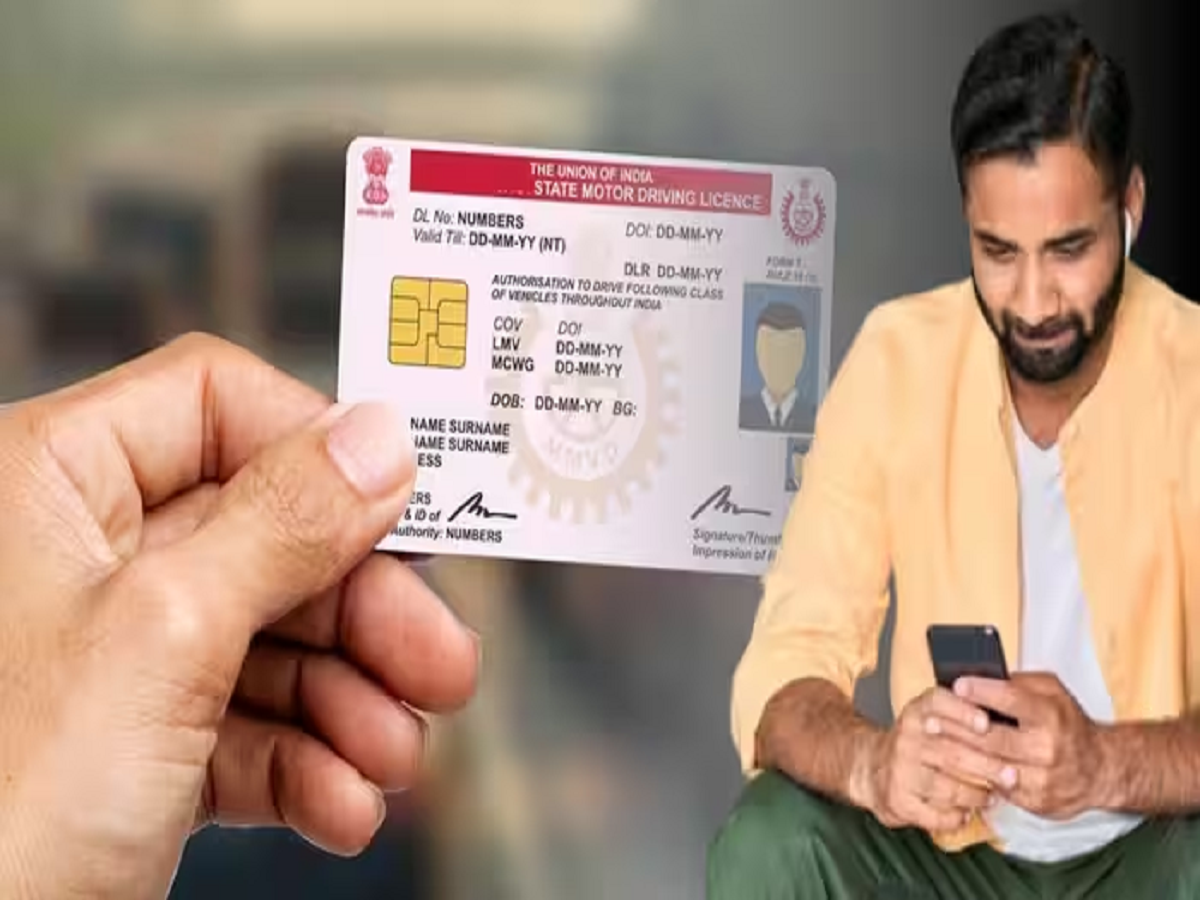
DL Address Update Online: Have you changed your address? Therefore, it's important to update your driving license. You won't even have to visit the RTO for this, as everything can be done online on your phone. You'll need the help of Parivahan Sarathi.
Driving Licence Address Change: Most people don't change the address on their driving license even after moving house because they think it will require a trip to the RTO or waiting in long queues for hours. It's worth noting that in many places, the driving license is accepted as an identity document. In such a situation, updating the address on the license becomes even more important. In today's digital age, this isn't the case at all, and you can update the address on your DL from the comfort of your home using your phone or laptop.
Keep these documents ready
- To update your driver's license address online, you'll need to upload certain documents to the portal. So, keep these documents ready.
- First of all you must have a scanned copy of your existing driving license.
- After this, as proof of new address, you can use Aadhar card, passport, voter ID card, ration card, 3 months old electricity/water/telephone bill, rent agreement.
- Keep PAN card, passport or voter card etc. ready as proof of identity.
- Apart from this, a clear and recent photograph and a copy of the digital signature taken on white paper will also be required to upload on the portal.
- With these documents, you can easily change your driving license's address on the Parivahan Sarathi portal. This eliminates the need to deal with agents or middlemen, and also saves significant time.
How to update address on driving license online?
- To change the address on your driver's license online, first visit the Parivahan Sarathi portal. You can open it on your phone or laptop's browser.
- On the home page of the portal, you can select DL-related services from the different options.
- Now enter your DL number and date of birth and click on Get DL Details and confirm your profile.
- Now select your new RTO office. Then, select Aadhaar-based e-KYC so that you don't have to visit the RTO in person.
- Now tick the checkbox for Change of Address in DL from the service list.
- Enter your new and permanent address correctly in the form.
- Now upload the new address proof and Form 1.
- When asked, also upload your passport size photo and signature.
- After this, pay the prescribed fee online to change the address in the driving license.
- After this, save the acknowledgement slip or payment receipt received.
- Based on this, you can check the status of change of address in your DL.
What to do if the state has changed
- Note that if you've changed states, you'll need to obtain an NOC from your old RTO. This can also be done online.
- For this also, select your old state on the Parivahan Sarathi portal and go to DL Services and enter the driving license number and date of birth.
- After this, select the option of Issue of NOC in the service list.
- Select your state name, new RTO and reason for getting NOC.
- Upload the required documents such as a copy of the existing DL.
- Pay the prescribed government fee for NOC.
- Your old RTO will verify your information and issue you an NOC online. Download this NOC form and receipt.
How to submit NOC at the RTO of the new state?
- Select your new state on the Parivahan Sarathi portal.
- Click on Apply for Change of Address and enter DL number and date of birth.
- Now enter the NOC number received from the old RTO and the date of issue.
- Now enter the new address and upload the proof.
- Apart from this, upload the NOC issued from the old RTO.
- Now pay the fee for changing the address in the driving license.
- After approval by the new RTO, the new driving license will be sent to your new address by speed post.