BUSINESS
Aadhar card: If you also want to update the photo in your Aadhar card, then complete these processes
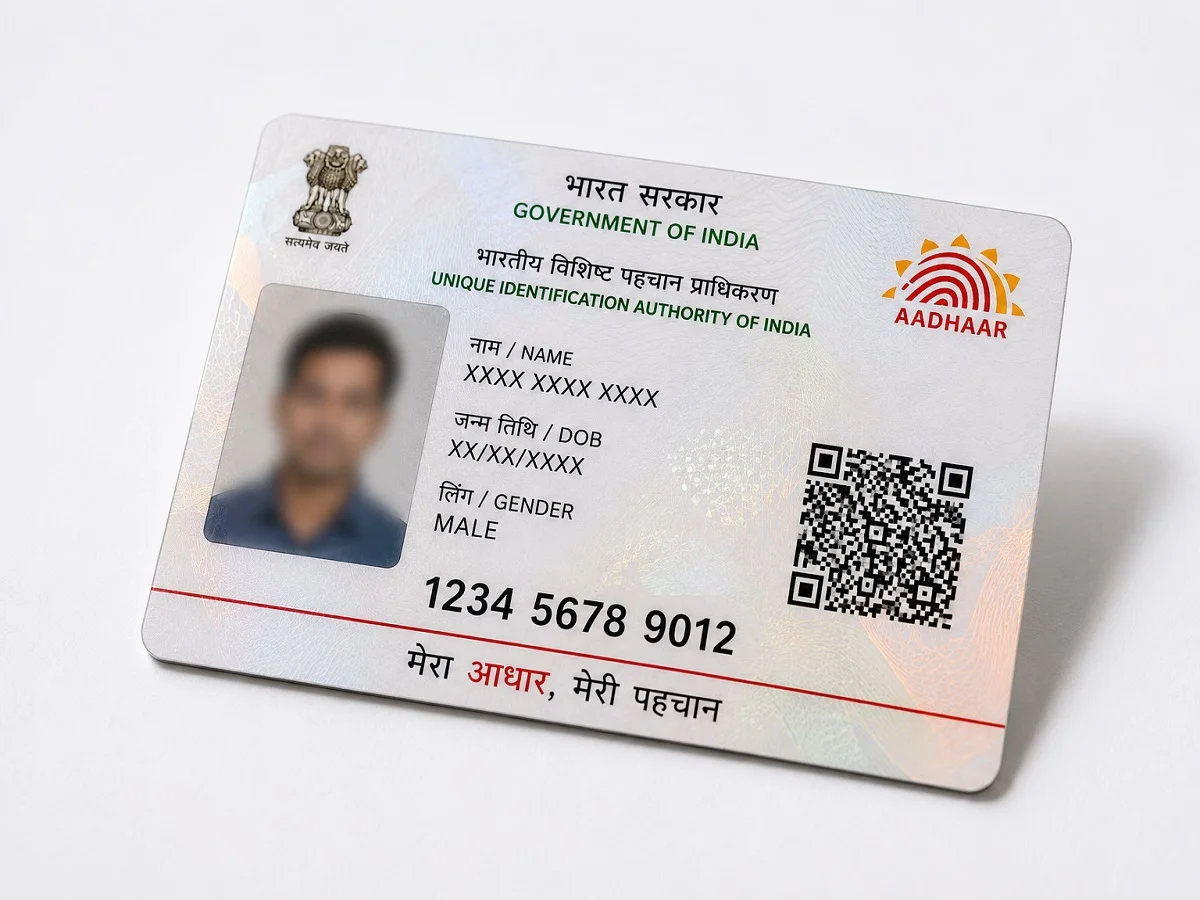
You have an Aadhaar card that's outdated and needs some updates. You probably do this from time to time. Sometimes it's your address, sometimes your mobile number, or your photo. If you're also looking to change your Aadhaar card photo, today you'll learn what you need to do.
How to change your Aadhaar photo?
If you need to change the old photo on your Aadhaar card, you can do
so by first visiting the official UIDAI website.
From there, you need to go to the "My Aadhaar" section.
In this section, click on the "Book an Appointment" option.
Now you have to fill in the required details like name, Aadhaar number, etc.
After this, you will be asked to select the things that you want to update in Aadhaar.
Then you have to choose the date on which you have to visit the Aadhaar centre
and also the time slot when you want to visit the Aadhaar service centre.
Now after making the payment, take a printout of the appointment slip.
Take it to the Aadhaar centre where you had made the appointment.
Then your biometrics are taken and you are verified.
After this, your new photo is clicked which is updated in the system.
PC: Rajasthan Khabre