TECH
Your Phone Storage Is Full Even After Deleting Photos? These Hidden Files Could Be Taking Up Space
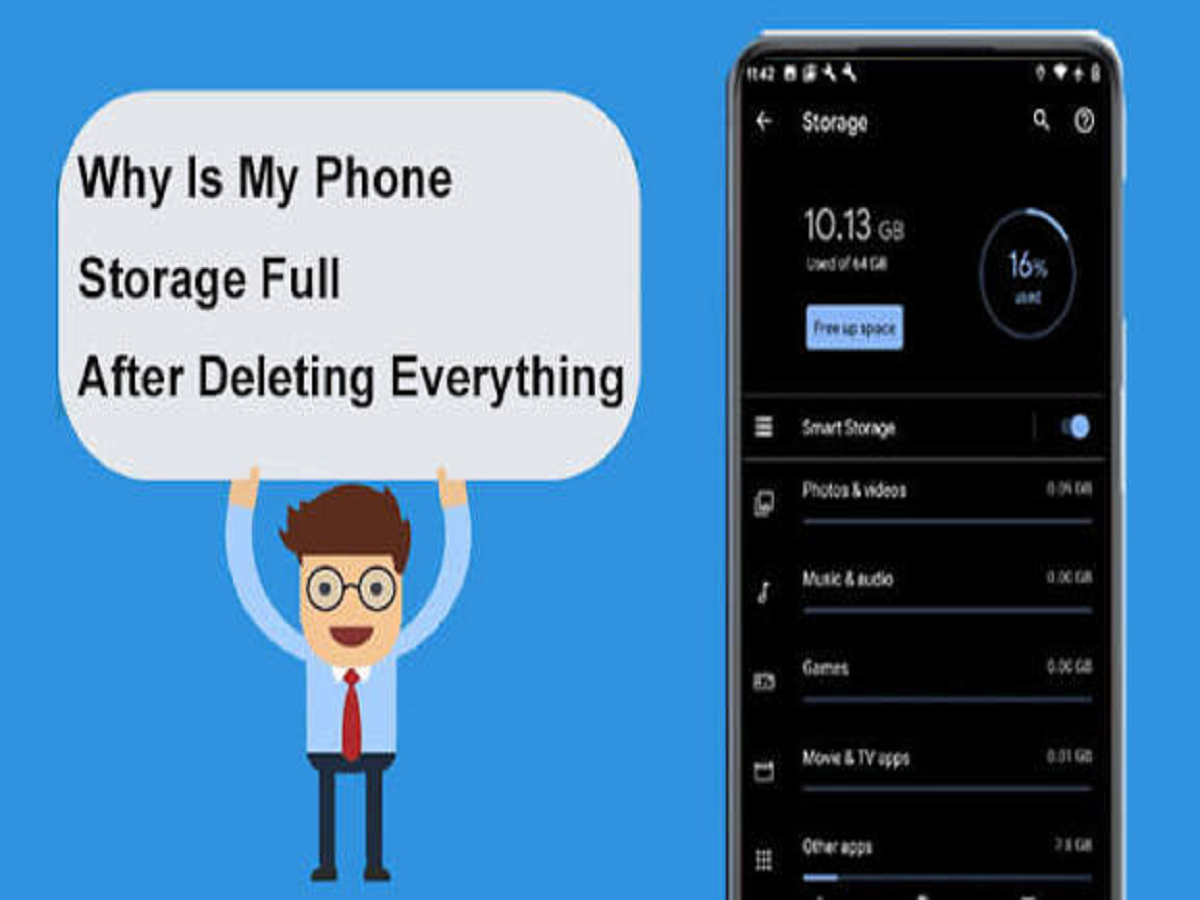
Have you ever deleted hundreds of photos, videos and apps from your smartphone, only to see the dreaded “Storage Almost Full” warning appear again?
It can be frustrating, especially when you know you've removed a lot of unnecessary files. But the reason could be that your phone's storage isn't being consumed only by the files you can easily see.
Cached data, downloaded media, duplicate files, app data and system-related files can quietly occupy several gigabytes of storage over time.
Here are some of the biggest hidden storage consumers you should check.
1. WhatsApp and Other Messaging Apps
Messaging applications can become major storage hogs.
Photos, videos, documents, voice messages and GIFs received through chats may remain stored on your phone even after you've forgotten about them.
Group chats are particularly notorious because hundreds of media files can accumulate over months.
Open your messaging app's storage-management section and check which conversations are consuming the most space. You may be surprised by the result.
2. App Cache Can Keep Growing
Apps often store temporary files to make themselves load faster.
Over time, these cached files can become quite large, particularly with apps that constantly handle images and videos.
Android users can generally check an app's storage information and, where appropriate, clear its cache.
However, avoid randomly clearing app data unless you understand what it does, because clearing data can reset an application or remove locally stored information.
3. Streaming Apps May Have Downloaded Content
Did you download a movie for a flight months ago?
Offline content from streaming services, music applications and podcast apps can quietly occupy storage until you manually remove it.
Check the downloads section of your frequently used entertainment apps and delete anything you no longer need.
4. Your Downloads Folder Could Be a Mess
The Downloads folder is one of the easiest places to forget about.
PDFs, images, installation files, documents, videos and other files downloaded from browsers or messaging applications can remain there indefinitely.
Sort the folder by file size and remove files you no longer require. Large videos and documents can quickly free up significant storage.
5. Deleted Photos May Not Be Gone Immediately
Deleting a photograph doesn't necessarily mean it disappears instantly.
Many gallery applications move deleted photos and videos to a Trash, Recently Deleted or Bin folder for a limited period before permanently removing them.
If you need to free up space immediately, check this folder and permanently delete files you are certain you no longer need.
6. Duplicate Photos Can Eat Gigabytes
Screenshots, edited versions, downloaded images and duplicate photographs can accumulate surprisingly quickly.
Your phone may offer a built-in tool to identify duplicate or similar files. If available, review these suggestions carefully before deleting anything.
This is particularly useful for people who frequently receive the same images through messaging apps.
7. Offline Maps and Other Downloads
Navigation applications can allow users to download maps for offline use.
These downloads can be useful while travelling, but old regions you no longer need may still occupy storage.
Similarly, language packs, offline dictionaries and other downloadable resources can remain on your device long after you stop using them.
8. System and App Data May Be Larger Than Expected
Sometimes the biggest category shown in your storage settings isn't a single identifiable file.
Operating-system files, application data, temporary files and other system-related information can occupy substantial space.
Don't delete system files manually just because their names look unfamiliar. Use the storage-management tools provided by your phone instead.
9. Cloud Backup Doesn't Always Mean Instant Storage Savings
Many people assume that once photographs are backed up to the cloud, they automatically disappear from the phone.
That's not necessarily how every service works.
Some cloud-photo services provide an option to optimise or free up local storage after confirming that photos have been backed up. Check the app's settings before removing local copies.
How to Free Up Storage Safely
Before deleting anything, start with your phone's built-in storage manager.
Look for categories such as:
-
Large files
-
Duplicate files
-
Unused applications
-
Downloaded videos
-
Cached data
-
Screenshots
-
Old documents
-
Recently deleted files
Also check your messaging and streaming applications separately, as they may have their own storage-management tools.
Don't Delete Everything Just to Free Space
One important rule is to avoid deleting files simply because they're unfamiliar.
Some files may be required by applications or the operating system. Instead, focus on personal files you recognise and no longer need.
If you're unsure about an important photograph, document or video, back it up first.
Bottom Line
A full smartphone doesn't necessarily mean you've got too many photographs.
Messaging media, app caches, offline downloads, duplicate files, forgotten documents and deleted items sitting in the Trash can quietly consume a surprising amount of storage.
Before buying a phone with more storage—or deleting precious memories—spend a few minutes checking where your existing storage is actually going. You may be able to recover several gigabytes without removing anything important.