Your smartphone knows a surprising amount about your daily life. From your location and contacts to your photos, microphone and browsing activity, many apps can request access to sensitive information. While these permissions are often necessary for certain features, giving unnecessary access can create privacy risks.
The good news is that you don't need to stop using apps to protect your data. A few simple settings can help you understand exactly what your apps can access and remove permissions they don't need.
Why do apps ask for so many permissions?
When you install an app, it may request access to different parts of your phone. A navigation app may need your location, while a video-calling app may require access to your camera and microphone.
However, some apps may request permissions that aren't essential for their primary function. For example, a simple calculator generally doesn't need access to your contacts or microphone.
This is why checking permissions instead of automatically tapping "Allow" is important.
Microphone access deserves special attention
The microphone is one of the most sensitive permissions on a smartphone. Apps with microphone access can potentially use it when their functionality requires it.
Both Android and iPhone provide indicators when the microphone or camera is being accessed. If you notice unexpected activity, check which application recently used the permission.
You can also change microphone access from your phone's privacy settings.
Location tracking can reveal your routine
Location data can reveal where you live, work, travel and spend your free time. Many apps don't need continuous access to your location.
Instead of allowing an app to access your location all the time, consider choosing options such as "While Using the App" when available.
For apps that don't require location functionality at all, the safest option is to deny access.
Don't give every app access to your photos
Photo libraries can contain much more than ordinary pictures. Screenshots may include bank information, identity documents, tickets, addresses or other private details.
Modern smartphones allow users to provide limited access to selected photos in many situations. This can be a better option than giving an app unrestricted access to your entire gallery.
Check which apps you haven't used recently
Over time, phones accumulate apps that were installed for a specific purpose and then forgotten.
An app you no longer use doesn't need access to your personal information. Delete apps that you don't need, and review permissions for those you continue to use.
Turn off unnecessary permissions
You can regularly check your phone's privacy settings to see which applications have access to:
- Camera
- Microphone
- Location
- Contacts
- Photos and videos
- Files
- Bluetooth
- Calendar
- Nearby devices
If an app doesn't genuinely need a particular permission, revoke it.
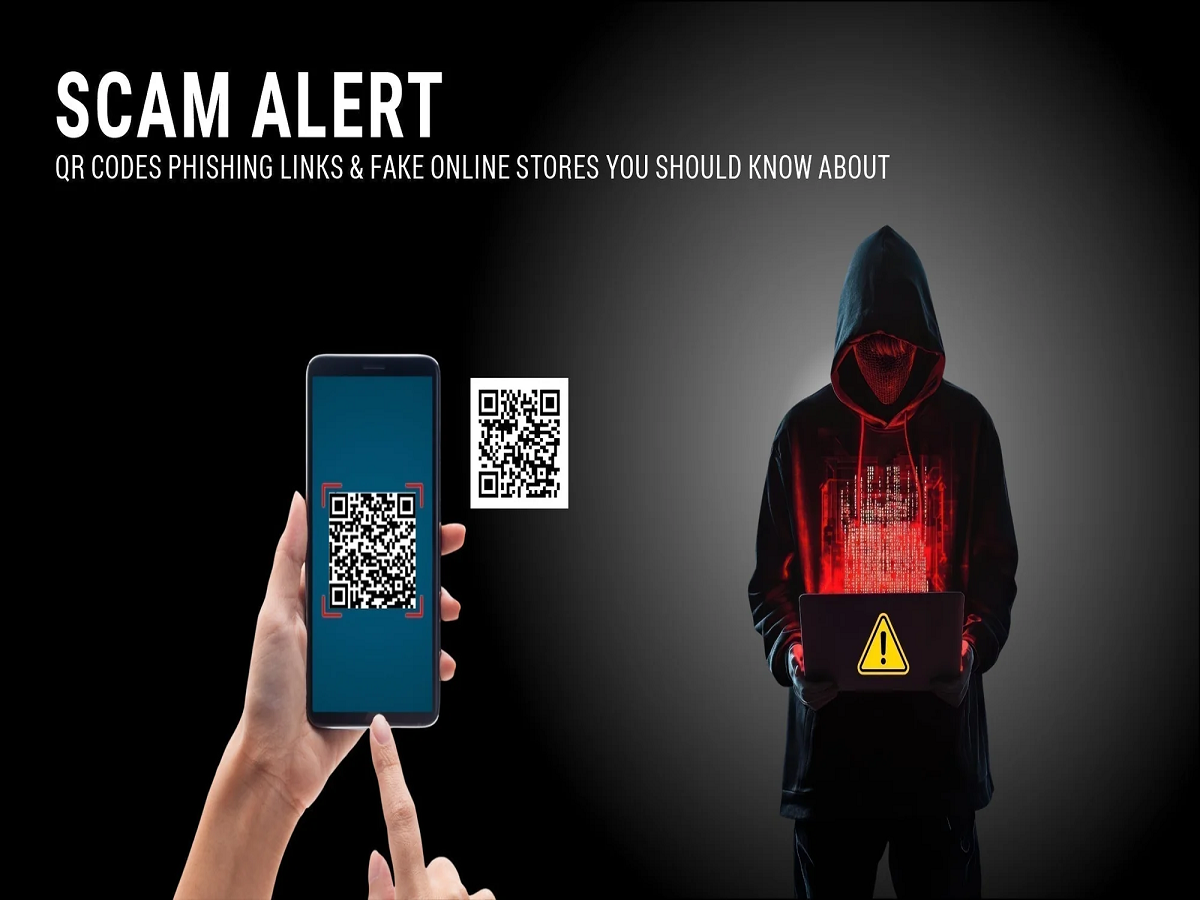
Be careful with unknown apps and APK files
Installing applications from unofficial websites can increase security risks. Such apps may not have gone through the same security checks as applications distributed through official app stores.
Avoid installing apps simply because a website promises premium features, free subscriptions or modified versions of popular applications.
One simple habit can improve smartphone privacy
The next time an app asks for permission, don't automatically press "Allow." Ask yourself one question: Does this app actually need this information to perform the function I want?
If the answer is no, deny the permission.
Your smartphone is designed to make everyday life easier, but protecting the information stored on it requires a little attention. A quick privacy check every few months can help reduce unnecessary access and keep your personal data better protected.