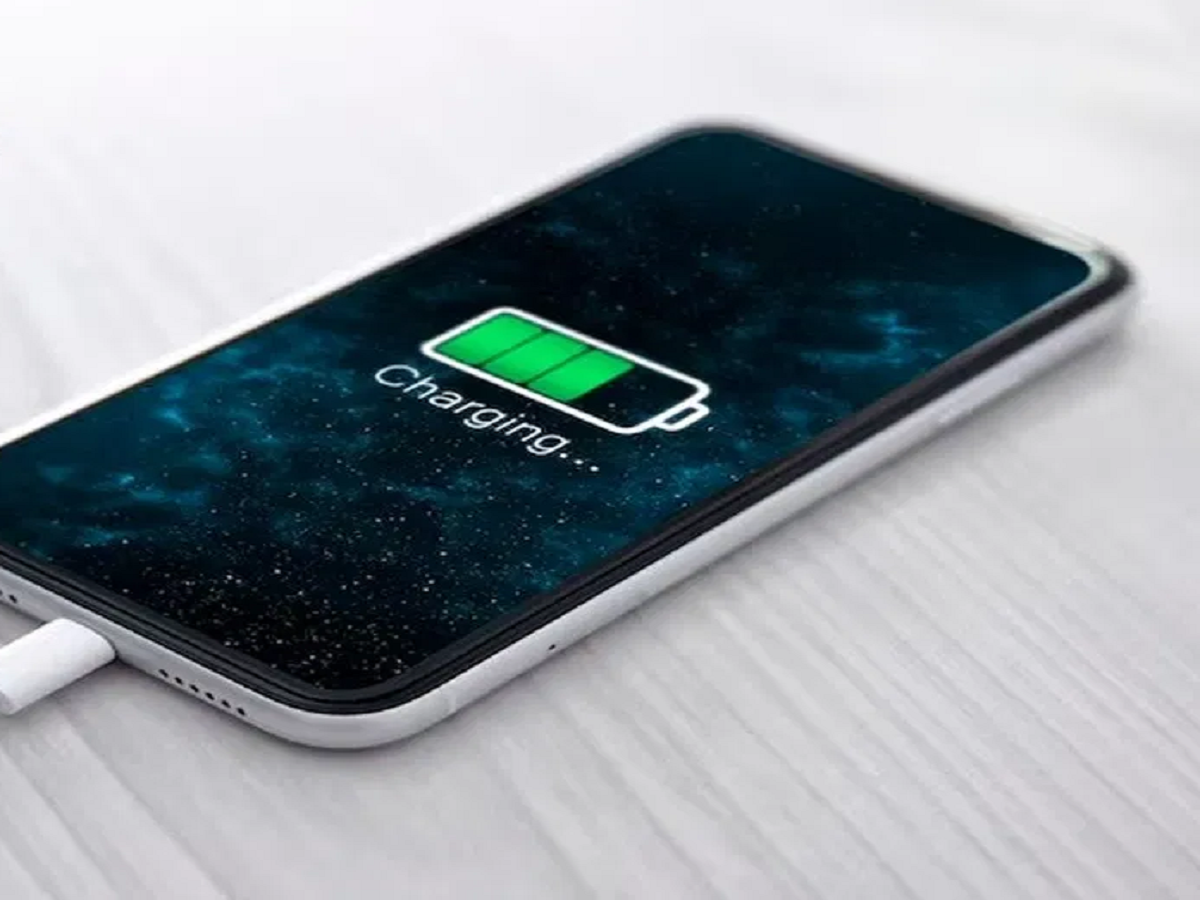
We’ve all been there: you plug your phone in overnight to ensure you wake up to a solid 100%. While that full icon gives you peace of mind, it’s actually doing invisible damage to your device. In an era where smartphones are our lifelines, battery longevity is more important than ever.
Tech experts warn that consistently pushing your battery to its absolute limit creates long-term stress that can slash your phone's lifespan. Here is why you should break the 100% habit and how to keep your battery healthy for years.
The Science of Stress: Why 100% is Too Much
Almost every modern smartphone uses a Lithium-ion (Li-ion) battery. These batteries have a limited number of "charge cycles."
-
The Problem: The final push from 80% to 100% requires higher voltage and generates more internal heat. This puts the battery cells under high tension.
-
The Result: Repeatedly keeping the battery at full capacity causes it to chemically age faster, leading to a phone that dies by lunchtime after just a few months of use.
The Golden Standard: The 20-80 Rule
To keep your battery in the "sweet spot," experts recommend the 20-80 Rule:
-
Don't let it drop below 20%: Deep discharges are physically damaging to the battery.
-
Don't charge above 80%: Stopping at 80% significantly reduces the chemical strain on the cells. By staying within this 60% window, you can double or even triple the total lifespan of your battery.
Hidden Killers: Common Charging Mistakes
It isn't just the percentage that matters; it’s the environment.
-
The Heat Trap: Charging your phone under a pillow or in a thick case traps heat—the #1 enemy of Li-ion batteries.
-
"Heavy" Charging: Playing high-graphics games or using GPS while plugged in causes "parasitic loading," where the battery is being drained and charged at the same time, leading to overheating.
-
Cheap Cables: Always use original or certified chargers. Low-quality adapters can provide unstable voltage, which can permanently fry your battery's health.
How to Automate Your Battery Health
Luckily, your phone has built-in tools to help you stay within the healthy range.
For iPhone Users
Apple has integrated Optimized Battery Charging and Charging Limits in recent models.
-
How to find it: Go to Settings > Battery > Battery Health & Charging.
-
The Benefit: You can set a hard limit (like 80%) so the phone stops drawing power even if it stays plugged in all night.
For Android Users
Most modern Android brands (Samsung, Google, Pixel, etc.) offer features like Protect Battery or Adaptive Charging.
-
How to find it: Look in your Settings > Battery or Device Care section.
-
The Benefit: These features learn your sleep schedule. They will charge your phone to 80% quickly and then wait until right before you wake up to finish the final 20%, or simply cap the charge at 80% or 85% to maximize longevity.