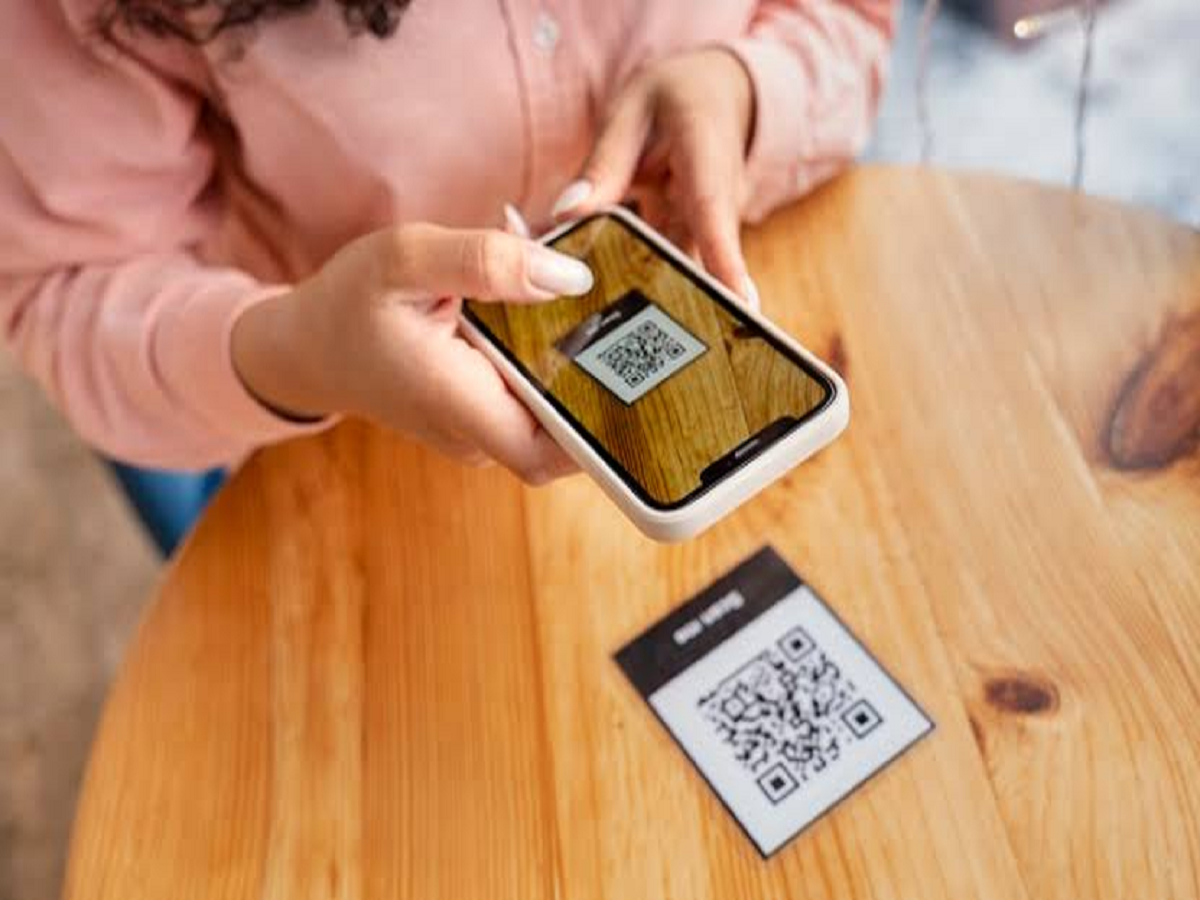
QR codes have made everyday payments incredibly convenient. From restaurants and shops to parking facilities and online purchases, people can complete transactions by scanning a code with their smartphones.
However, scammers are also exploiting this convenience. Fake QR codes, fraudulent payment requests and deceptive links can trick users into authorising transactions or revealing sensitive information.
Here's how to recognise these scams and protect yourself.
A QR Code Doesn't Automatically Mean You Will Receive Money
One of the most important things to remember is that scanning a QR code can be part of making a payment.
Scammers may claim that you need to scan a QR code to receive a refund, cashback or payment. They may then ask you to enter your UPI PIN.
Never enter your UPI PIN simply because someone tells you that it is required to receive money.
Check the Payment Details Before Approving
Before completing a UPI transaction, carefully check the recipient's name and the amount displayed on your screen.
If the details don't match what you expected, cancel the transaction immediately.
Don't approve a payment request just because the sender claims it is necessary to process a refund or solve an account problem.
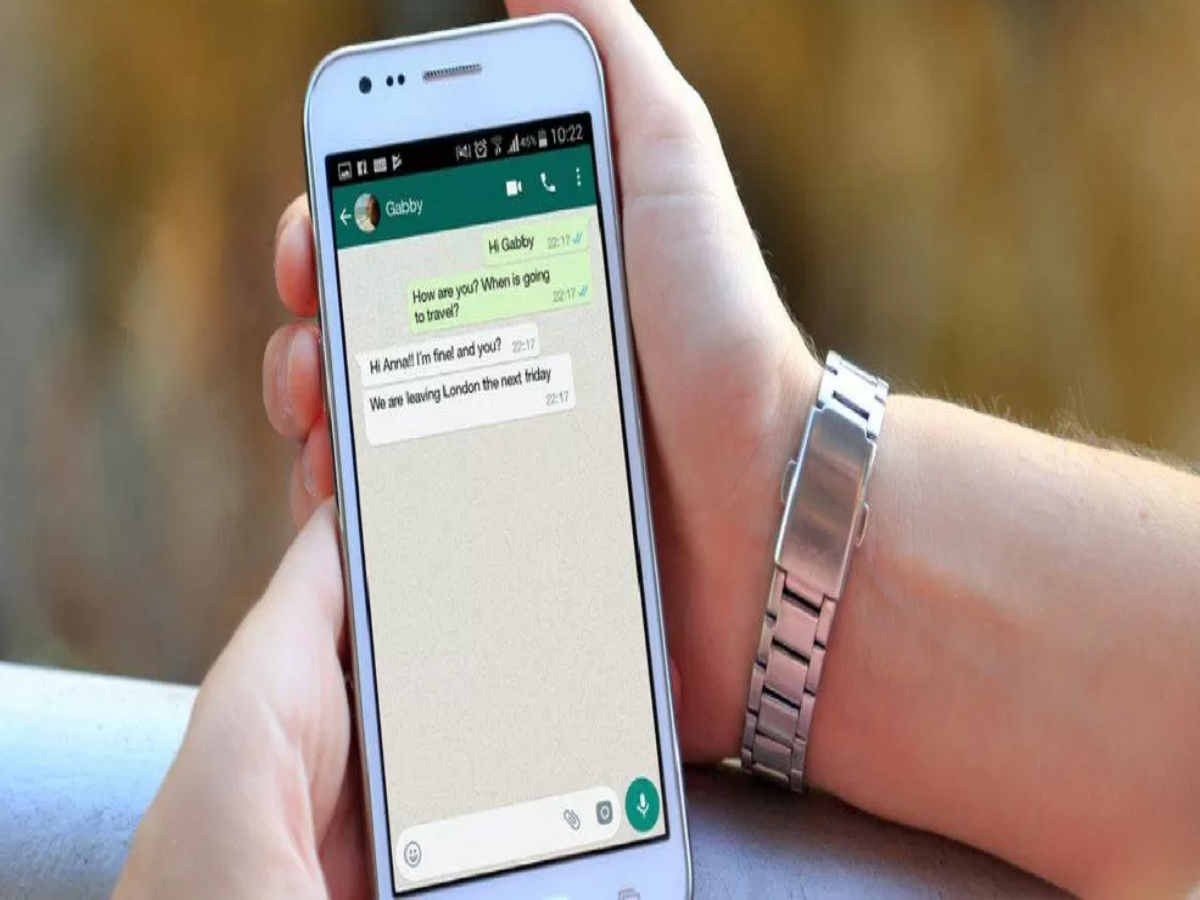
Be Careful With QR Codes Sent on WhatsApp
Fraudsters can send QR codes through WhatsApp, SMS, email or social media and create convincing stories around them.
They may pretend to be customer-care representatives, delivery agents, bank employees or sellers.
If you receive a QR code unexpectedly, verify the person or organisation through an official channel before interacting with it.
Fake Customer Care Is a Common Trick
Scammers often search for people publicly posting complaints about banks, shopping websites or payment services.
They may contact the victim while pretending to offer customer support and ask them to scan a QR code, install an app or share an OTP.
Never assume that an incoming call is genuine simply because the caller knows details about your problem.
Use the company's official website or app to find its customer-care number.
Never Share Your UPI PIN
Your UPI PIN is used to authorise payments from your bank account.
A legitimate bank representative or payment-service employee should not ask you to reveal it over the phone.
The same caution applies to OTPs, card PINs, passwords and other banking credentials.
Don't Install Remote-Access Apps
Another warning sign is a request to install an app that supposedly allows customer support to control or inspect your phone.
Giving strangers remote access can expose sensitive information and potentially allow them to interfere with financial transactions.
Avoid installing such applications at the request of unknown callers.
What If You Have Already Lost Money?
If you believe you have been tricked into making a fraudulent digital payment, act immediately.
Contact your bank or payment provider and report the transaction. In India, you can also report financial cyber fraud through the 1930 cybercrime helpline and the official cybercrime reporting system.
Keep transaction details, screenshots, phone numbers and messages related to the incident because they may be useful when filing a complaint.
Follow These Simple Rules
To stay safer while using QR-based payments:
-
Don't scan unknown QR codes.
-
Never share your UPI PIN or OTP.
-
Verify the recipient before approving a payment.
-
Don't trust unsolicited refund or cashback offers.
-
Use official customer-care channels.
-
Don't install remote-access apps at a stranger's request.
-
Report suspicious transactions immediately.
QR payments themselves are a convenient digital payment method. The biggest risk often comes from social engineering, where scammers manipulate users into authorising transactions themselves.
Staying alert for a few seconds before scanning or approving a payment can help prevent a potentially expensive mistake.