Smartphones now hold everything from personal photos and emails to banking apps, UPI services and social-media accounts. This makes phone security more important than ever. But how can you tell whether unusual behaviour is simply a technical problem or a possible security issue?
A phone becoming slow or losing battery quickly doesn't automatically mean it has been hacked. However, several unusual changes appearing together—especially after installing an unfamiliar app or opening a suspicious link—deserve attention.
Here are seven warning signs worth checking.
1. Battery Suddenly Starts Draining Much Faster
If a phone that previously lasted all day suddenly needs frequent charging, check its battery-usage information.
An app continuously running in the background can increase battery consumption. Sometimes this is caused by a legitimate app with a bug, but unfamiliar or unwanted software can also consume resources.
Look for apps using unusually high amounts of battery, particularly ones you don't remember installing.
2. Phone Gets Hot Without Heavy Use
Phones commonly become warm while gaming, recording videos, using navigation or charging.
But repeated overheating while the phone is sitting idle can indicate that an app or background process is working excessively.
Restart the device and check which applications are consuming battery and system resources. Persistent unexplained overheating may also indicate a battery or hardware problem and should not automatically be blamed on hacking.
3. Apps Appear That You Don't Remember Installing
Regularly review the applications installed on your phone.
If you discover an unfamiliar app, first check whether it is a system application, something installed by the phone manufacturer or part of another legitimate service.
If you're confident that you didn't install it and cannot identify its purpose, investigate before granting it additional permissions.
Avoid opening suspicious apps simply to “see what they do.”
4. Strange Pop-Ups Keep Appearing
Unexpected advertisements or pop-ups appearing outside the apps where you'd normally expect them can be a warning sign.
This may be caused by an app with aggressive advertising behaviour or other unwanted software.
Review recently installed applications, especially apps downloaded from unfamiliar websites or installed through APK files.
5. Your Mobile Data Usage Suddenly Jumps
Some apps use internet data in the background for backups, updates and synchronization. A sudden unexplained increase, however, is worth checking.
Android and iPhone settings generally allow you to see which apps are consuming mobile data.
An unfamiliar application transferring significant amounts of data should be investigated.
6. You Receive Login Alerts You Don't Recognize
Unexpected notifications about account logins, password-reset requests or verification codes can indicate that someone is trying to access one of your accounts.
Do not share OTPs or verification codes with anyone.
If an account reports a login from an unfamiliar device or location, use the service's official app or website to review active sessions, change the password and enable stronger authentication options where available.
7. Messages Are Being Sent Without You
If contacts tell you they received messages, links or social-media DMs that you never sent, your account or device may require immediate attention.
First determine whether the messages actually came from your account rather than from someone impersonating you.
If they did, change the affected account password from a trusted device, review logged-in sessions and remove access for devices you don't recognize.
What Should You Do If You Suspect a Security Problem?
Don't panic and don't immediately install random “anti-hacking” applications.
Start by updating your phone's operating system and installed apps. Remove suspicious applications, review app permissions and check important accounts for unknown login sessions.
Change passwords for affected accounts using a trusted device and avoid reusing the same password across multiple services.
If you believe banking or payment credentials may have been compromised, contact the relevant bank or payment provider through its official support channels.
Be Careful With APK Files and Unknown Links
One of the easiest ways to reduce risk is to be cautious about what you install.
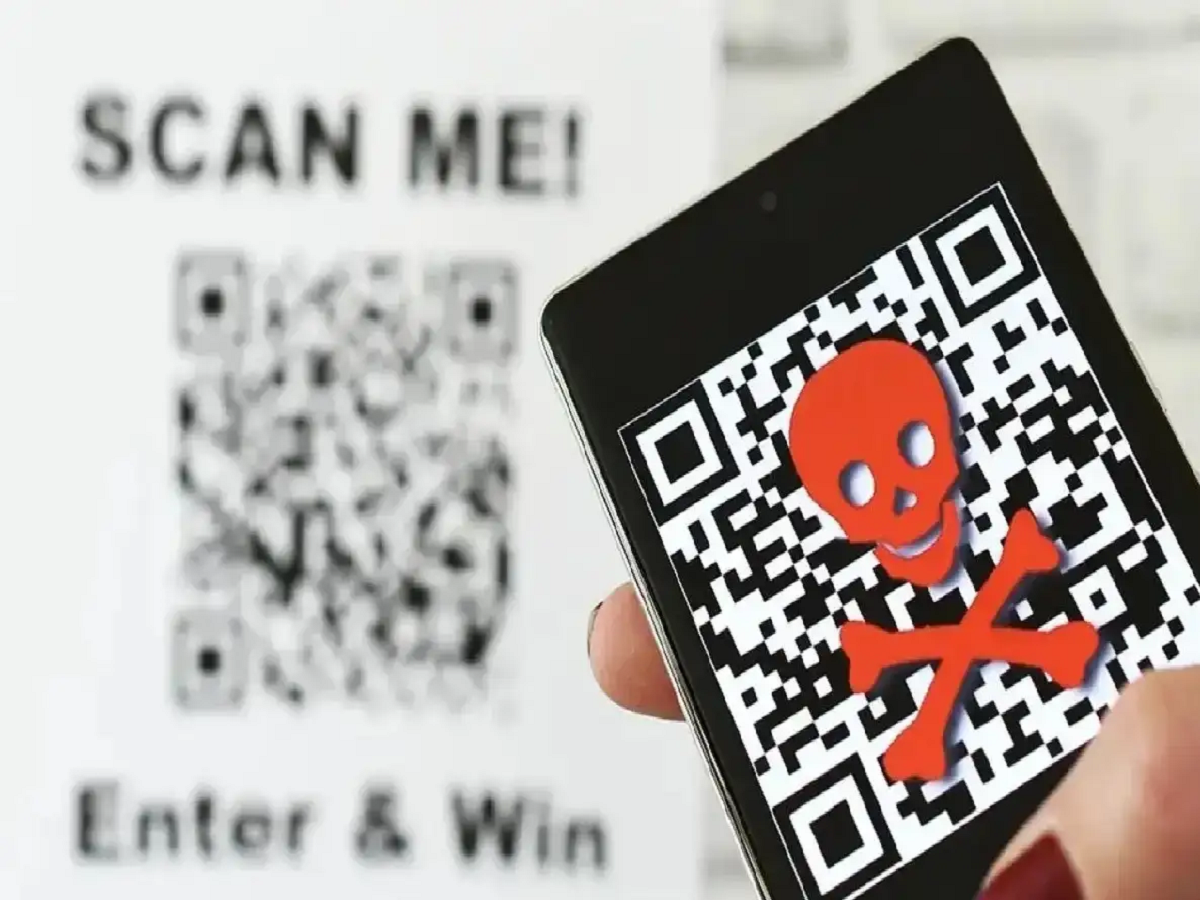
Avoid downloading apps from unknown websites or links received through unsolicited messages. Fake courier updates, unpaid electricity bills, traffic challans, bank KYC requests, investment offers and prize messages can all be used as bait to persuade people to open suspicious links or install files.
Never install an APK simply because someone claiming to be from customer support asks you to do so.
A Factory Reset Shouldn't Be Your First Step
A factory reset can remove many software-related problems, but it also erases personal information stored on the device.
Before considering a reset, back up important files and make sure you can access essential accounts afterward. If you are uncertain about the problem, professional technical support may be a better option.
Bottom Line
One unusual symptom doesn't prove that your smartphone has been hacked. Battery deterioration, buggy apps, software updates and hardware problems can produce similar behaviour.
But unknown apps, unexplained account logins, messages you didn't send and unusual data activity should not be ignored.
Checking your phone and accounts early can help you identify a security problem before it becomes more serious.