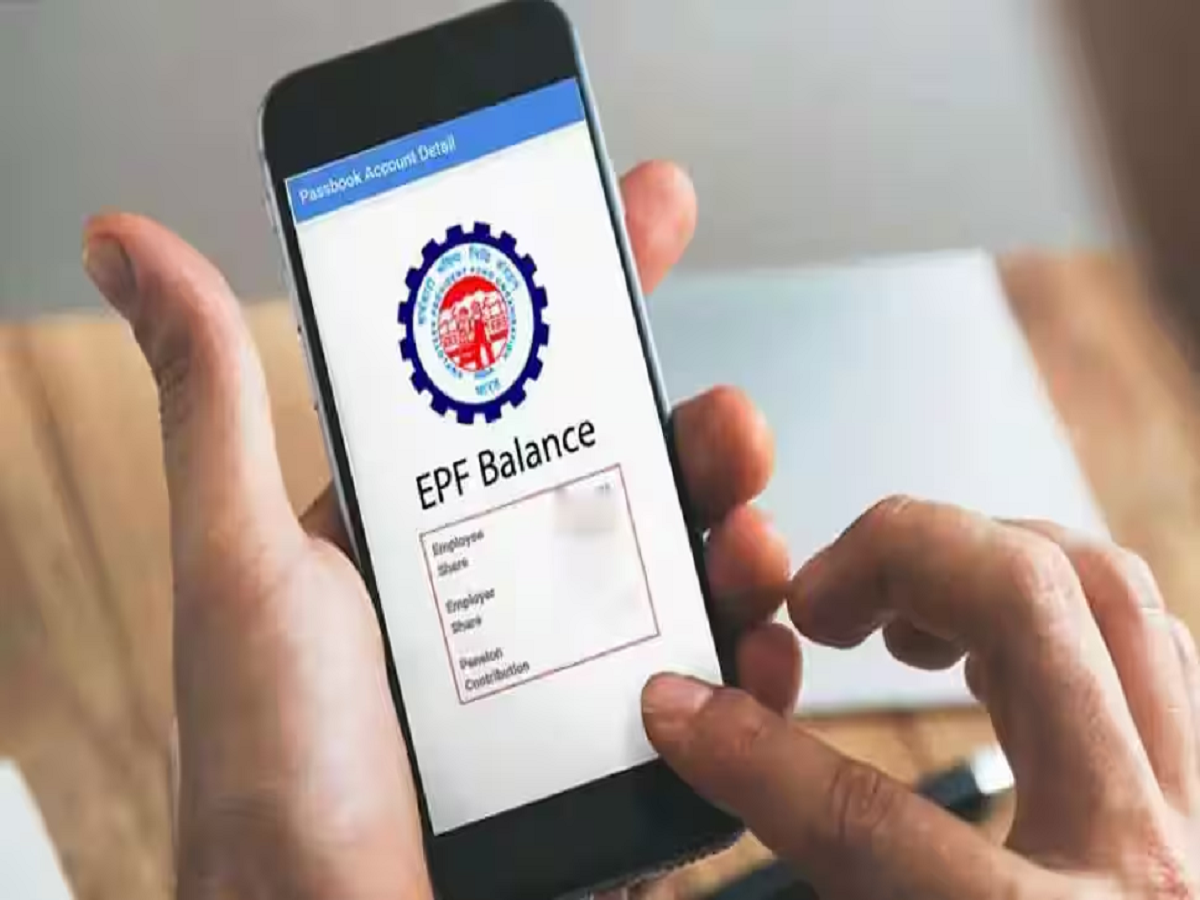
The Employees’ Provident Fund (EPF) is a crucial savings scheme for salaried employees in India. Every month, a fixed portion of an employee’s salary is deposited into the EPF account, which can be accessed after retirement or withdrawn partially in emergencies. The scheme is managed by the Employees' Provident Fund Organisation.
Keeping track of your provident fund balance is important to understand your savings and ensure that contributions are being deposited regularly.
Earlier vs. now: Checking PF balance
In the past, employees had to visit EPF offices multiple times to check their PF balance. Today, digital services have simplified the process. Most PF-related tasks can now be completed online or through mobile services.
However, some employees face difficulty when they forget or have not activated their Universal Account Number (UAN). The good news is that there are still ways to check your PF balance without directly using the UAN.
Check PF balance through a missed call
One of the easiest ways to know your PF balance is through a missed call service.
Steps:
-
Use the mobile number registered with your EPF account.
-
Give a missed call to 9966044425.
-
The call will automatically disconnect.
-
Within a few seconds, you will receive an SMS containing your PF details.
What information appears in the SMS?
The SMS you receive will include:
-
Your Member ID
-
Latest PF contribution
-
Total PF balance
This service works only if:
-
Your UAN is activated.
-
Your KYC details are updated (Aadhaar, PAN, and bank account).
Important KYC documents usually include the Aadhaar Card and PAN Card.
Check PF balance via SMS
Another method is by sending an SMS.
Steps:
-
Open the messaging app on your registered mobile number.
-
Type the message: EPFOHO UAN ENG
-
Send it to 7738299899.
Within a short time, you will receive an SMS with your PF account balance details.
Choosing your preferred language
The SMS service also allows users to receive information in different languages.
Examples:
-
ENG – English
-
HIN – Hindi
For example, typing EPFOHO UAN HIN will send the information in Hindi.
PF accounts managed by private trusts
In some companies, PF funds are managed by private PF trusts rather than directly by EPFO. In such cases, employees may not see their balance on the EPFO portal.
Employees can check their balance through:
-
Monthly salary slips
-
The company’s internal HR portal
-
Direct inquiry with the HR department
Important things to remember
Before checking your PF balance, ensure the following:
-
Your mobile number is linked to your EPF account
-
Your UAN is active
-
KYC details are fully updated
-
Newly activated UAN accounts may take some time for balance updates to appear
By using these simple methods, employees can quickly track their PF savings without visiting an office, making financial planning easier and more convenient.