TECH
iPhone Secret Codes: These are the secret features of the iPhone, dial this code once, then see the magic
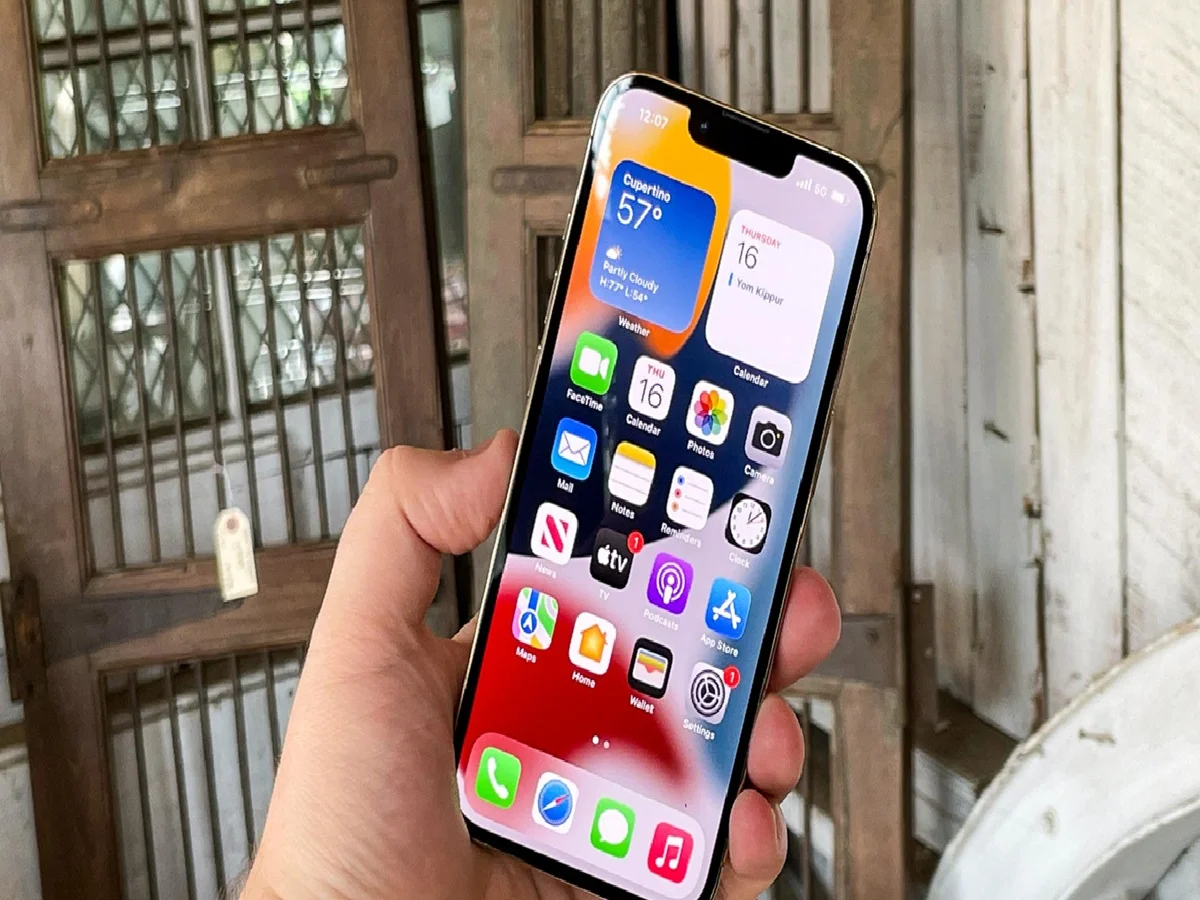
Apple is known for providing better features and security updates to its users. In iPhone, users get many hidden features in just one menu setting. These features can be accessed through codes. In the language of technology, these codes are called USSD (Unstructured Supplementary Service Data). With the help of these secret codes, users will be able to access the hidden features in their iPhone. For this, they will have to open the dialer and type the code. Then you will get the information. With the help of these secret codes in iPhone, you can get many types of information from call forwarding to IMEI number. Now let us know which information can be obtained by using which secret code.
IMEI number
code: *#06#
This code works on both Android and iPhone devices. By dialing this code, users will be able to check their device's IMEI (International Mobile Equipment Identity) number. The IMEI number is crucial for blocking or tracing a stolen device. The IMEI number can help you locate your iPhone.
Field Test Mode
Code: *3001#12345#*
This code allows users to view technical information about their mobile network. From checking the signal strength on an iPhone to viewing cell tower information, these codes can be used to view everything. You can also use this code to find out information about your mobile number and network carrier.
Call Forwarding
Code: *#21#
If you suspect that your calls are being forwarded to another number and want to check which number your calls are actually being forwarded to, you can use the code *#21#. This code will show you all the numbers to which calls, data, and messages are being forwarded.
Call Waiting
Code: *#43#
You can use this secret code to check if the call waiting feature is enabled on the device you are using.
PC: Tom's Guide