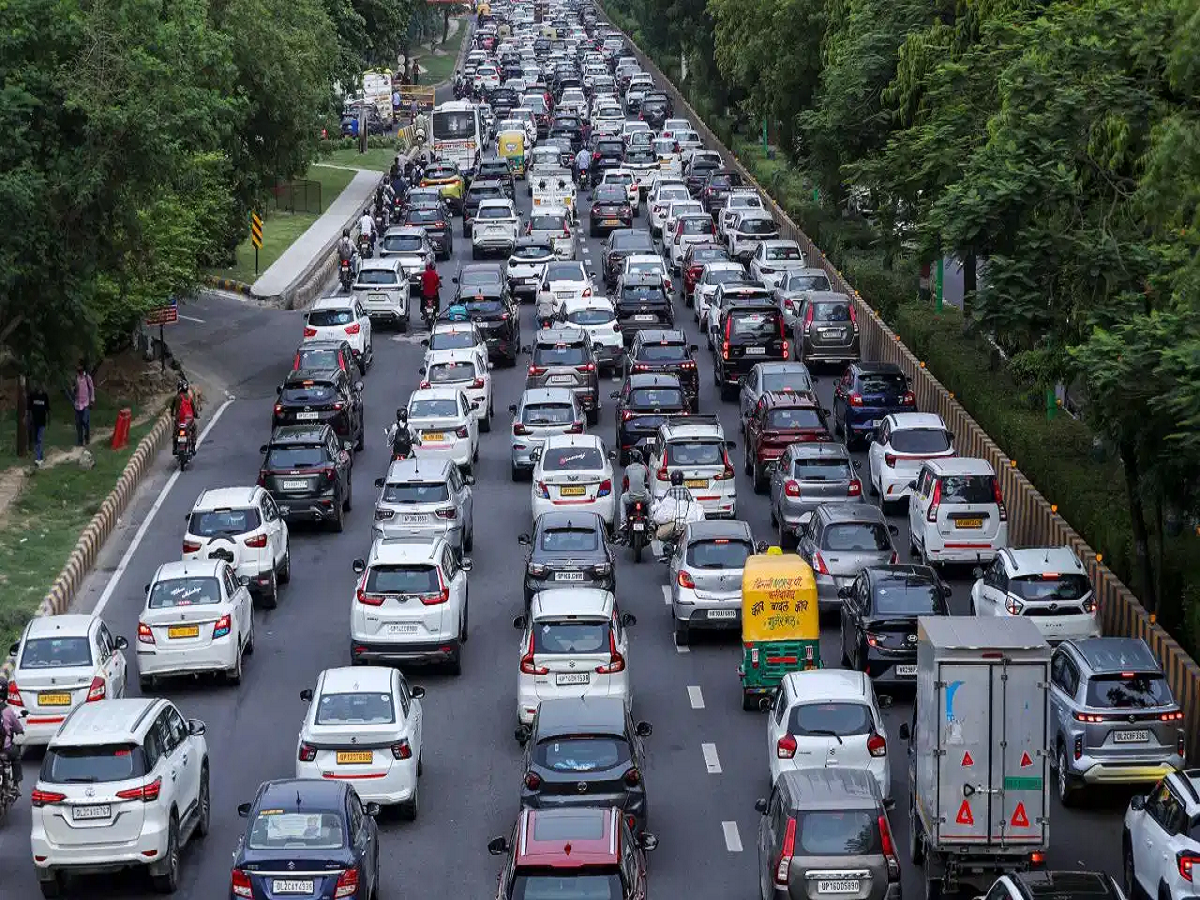
Heavy monsoon rain can quickly turn a normal commute into a frustrating journey. Waterlogging, slow-moving traffic, fallen trees and vehicle breakdowns can cause sudden congestion on busy roads.
Before heading out during heavy rain, checking the traffic situation on Google Maps can help you understand which roads are crowded and whether another route may be more convenient.
One particularly useful feature is Google Maps' Traffic Layer. Here's how to use it.
What does the Traffic Layer show?
Google Maps' Traffic Layer displays current traffic conditions directly on the map using different colours.
Generally:
-
Green: Traffic is moving normally.
-
Yellow or orange: Traffic is moving more slowly than usual.
-
Red: Heavy traffic or congestion.
-
Dark red: Very heavy congestion and significantly slower movement.
This gives you a quick visual idea of what's happening on roads around you.
How to turn on the Traffic Layer
You can activate the feature in just a few steps:
-
Open Google Maps on your smartphone.
-
Tap the Layers icon in the top-right corner.
-
Look for the Traffic option under Map details.
-
Tap Traffic to enable it.
-
Coloured lines will now appear over roads showing current traffic conditions.
You can then look at your entire route and identify roads where traffic is particularly heavy.
Stuck in traffic? Check for an alternative route
If your regular route is showing dark red during heavy rain, check whether Google Maps is offering another route.
While navigating, alternative routes may appear on the map. Compare the estimated travel times and traffic conditions before selecting one.
However, don't automatically assume that the route with less traffic is safer during extreme weather. Roads that are prone to flooding, underpasses and low-lying areas can become difficult to cross even when traffic appears lighter.
Why is this useful during monsoon?
Traffic conditions can change rapidly during heavy rainfall. A road that was clear a few minutes ago can become congested because of waterlogging, a stalled vehicle or an accident.
Checking the Traffic Layer before leaving can help you identify major congestion points and plan your journey accordingly.
It is also a good idea to check local weather and road-closure information when rainfall is particularly heavy. If authorities advise avoiding certain roads or areas, follow those warnings rather than relying solely on a navigation app.
A simple habit that can save time
If you're heading to work, college or an important appointment during heavy rain, spend a few seconds checking Google Maps before leaving.
The Traffic Layer won't predict every waterlogged road or sudden obstruction, but it can give you a useful real-time picture of traffic conditions and help you make a more informed route decision.