TECH
Google Gemini's new feature: Now you can get AI answers from Gmail and Google Photos too, learn how to activate it
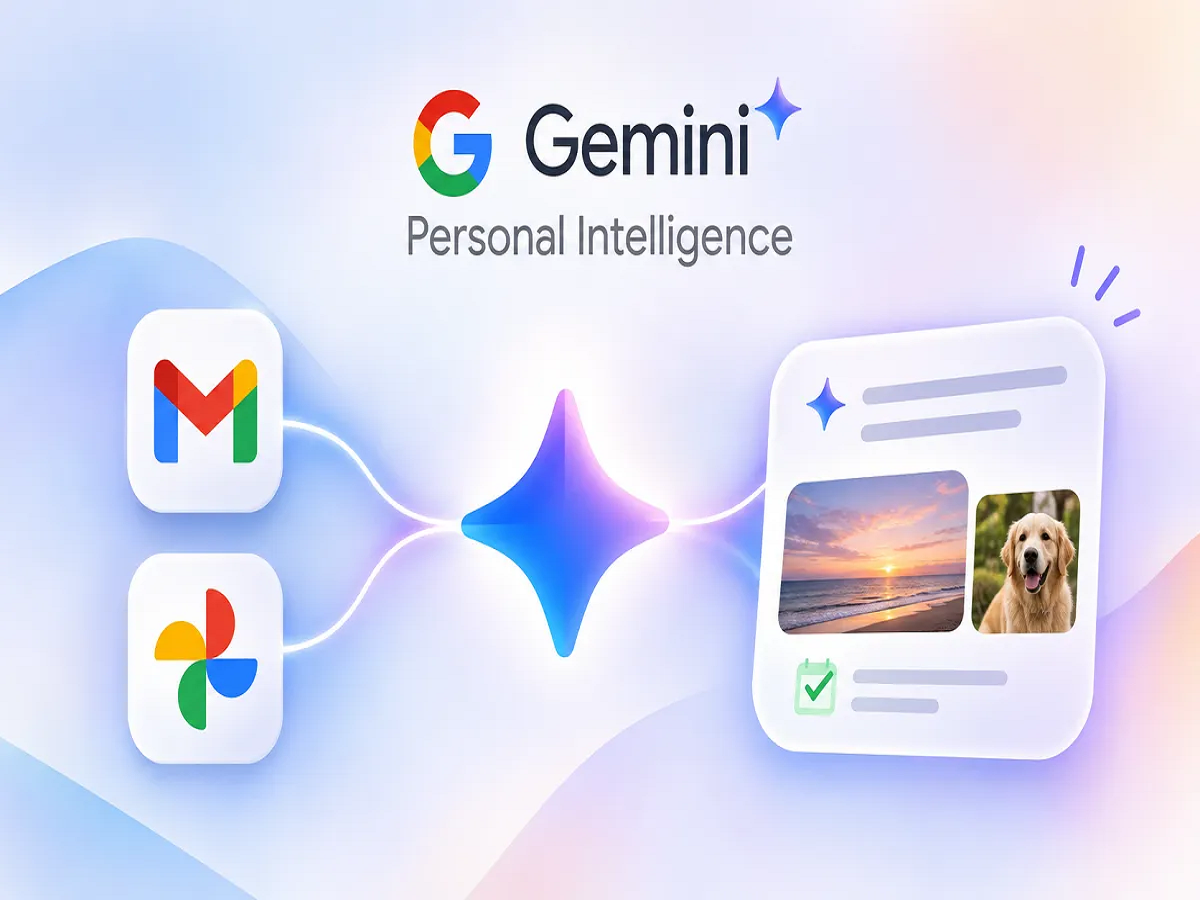
Google Gemini's Personal Intelligence feature is an important step towards making AI assistants more useful with personal digital information.
Google Gemini Personal Intelligence 2026: Google has introduced a Personal Intelligence feature to make its AI assistant, Gemini, even more useful. With this feature, users can now use information from their Gmail, Google Photos, YouTube, and Google Search to get answers to personal questions. Importantly, this could reduce the need to open separate apps to search for old emails, travel bookings, or photos taken years ago.
Google announced this feature in India on April 14, 2026. However, this feature is not yet available on all Google Accounts. The company is rolling it out in a phased manner.
What is Google Gemini Personal Intelligence?
Personal Intelligence is an AI feature that, with user permission, helps provide more relevant answers to questions by using information from select services associated with a user's Google Account.
For example, if you booked a hotel room a few months ago but can't remember its name now, Gemini can help you find the relevant information in Gmail.
Similarly, if you need photos from an old trip, this feature can also be useful in finding related photos from Google Photos.
One of its key capabilities is combining information from different Google services to create answers.
How to connect Gmail and Google Photos in Google Gemini?
If you want to use this feature, you can follow the steps given below.
- First, open the Google Gemini app on your smartphone or go to gemini.google.com on your computer.
- Log in with your personal Google account.
- Now go to Gemini's Settings.
- Here select Personal Intelligence option.
- After that open Connected Apps or Related Apps section.
- When options like Google Workspace (including Gmail) and Google Photos appear, choose the one you need.
- Grant the required permissions by following the on-screen instructions.
Some eligible users may also find the Personal Intelligence option on the Gemini home screen. Setup can be completed by clicking Get Started here.
Who can use this feature?
According to Google, certain conditions must be met to use Personal Intelligence.
- The user must be at least 18 years of age.
- A personal Google account is required.
- Gemini Apps Activity must be running.
- Personal Intelligence feature must be available and activated in the account.
- The necessary settings for the relevant Google services must be met.
This feature is currently not available for work, school, and supervised Google accounts.
Some Google Photos features may also require additional settings, such as Face Groups.
What tasks can be accomplished by Gemini?
After turning on Personal Intelligence, users can search for various information related to their digital records.
Past flight and hotel bookings: Travel emails in Gmail can help you find ticket or hotel reservation information.
Search for old photos: You can find photos from a specific trip, event, or occasion in Google Photos.
Important information from emails: Details of old appointments, reservations or other important emails can be searched.
Personalized Recommendations: Gemini can make recommendations based on user interests based on contextual information from connected services.
Will Gmail and Google Photos data be safe?
The question of privacy is also important with this feature.
According to Google, activating Personal Intelligence does not mean that the user's entire Gmail inbox or Google Photos library will be used to train the AI model.
However, if a setting like Keep Activity is activated, some information, summaries, or other related content received from connected apps may be used to improve Google services and, in some circumstances, train AI models.
Therefore, users should review their privacy and activity settings before enabling the feature.
How to remove Gmail or Google Photos from Gemini?
If you want to block access to an app in the future, that's also easy to do.
- Open Google Gemini.
- Go to Settings.
- Select Personal Intelligence.
- Open the Connected Apps section.
- Click on More Options next to the relevant app.
- Complete the process by choosing the Disconnect option.
Keep in mind that disconnecting the app does not automatically delete information previously contained in old Gemini chats. You may need to delete the relevant chat history separately.
Keep these things in mind while using it
This feature of Google Gemini can help save time, but not all information provided by AI is necessarily correct.
Sometimes Gemini may associate a photo with the wrong event or misunderstand booking information. So be sure to match flight times, hotel reservations, and other important details with the original email or document.
Conclusion: Google Gemini's Personal Intelligence feature is an important step toward making AI assistants more useful with personal digital information. However, when using it, users should connect only essential apps and pay close attention to their privacy settings.