TECH
Cyber-Security Alert: Beware of new online fraud methods! Follow these 5 essential tips for your digital safety

In today's digital age , everything from banking to shopping to government work is done with just a click of a smartphone. But along with this convenience, the threat of cybercrime has also risen rapidly. Cybercriminals are employing new tactics every day to target people's hard-earned money and personal data.
In recent times, cases of fraud through fake links, "digital arrests," and unknown calls have increased. Let's learn about five important cybersecurity rules you can follow to protect yourself and your family from online fraud :
1. Always keep two-factor authentication (2FA) on.
Don't rely on your social media, email or banking apps just for passwords.
What to do: Enable two-factor authentication (2FA) or two-step verification on all your important accounts (WhatsApp, Gmail, Instagram, and banking apps). This will prevent someone from logging in without an OTP sent to your phone, even if they know your password.
2. Avoid unknown links and APK files.
Often, suspicious links come on WhatsApp or SMS in the name of 'KYC update', 'lottery', 'electricity bill deduction' or 'free recharge'.
What to do: Don't click on any links from unknown numbers or download any APK files received on WhatsApp. These files can give hackers complete control of your phone.
3. Don't be afraid of fake calls like 'digital arrest'.
Cyber-fraudsters make video calls posing as police, CBI, Customs or TRAI officials and ask for money transfer by threatening arrest.
What to do: Keep in mind that no government agency or police in India conducts "digital arrests" over video calls or demands money over the phone. Don't be alarmed by any such calls; hang up immediately.
4. Avoid banking or making payments on public Wi-Fi.
Free public Wi-Fi networks available at railway stations, airports, cafes or hotels are not completely secure.
What to do: Avoid net banking, UPI payments, or logging into any sensitive accounts when connected to public Wi-Fi. Always use your mobile data for financial transactions.
Planmake comparisons
5. Strong passwords and regular software updates
Using the same password everywhere can prove to be the biggest mistake.
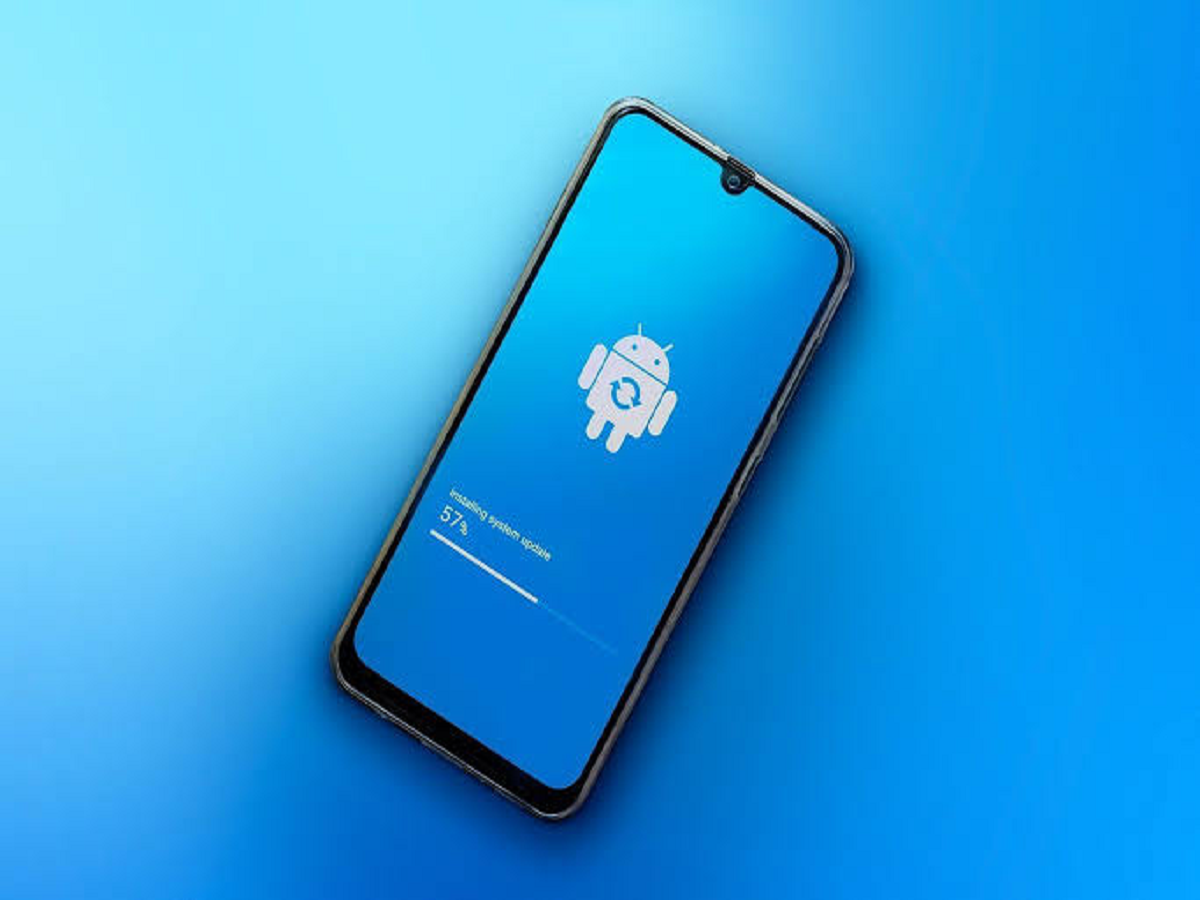
What to do: Use a strong password (one that includes letters, numbers, and special characters) for each account. Also, update your smartphone and computer's operating system and apps frequently, as updates often include new security features.
PC: Jagran