TECH
Your Old Smartphone Could Be Hiding a Security Risk! Why You Should Never Ignore Software Updates
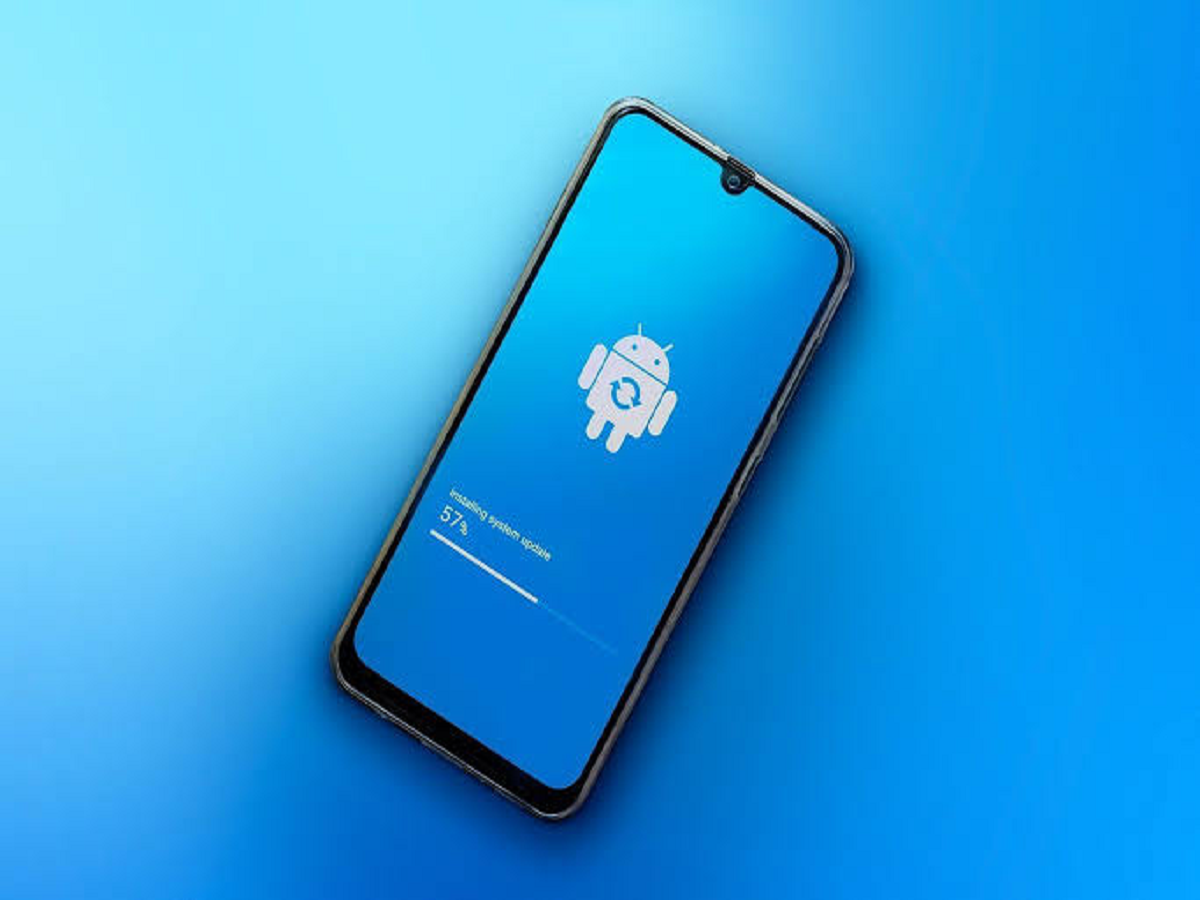
Smartphones have become an important part of everyday life, storing everything from personal photographs and banking applications to office documents and private conversations. However, many users continue using their phones for years without paying attention to software updates. Some even ignore update notifications because they believe installing new versions will slow down their devices.
But avoiding software updates can create serious security risks. Manufacturers regularly release updates to fix vulnerabilities, improve privacy protections and make devices more compatible with newer applications. If your smartphone is running outdated software, cybercriminals may find opportunities to exploit known security weaknesses.
Why are smartphone software updates important?
Every smartphone operating system contains thousands of lines of code. Occasionally, researchers and security experts discover vulnerabilities that could allow attackers to access information, execute malicious code or compromise a device.
Manufacturers release security patches to address these problems. Installing an update helps protect your phone against vulnerabilities identified in earlier software versions.
Updates can also improve system stability, fix application errors and introduce new features. Therefore, they are not always just about changing the appearance of your smartphone.
What happens if you keep ignoring updates?
One of the biggest risks of using outdated software is exposure to security vulnerabilities that may already be publicly known.
If manufacturers have released a patch but your device has not installed it, attackers may attempt to exploit the unpatched weakness. Depending on the vulnerability, this could put personal information, application data and device security at risk.
Older software may also stop supporting newer versions of applications. This can eventually affect banking apps, messaging platforms and other services that require updated operating systems.
Can software updates slow down your smartphone?
This is one of the most common concerns among smartphone users. Some updates, particularly major operating system upgrades, can temporarily affect performance.
After installation, the phone may need time to optimise applications, organise files and complete background processes. This can temporarily increase battery consumption or make the device feel warmer.
However, it does not mean every update will permanently slow down your smartphone. Security updates are generally designed to fix vulnerabilities and maintain device stability.
If your phone is already several years old, it is worth checking the manufacturer's update notes before installing a major operating system upgrade.
How can you check whether your phone is updated?
The process is relatively simple.
For Android users:
-
Open Settings on your smartphone.
-
Go to System or Software Update, depending on the manufacturer.
-
Select Check for Updates.
-
Install the available update after checking that your phone has sufficient battery and storage.
For iPhone users:
-
Open Settings.
-
Select General.
-
Tap Software Update.
-
Check for the latest available version and install it.
The names of these options may vary depending on the smartphone model and operating system version.
What if your smartphone no longer receives updates?
This is an important issue for people using older smartphones. Manufacturers provide software and security support for a limited period, which varies between brands and models.
Once a device stops receiving security updates, newly discovered vulnerabilities may remain unpatched. This does not mean the phone becomes unsafe overnight, but the security risk can increase over time.
If you use an unsupported smartphone for banking, payments or storing sensitive information, consider upgrading to a device that still receives regular security updates.
Follow these precautions to keep your smartphone secure
Apart from installing updates, users should follow a few basic security practices:
-
Download applications only from trusted app stores.
-
Avoid clicking suspicious links received through messages.
-
Use a strong screen lock and biometric authentication.
-
Enable two-factor authentication for important accounts.
-
Remove applications that you no longer use.
-
Review application permissions regularly.
-
Back up important information before major software upgrades.