LIFESTYLE
Aadhaar Card Update February 2026: Home address can be easily updated with the new Aadhaar app, learn the step-by-step process
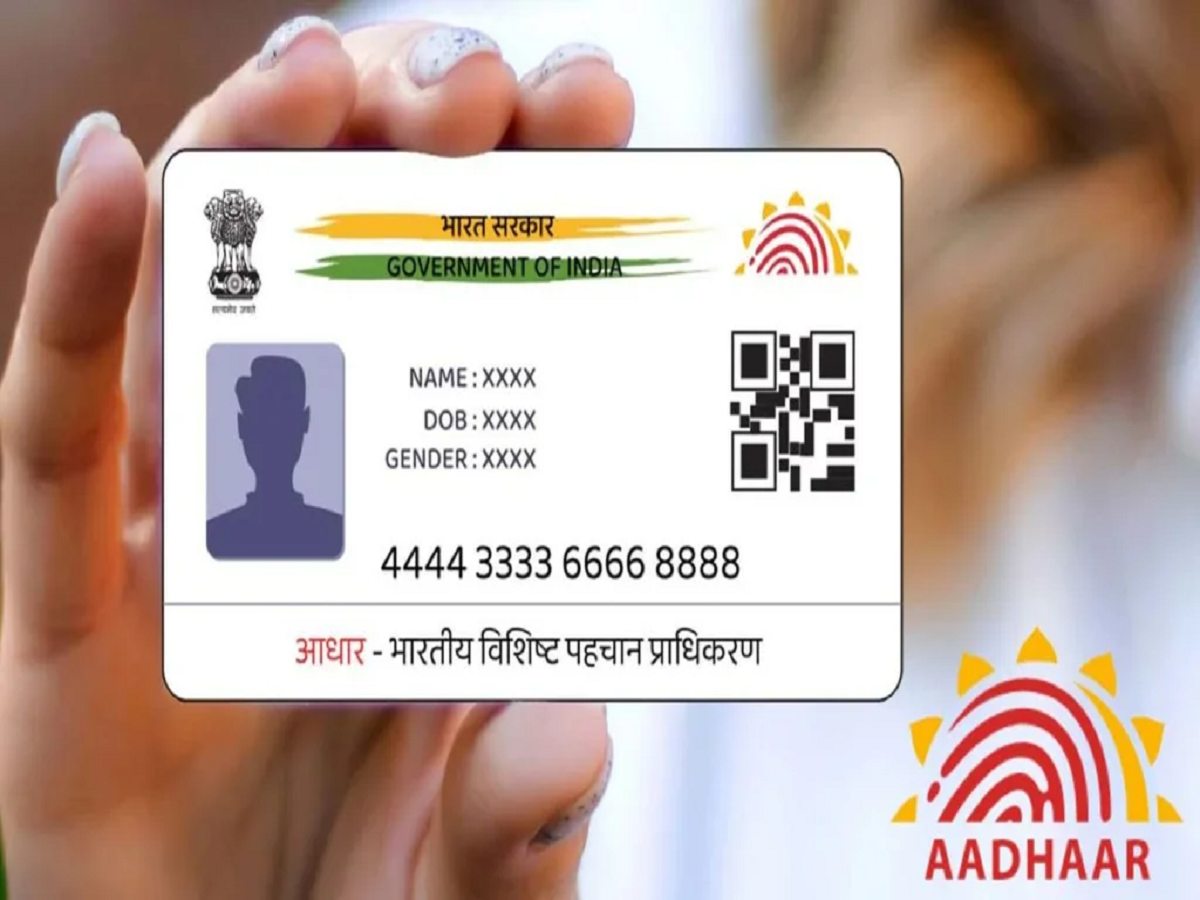
The new Aadhaar app makes updating your home address on your Aadhaar easier. The entire process can now be completed online using your smartphone.
Aadhaar Card Update February 2026: Updating your home address on your Aadhaar card is now much easier with the Unique Identification Authority of India's (UIDAI) new Aadhaar app. previously, people had to visit Aadhaar enrollment centers, stand in long queues, and submit physical documents to update their Aadhaar. Now, this entire process can be completed online using a smartphone.
Digital Update
The new Aadhaar app allows users to change their address from the comfort of their homes, without having to visit a center. This is especially helpful for working professionals, senior citizens, and those living in remote areas. All you need is a mobile phone linked to your Aadhaar number and a stable internet connection.
How to update home address?
– First, download the official Aadhaar app from the App Store.
– Now, log in to this app using your Aadhaar number and registered mobile number.
– You may also need to set up an MPIN for security purposes, or use biometric or face authentication.
– After logging in, go to the Services section and select Address Update.
– Here, you will be asked how you want to update your address.
– You can either use your own valid address proof document or the Aadhaar details of a family member living at the same address.
– If you choose to use your own document, upload a clear photo or scan of a valid address proof, such as a utility bill or bank document.
– Then, carefully enter your new address and preview the details to ensure everything is correct.
– The last step involves face authentication to confirm your identity.
– You will need to pay a small fee of approximately ₹75 to submit the request.
– UIDAI will then verify the details.
– Your address will be updated within a few days or weeks.
Disclaimer: Use the technical tips, apps, and tricks described in this article at your own risk. The website accepts no responsibility for any data loss or device damage. Please read the official website's guidelines before installing any software or changing settings.