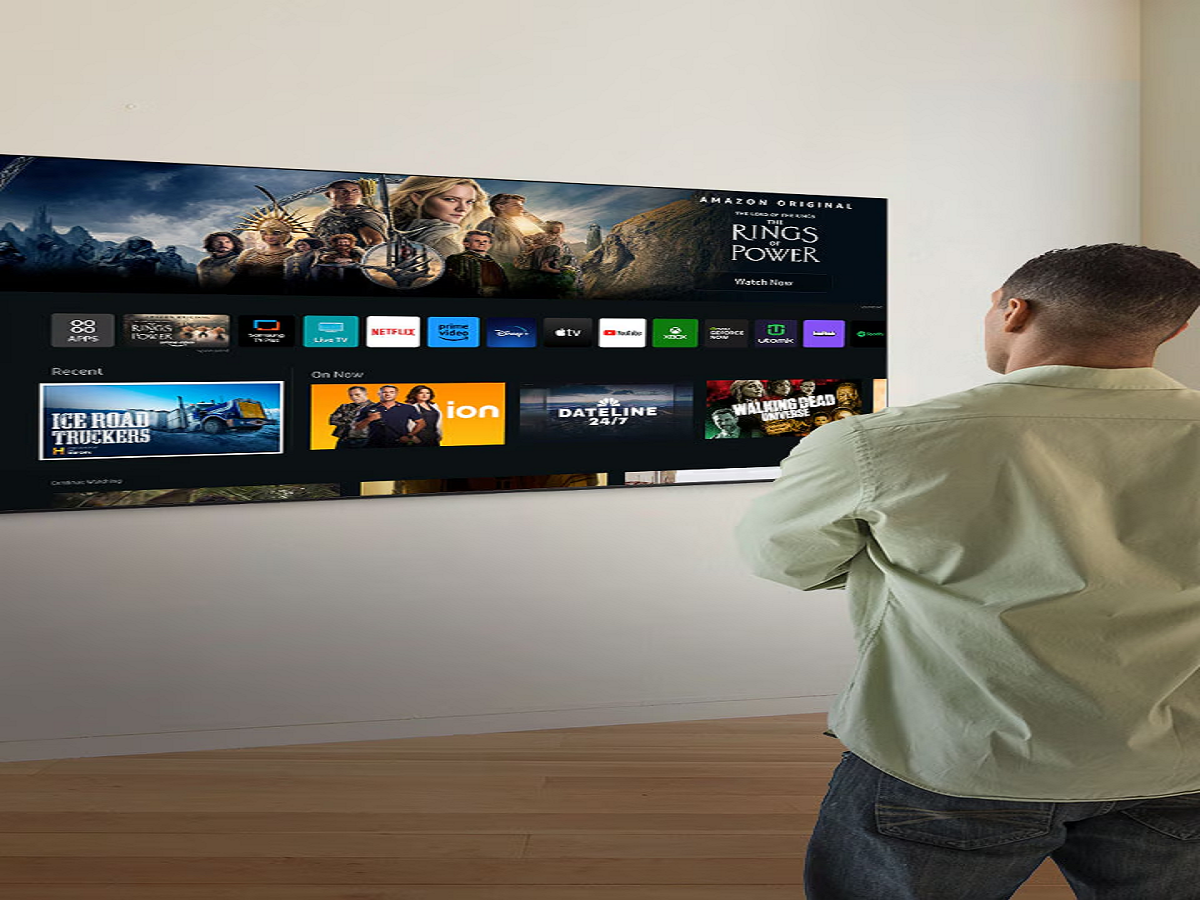
Smart TVs have transformed the way people watch entertainment at home. From streaming movies and watching YouTube to controlling smart home devices, modern televisions offer features that were once available only through computers and smartphones.
However, there is a privacy concern that many users overlook: their television may collect information about viewing habits, app usage and device interactions. Depending on the manufacturer, model and settings, some smart TVs can also use technology that recognises what is playing on the screen.
The good news is that you can take practical steps to improve your privacy without giving up your favourite streaming services.
What Information Can a Smart TV Collect?
A connected television may collect technical information such as its device identifier, network details, application usage and diagnostic data. Some manufacturers also offer personalised advertising or viewing-recommendation features that rely on information about how the television is used.
One technology to understand is Automatic Content Recognition, commonly known as ACR. Depending on the implementation, it can identify content displayed on a television and help generate viewing analytics or personalised recommendations.
Not every smart TV collects the same information, and the amount of data collected depends on the manufacturer, software and privacy settings.
Seven Smart TV Settings Worth Checking
1. Turn Off Automatic Content Recognition if You Do Not Need It
Look through your television's privacy settings for options related to viewing information, content recognition or viewing data.
If you do not want this information used for personalised recommendations or analytics, check whether you can disable the relevant feature.
The exact name and location of the setting vary by manufacturer.
2. Review Personalised Advertising
Many connected devices use information to display advertisements that are more relevant to users.
Check the advertising or privacy section of your television's settings. If an option allows you to limit personalised advertising, consider enabling it.
Keep in mind that disabling personalised advertising does not necessarily eliminate all advertisements or stop every form of data collection.
3. Check Microphone and Voice Assistant Permissions
Some smart TVs include microphones or support voice assistants that allow users to search for programmes using spoken commands.
If you rarely use voice controls, review the relevant permissions and disable features you do not need. If your television has a physical microphone switch, consult the manual to understand what it controls.
Do not assume that every television continuously records conversations. The available features and data practices differ across devices.
4. Delete Apps You No Longer Use
Every additional application can introduce another account, permission or potential source of security risk.
Remove streaming applications you no longer use, particularly those you do not recognise or no longer trust. Keep the remaining applications updated.
Download apps only through the television's official app store or another trusted source supported by the manufacturer.
5. Check Which Devices Are Connected
Smart TVs often connect to phones, laptops, speakers and home networks.
Review the list of paired devices and remove old connections that you no longer recognise or need. If your television supports screen mirroring, learn how to disable automatic connections or require approval before another device connects.
This can help prevent accidental sharing of personal content on a shared screen.
6. Install Software Updates
Television manufacturers release software updates to fix bugs, improve compatibility and address security weaknesses.
Check your television's system settings for available updates. Enable automatic updates if the feature is supported and appropriate for your device.
An outdated television may continue to work normally while missing important security improvements.
7. Secure Your Home Wi-Fi Network
Your smart TV is another device connected to your home network. Protecting the network can reduce the risk of unauthorised access to connected devices.
Use a strong Wi-Fi password, update your router's firmware and change any default administrator password that remains in use.
If your router supports a guest network or separate network for smart home devices, consider using it to keep connected gadgets apart from computers containing sensitive work or financial information.
Should You Disconnect Your Smart TV From the Internet?
Not necessarily. Disconnecting your television can reduce some forms of online data transmission, but it also disables internet-dependent features such as streaming applications and online updates.
If you mainly watch content through a cable connection, set-top box or external device, you may decide that a permanent internet connection is unnecessary.
Otherwise, reviewing privacy settings and maintaining software updates can provide a practical balance between convenience and privacy.
What About Factory Resetting Your Television?
A factory reset can be useful when selling a television, giving it away or troubleshooting persistent software problems. It may remove saved accounts, preferences and paired devices.
However, a reset does not automatically guarantee that every record previously collected by a manufacturer or online service has been deleted from its servers.
Before selling your television, sign out of streaming accounts, remove personal information where possible and follow the manufacturer's instructions for resetting the device.
The Bottom Line
Smart TVs offer excellent entertainment features, but users should understand what information their devices may collect and which privacy controls are available.
Review viewing-data settings, disable unnecessary permissions, remove unused applications and keep your television updated. These simple steps can help you enjoy connected entertainment while making more informed decisions about your personal data.
Your television may be the biggest screen in your home, but that does not mean you should overlook the privacy settings behind it.