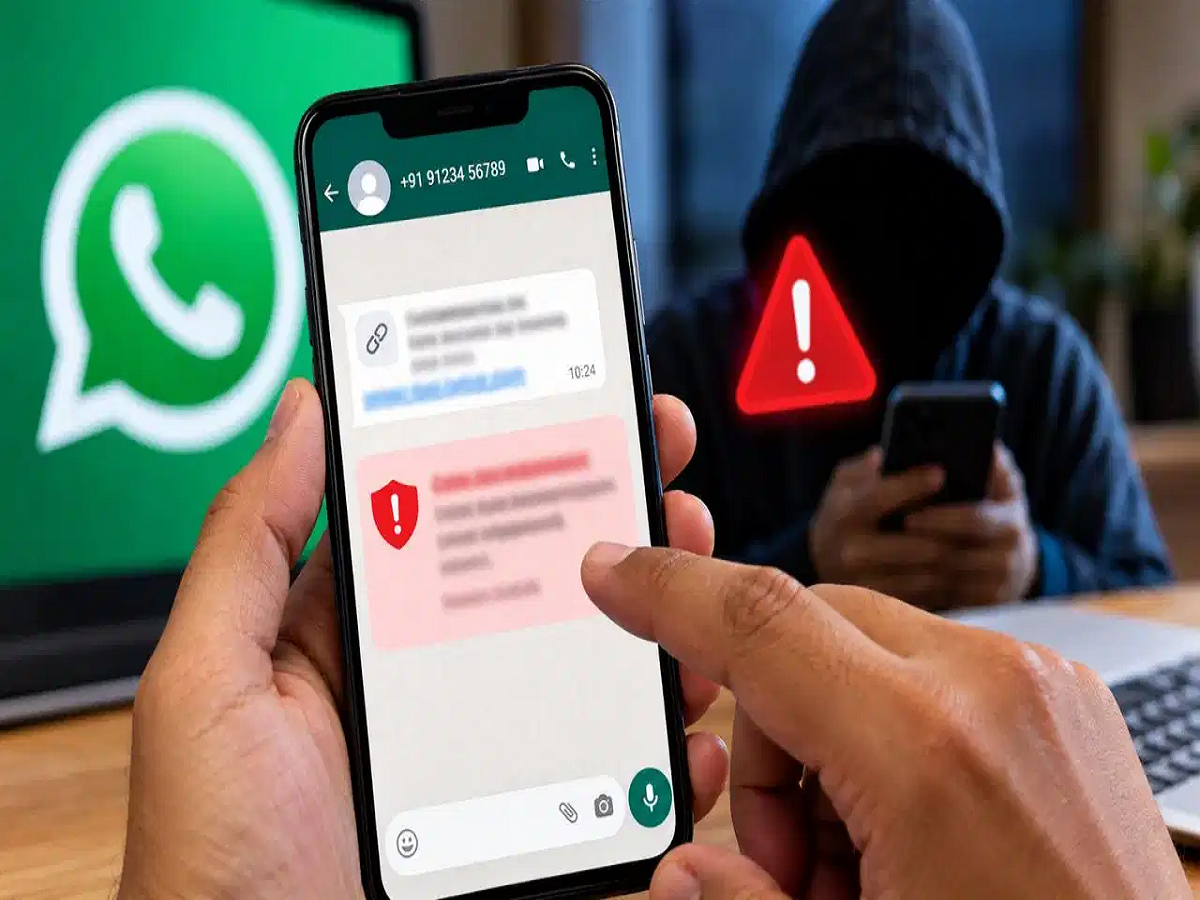
A message from an unknown WhatsApp number can look completely harmless. The sender may introduce themselves as a bank employee, a company representative or even an old acquaintance. But what begins as an ordinary conversation can quickly turn into a request for money, personal information or a suspicious link.
To tackle such scams, WhatsApp is reportedly working on a new security feature called "Scam Alert". The feature is designed to identify suspicious patterns in conversations and warn users before they become victims of fraud.
How Could WhatsApp Detect a Possible Scam?
Scammers often follow familiar patterns. They may create a sense of urgency, pretend to be someone the victim knows or use a financial emergency to pressure them into taking immediate action.
The proposed Scam Alert feature is designed to look for such suspicious patterns, particularly in conversations involving unknown numbers.
Importantly, receiving a message from an unfamiliar number does not automatically mean that the person is a scammer. The system is intended to analyse conversation patterns and identify behaviour that resembles known scam attempts.
The Analysis Could Happen on Your Phone
One of the key aspects of the feature is privacy.
According to the information shared about the feature, WhatsApp's machine-learning system is designed to analyse relevant message patterns directly on the device rather than sending the contents of private conversations to Meta's servers for this purpose.
This could allow WhatsApp to provide security warnings while keeping the actual contents of personal conversations on the user's device.
Users Will Still Have the Final Say
The feature is designed to warn rather than automatically take control of a conversation.
If WhatsApp detects potentially suspicious behaviour, a warning could appear on the screen. Users can then decide what they want to do next.
Depending on the situation, they may be able to:
-
Block the unknown number
-
Report the conversation or account
-
Continue the conversation if they believe the warning is incorrect
-
Mark a contact as trusted, where the feature supports that option
This means a legitimate conversation with a distant relative, acquaintance or new contact should not automatically be treated as a confirmed scam.
How to Turn On Scam Alert
The feature is reportedly still being tested and is not available to everyone. If it has already appeared on your WhatsApp account, you can check the relevant security settings.
-
Open WhatsApp on your smartphone.
-
Go to Settings.
-
Open the relevant Account or security section where the feature is available.
-
Look for the "Scam Alert" option.
-
Turn on the available toggle.
The exact location of the setting may change as WhatsApp develops and rolls out the feature.
Not Seeing the Option? Don't Install Anything Unofficial
The feature is reportedly being tested with a limited group of Android beta users. It may therefore not appear on your phone yet.
If you don't see the option, avoid downloading unofficial apps, modified versions of WhatsApp or unknown files claiming to "activate" Scam Alert. Such apps can create additional privacy and security risks.
The feature is expected to become available more widely as WhatsApp completes its testing and rollout.
Stay Alert Even With Scam Detection
A security warning can provide an additional layer of protection, but it should not replace basic online safety habits.
Never share an OTP, PIN, password or banking credentials with someone over WhatsApp. Be especially cautious when an unknown person asks you to transfer money, click a payment link, install an app or act immediately because of an alleged emergency.
The safest approach is simple: if a message makes you feel rushed or pressured, stop and verify the person's identity through an independent and trusted channel before taking any action.