TECH
Smartphone Security Tips: Follow these 5 easy & effective methods to protect your phone from hackers & malware, your data will be safe
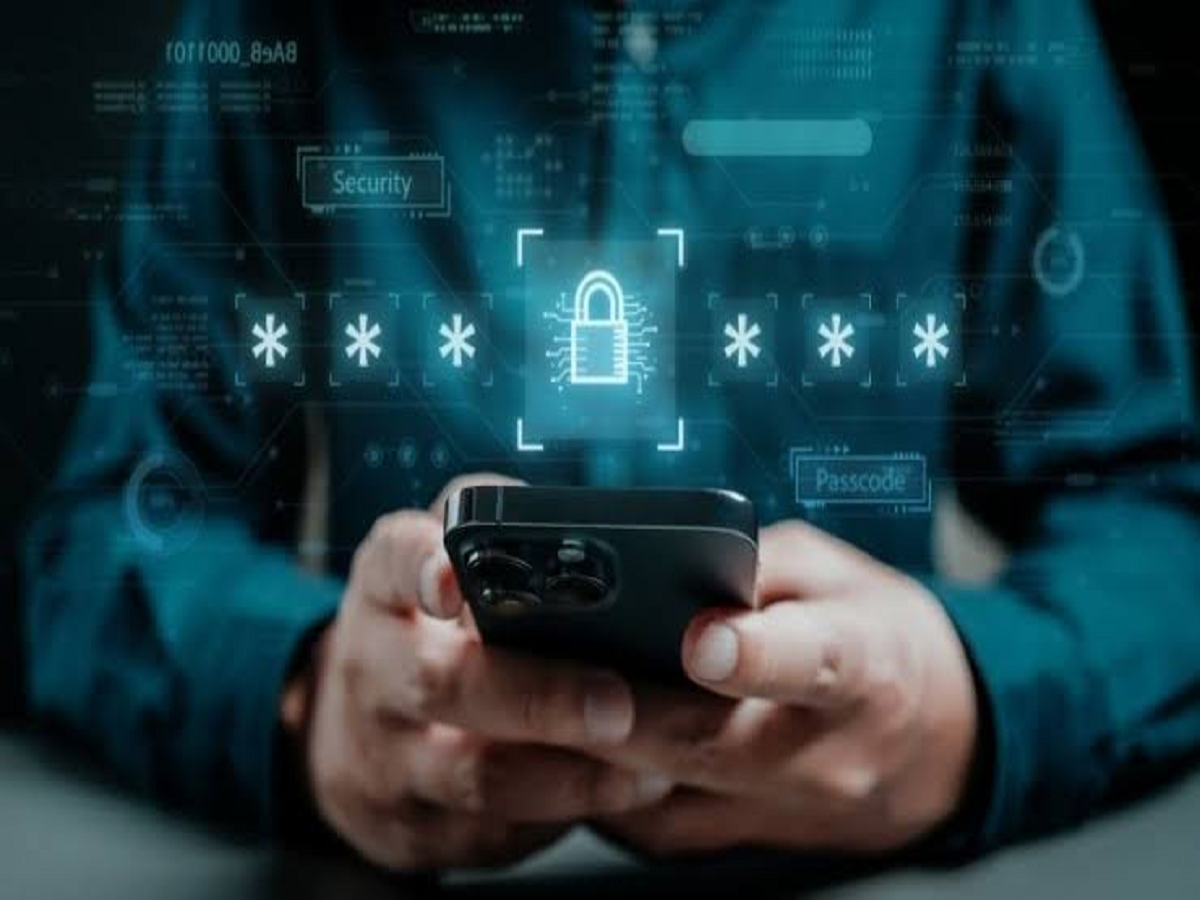
In today's digital age, smartphones have become a crucial part of our lives, storing our personal photos, bank details, and important passwords. However, as smartphone usage grows, so too are cases of cybercriminals and online fraud. With a little caution, you can keep your phone and personal data completely safe. Let's explore five simple and essential tech tips that will keep your phone safe:
1. Always download apps from the official app store.
Often people download apps from third-party websites or unknown links, which become the biggest source of malware and viruses.
Prevention: Always download apps from Google Play Store or Apple App Store and check the rating and reviews of that app before downloading.
2. Use two-factor authentication (2FA)
Creating a strong password isn't enough. Make sure to enable two-factor authentication (2FA) or OTP verification on your email, social media, and banking apps.
Benefit: Even if someone knows your password, they will not be able to login to your account without the OTP received on your phone.
3. Be cautious of unknown links and phishing calls.
Cyber criminals often send fake links in the name of lottery, free gift or bank KYC.
Prevention: Never click on any unknown or suspicious links. Banks or any other companies never ask for passwords or OTPs over the phone.
4. Keep your phone's software and apps updated.
Mobile companies and operating system developers release updates from time to time to address security flaws.
Prevention: Go to your phone's settings and check for system updates from time to time and keep all apps updated to the latest version.
5. Be careful while using public Wi-Fi.
Using free public Wi-Fi at railway stations, airports or cafes can be dangerous.
Prevention: Avoid conducting online banking or financial transactions over such unsecured networks. If necessary, use a virtual private network (VPN) for security.
Tech Tip: Always use a strong screen lock (PIN, pattern or biometric fingerprint/face unlock) on your phone and keep backing up your important data (Cloud Backup) from time to time.
PC: ABP NEWS