TECH
If you get these signs then understand that someone else is running your Google account, know how to identify
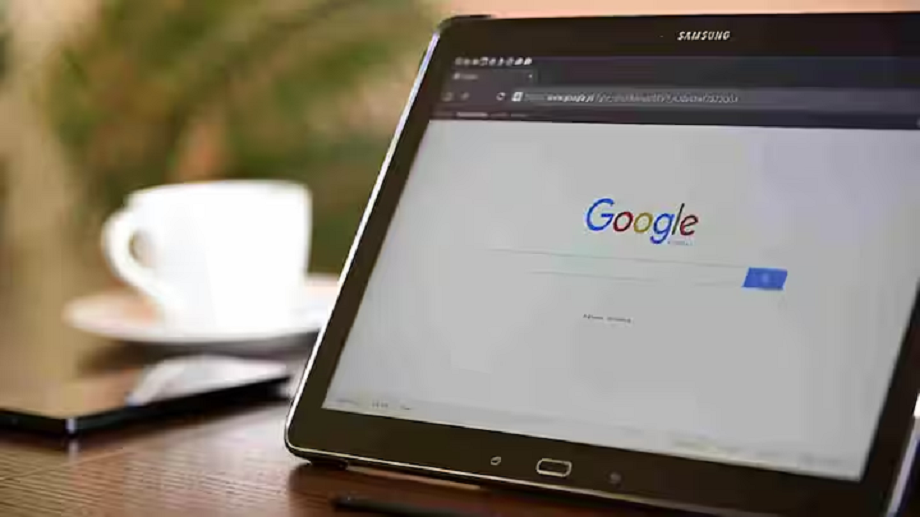
In today's digital world, Google account has become an important part of our life. From Gmail to Google Drive, YouTube and Google Photos - almost our entire digital identity is linked to a single account.
In today's digital world, Google account has become an important part of our life. From Gmail to Google Drive, YouTube and Google Photos - almost our entire digital identity is linked to a single account. In such a situation, if someone else gets access to your account, not only your privacy but also your financial and personal security can be at risk. But the good thing is that Google gives some signals through which you can identify whether your account is being used from somewhere else or not.

If you suddenly start getting alerts from Google to login from a new device and you have not logged in yourself, then understand that someone else is trying to break into your account. Google sends mail or notification in such cases so that you can take immediate action.

If your Google account recovery email or phone number has changed automatically and you are not aware of it, then this is a big red flag. Hackers first change the account recovery option so that the real user cannot reset the password.
Many times when your account gets hacked, spam or phishing mails start getting sent from your email ID. If you see mails in the 'sent box' that you have never written, then understand that someone else is using your account.
If you start seeing unknown files saved in your Google Drive or strange photos saved in your Google Photos, it could be a sign that someone else has access to your account.
Sometimes you will feel that you have entered the correct password but the account is not opening. This means that someone has changed the password and now you have been locked out.

Change your password immediately and use a strong password. Turn on two-factor authentication (2FA) so that not just the password but also an OTP or security code is required to login. Check the account's 'recent activity' and see which devices have been logged in. If you see any suspicious device, sign out of it immediately. Keep your recovery email a
PC:ABPNews