Apple has continuously improved audio performance on its smartphones with regular software updates. With the introduction of iOS 15 and upcoming enhancements in newer versions, Apple has added several user-focused features. However, there is one lesser-known option that has existed on iPhones for quite some time—a hidden audio boost setting that can make your iPhone speaker sound louder.
Modern Apple iPhone models already come with stereo speakers that deliver clear and balanced sound. Still, some users feel the volume could be slightly higher, especially while watching videos, listening to music, or playing podcasts in noisy environments. The good news is that you can increase perceived loudness using a simple built-in equaliser (EQ) setting, without installing any third-party apps.
How Does This iPhone Speaker Boost Work?
The trick lies within the Music app’s equaliser settings. When you change the EQ preset to “Late Night,” iOS automatically balances low and high frequencies while boosting overall output. This makes audio sound louder and clearer, particularly at lower volumes.
It’s important to note that this method enhances sound through software optimization, not hardware modification. That means it works best when your speakers are already in good condition.
Things to Know Before Boosting iPhone Speaker Volume
Before using this feature, keep the following points in mind:
-
The setting works on most iPhone models
-
It affects system-wide audio output in many apps
-
It does not fix hardware-related issues
-
If speakers are blocked by dust or damaged, results may be limited
If your iPhone sounds significantly quieter than usual, you may want to clean the speaker grills or have the device checked by a professional.
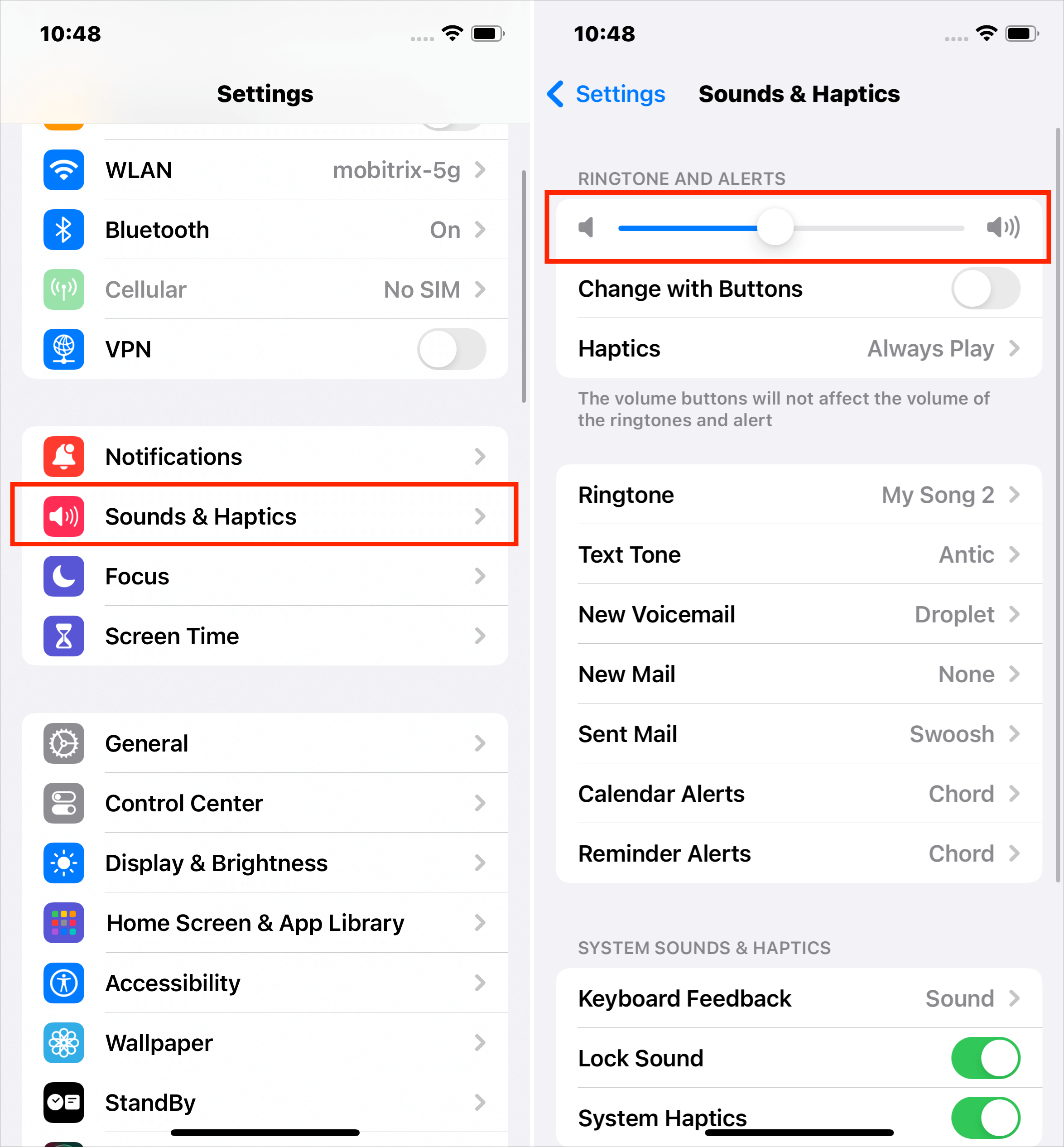
Steps to Make Your Apple iPhone Speaker Louder
Follow these simple steps to boost your iPhone’s speaker volume:
-
Unlock your iPhone and open the Settings app.
-
Scroll down and tap on Music.
-
Select EQ (Equaliser).
-
From the list, tap on Late Night to enable it.
-
Go back to the Music settings screen.
-
Turn off the Sound Check option.
Once these settings are applied, open the Music app or any other media app and play audio. You should notice a slightly louder and more balanced sound output.
Why Turning Off Sound Check Matters
The Sound Check feature is designed to keep all songs at a similar volume level. While useful, it can limit maximum loudness. Turning it off allows the EQ setting to work more effectively.
When Should You Use This Feature?
This method is useful when:
-
Watching videos without headphones
-
Playing music in a room
-
Listening to podcasts or voice notes
-
Using speakerphone for calls
Final Thoughts
Apple’s built-in EQ option is a smart way to make your iPhone speaker sound louder without risking device damage. While it won’t replace external speakers, it can noticeably improve everyday audio performance. For best results, keep your device clean and updated to the latest iOS version.