TECH
Android Gets a New Feature to Reduce Motion Sickness: These Moving Dots Could Make Phone Use Easier While Travelling
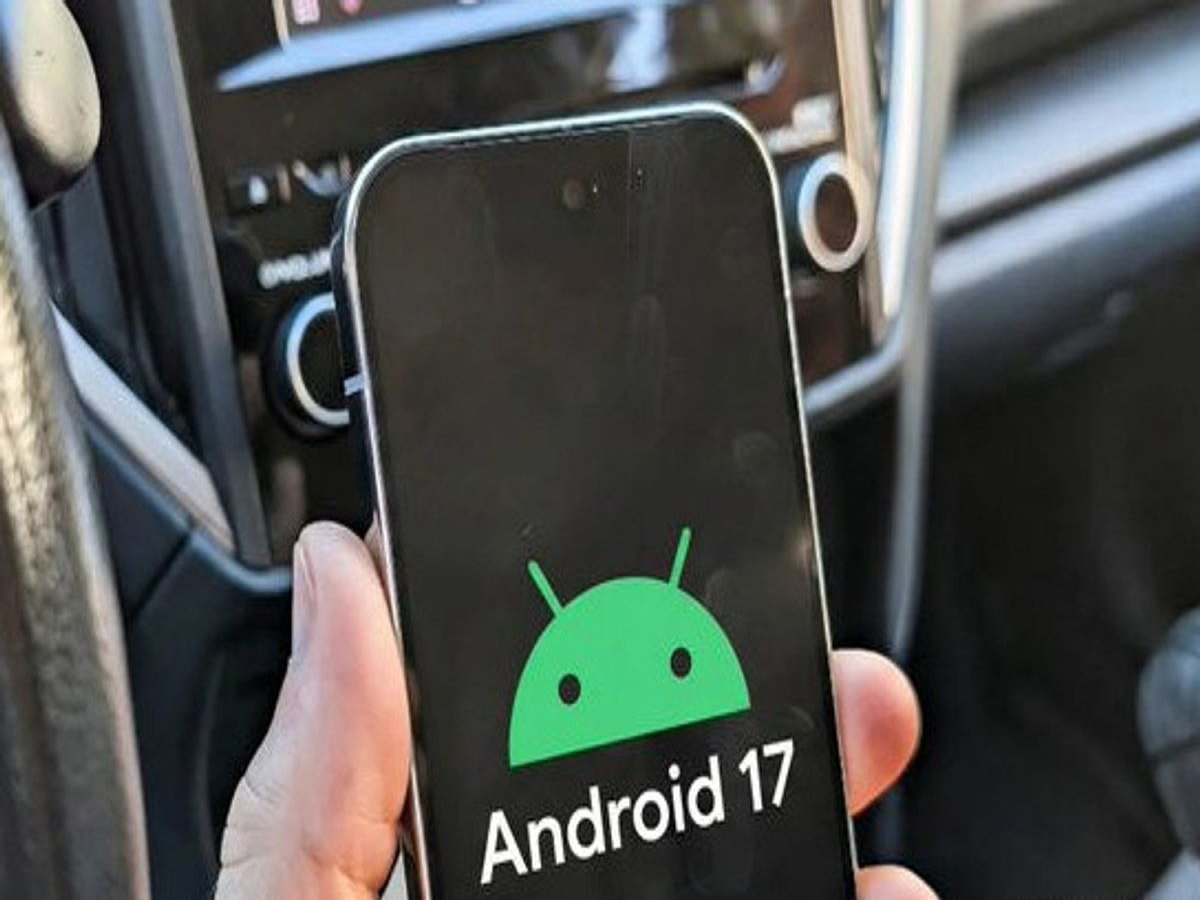
Using a smartphone inside a moving car can be uncomfortable for many people. Reading messages, watching videos or browsing social media while travelling can sometimes cause nausea, dizziness or headaches.
Google is now introducing a new Android feature called Motion Assist, designed specifically to make smartphone use more comfortable for people who experience motion sickness while travelling. The feature uses the phone's motion sensors to display moving dots around the edges of the screen.
What Is Google's Motion Assist Feature?
Motion Assist is designed to address the mismatch between what your eyes see and what your inner ear senses when you're sitting inside a moving vehicle.
When you look at your phone, your eyes see a stationary screen. At the same time, your body can feel the vehicle accelerating, slowing down or turning.
This difference in sensory information can contribute to motion sickness.
Motion Assist attempts to reduce that mismatch by displaying small visual dots around the edges of the phone's screen.
How Do the Dots Help?
The dots move according to the motion of the vehicle.
For example, when the car turns or accelerates, the dots respond to that movement. This gives your eyes an additional visual indication that your body is moving.
Google's approach is similar in concept to Apple's Motion Cues feature, which was introduced earlier for iPhone and iPad users.
Your Phone Uses Its Motion Sensors
The feature relies on sensors already present in modern smartphones, including the accelerometer and gyroscope.
These sensors can detect movements such as acceleration, braking and changes in direction.
Motion Assist then uses this information to adjust the movement of the on-screen dots.
You Can Customize the Feature
Google is also providing controls that allow users to adjust how Motion Assist looks and works.
Users can customize aspects such as the opacity and appearance of the dots, while the feature can also be activated manually through Quick Settings.
On supported devices, Motion Assist can potentially detect when the phone is being used inside a moving vehicle and activate automatically.
Who Can Benefit From It?
The feature could be particularly useful for people who experience motion sickness when using their phones during journeys.
It may help while:
- Reading messages in a car
- Checking maps while travelling
- Browsing social media
- Reading articles
- Using a phone during long road trips
However, the experience can vary from person to person, and the feature is not a guarantee that motion sickness will disappear completely.
Is It Available on Every Android Phone?
Not immediately.
Google has started rolling out Motion Assist gradually, beginning with select Pixel smartphones. Availability can depend on the device and software version.
So, if you don't see the feature on your Android phone yet, it may simply not have reached your device.
How to Look for Motion Assist
On a supported device, users can check Google's settings and look under the relevant services section for the feature.
Google is also making it possible to access Motion Assist through Quick Settings, which should make it easier to switch the feature on or off when travelling.
A Small Feature With a Practical Purpose
Motion Assist is an interesting example of how smartphone technology is being used to solve an everyday problem.
Instead of adding another major AI feature or changing the phone's hardware, Google is using existing motion sensors and a simple visual effect to make phone use potentially more comfortable during travel.