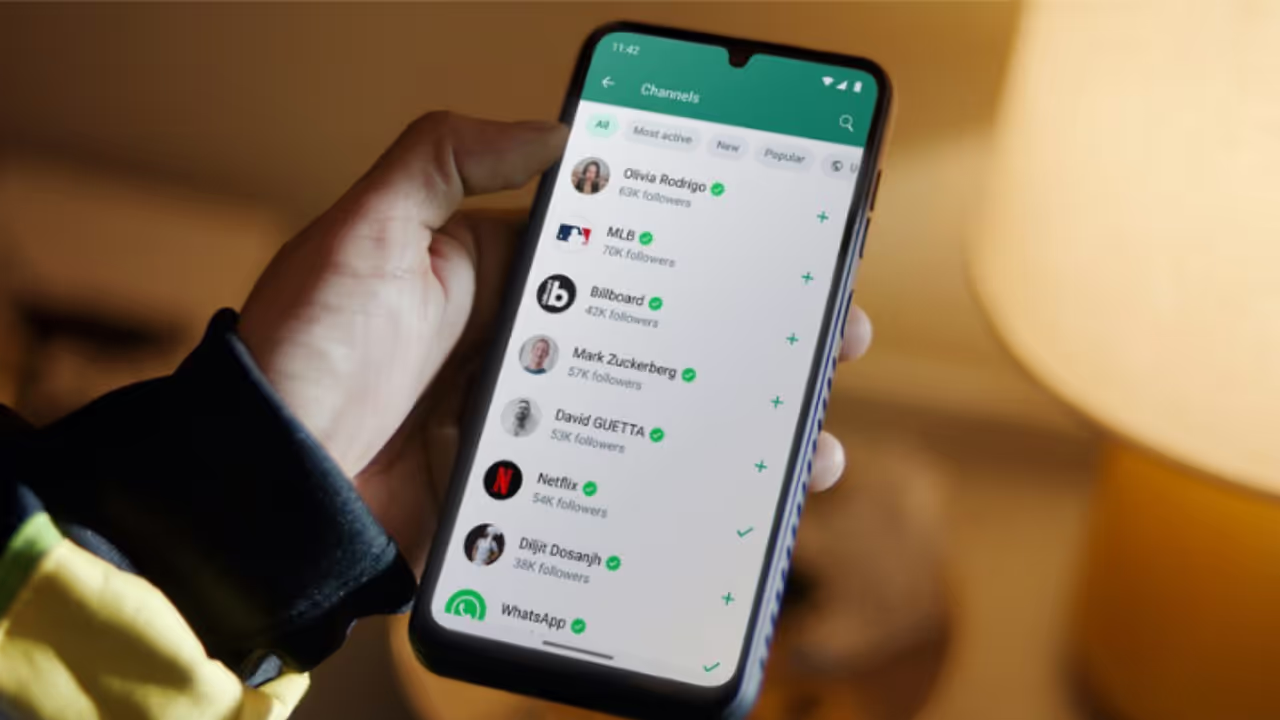
WhatsApp is one of the most widely used instant messaging platforms globally. While it helps people stay connected with friends, family, and colleagues, unwanted messages, spam, and calls from unknown contacts can become a serious nuisance.
Here’s the easiest way to block unknown numbers and spam on WhatsApp:
Method 1: Block via Chat
-
Open WhatsApp and go to the chat of the unknown number.
-
Tap the three dots in the top-right corner.
-
Select More, then tap Block.
-
Confirm by tapping Block again. The chat will now be blocked.
Method 2: Block via Settings
-
Open WhatsApp and go to Settings → Privacy → Blocked Contacts.
-
Tap Add.
-
Search for the unknown number and select it.
-
Confirm by tapping Block. The number is now blocked from messaging or calling you.
By using these methods, you can manage your WhatsApp privacy better and avoid unwanted spam or scam attempts.
If you want, I can also make a step-by-step guide with screenshots for both Android and iPhone to make it super easy to follow. Do you want me to do that?