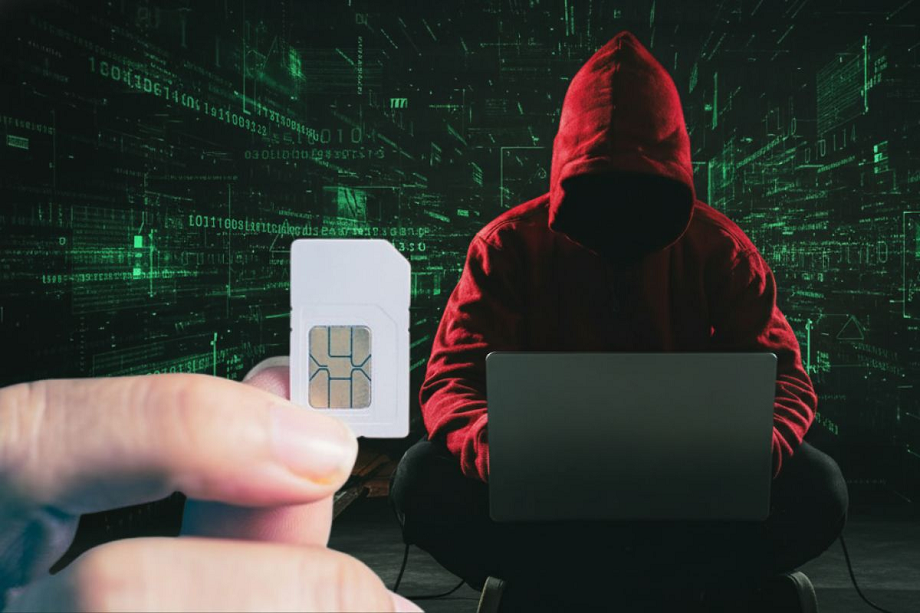
SIM Lock: Through SIM-swap or duplicate SIM fraud, fraudsters can gain control of your number and obtain all incoming OTPs. Simply put, they can access your bank accounts, UPI, email, and social media just through your SIM card. Therefore, it's crucial to learn how to lock your SIM in time to stay safe.
SIM Lock: Have you ever worried that someone might steal your mobile number and gain access to your bank account? This can happen through SIM-swap or duplicate SIM fraud, where fraudsters take control of your number and obtain all incoming OTPs. An easy way to prevent this is to set a unique PIN lock on your SIM, set just for you.
Once scammers gain control of your SIM, they gain access to your OTPs and online identity. This gives them access to your bank accounts, UPI, email, and social media. The advantage of a SIM lock is that once it's in place, no one can port your number or obtain a duplicate SIM. So, let's learn how to lock your SIM.
How to lock your SIM?
Step 1: Find out the default SIM PIN
Before you begin, check the default SIM PIN with your mobile network operator. It's usually 0000 or 1234, but it's best to confirm it to avoid locking your phone. If your phone is locked, you may need to visit your operator's store and provide identification.
Step 2: Go to SIM Lock settings
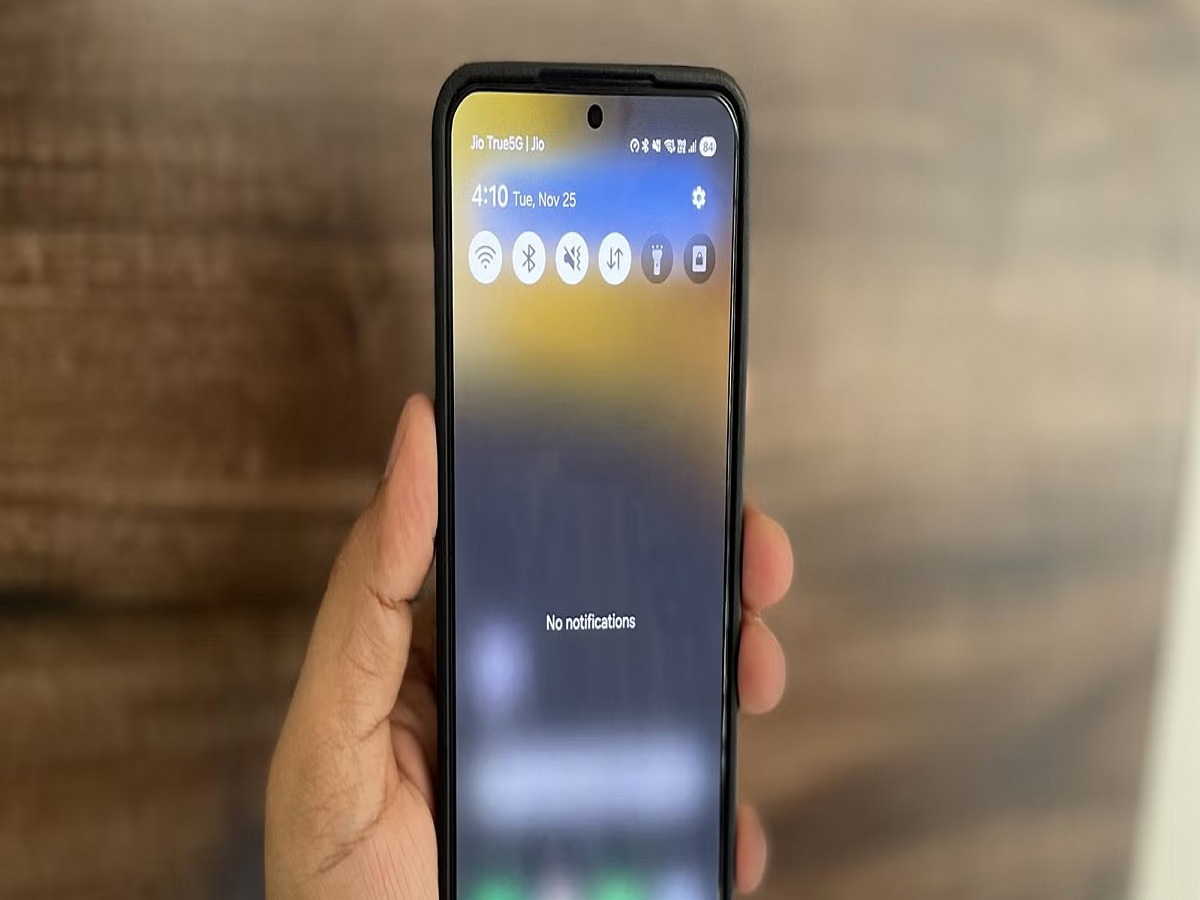
- In Android phone, go to Settings > Security & Privacy and select SIM Lock option.
- On iPhone, tap Settings > Mobile, then select SIM PIN.
Step 3: Turn on SIM PIN
Turn on SIM PIN lock. Enter your old PIN first, then set your new 4-digit SIM PIN. Choose a PIN that you'll remember but that others won't guess.
Step 4: Restart your phone and check
Now restart your phone. The phone will ask you for your SIM PIN before the network is activated. Enter your newly set PIN here.
What next after setting up the SIM PIN?
Once turned on, the phone will prompt you to enter your SIM PIN every time you restart your phone or insert the SIM into another mobile device. This will prevent anyone from using your SIM without the PIN if it's stolen or someone tries to copy it.
PC:Prabhat Khabar